







Question: Objective After completing this activity you should know how to: - Create methods to change multiple field objects. Activities 1. Add to the House class
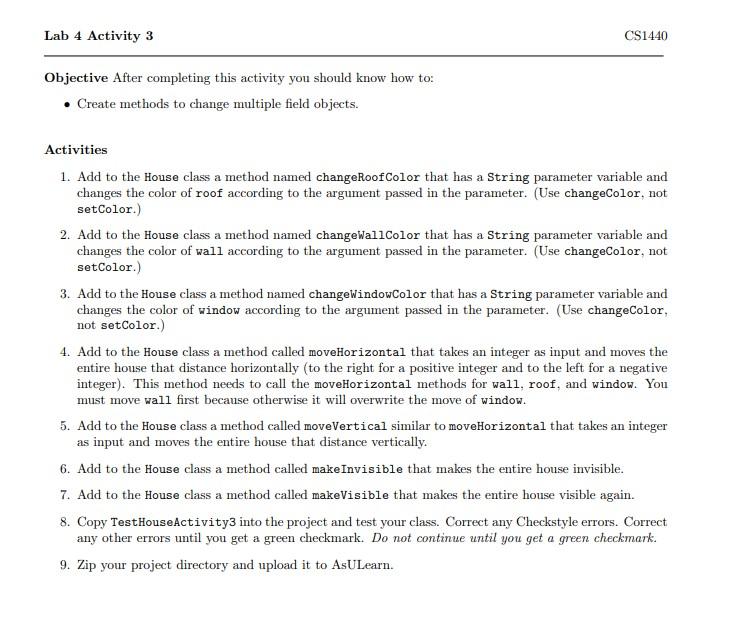
Objective After completing this activity you should know how to: - Create methods to change multiple field objects. Activities 1. Add to the House class a method named changeRoofColor that has a String parameter variable and changes the color of roof according to the argument passed in the parameter. (Use changeColor, not setColor.) 2. Add to the House class a method named changewallColor that has a String parameter variable and changes the color of wall according to the argument passed in the parameter. (Use changeColor, not setColor.) 3. Add to the House class a method named changewindowColor that has a String parameter variable and changes the color of window according to the argument passed in the parameter. (Use changeColor, not setColor.) 4. Add to the House class a method called moveHorizontal that takes an integer as input and moves the entire house that distance horizontally (to the right for a positive integer and to the left for a negative integer). This method needs to call the moveHorizontal methods for wall, roof, and window. You must move wall first because otherwise it will overwrite the move of window. 5. Add to the House class a method called moveVertical similar to moveHorizontal that takes an integer as input and moves the entire house that distance vertically. 6. Add to the House class a method called make Invisible that makes the entire house invisible. 7. Add to the House class a method called makeVisible that makes the entire house visible again. 8. Copy TesthouseActivity3 into the project and test your class. Correct any Checkstyle errors. Correct any other errors until you get a green checkmark. Do not continue until you get a green checkmark. 9. Zip your project directory and upload it to AsULearn
Step by Step Solution
There are 3 Steps involved in it

Get step-by-step solutions from verified subject matter experts
 Study Help