







Question: ocessing that took place ddress Class 1. Constructors with four parameters The parameters are the street, city, state, and zip code. The names of arameters
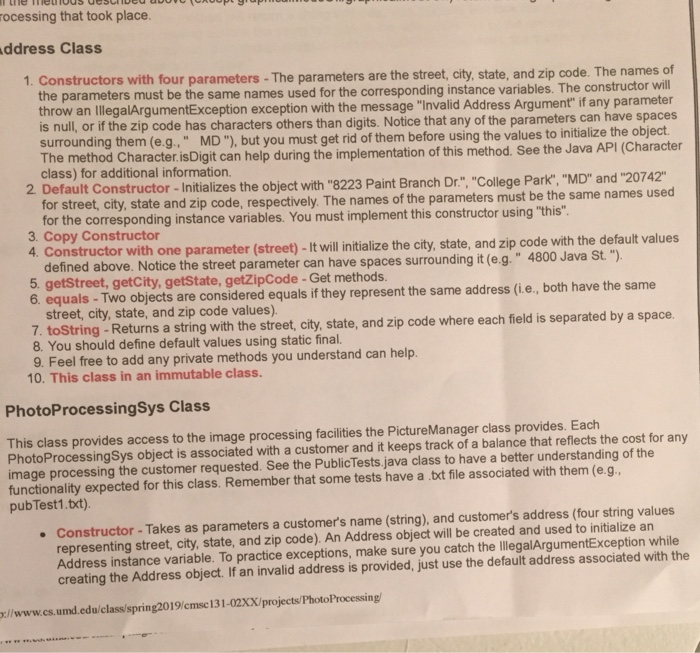
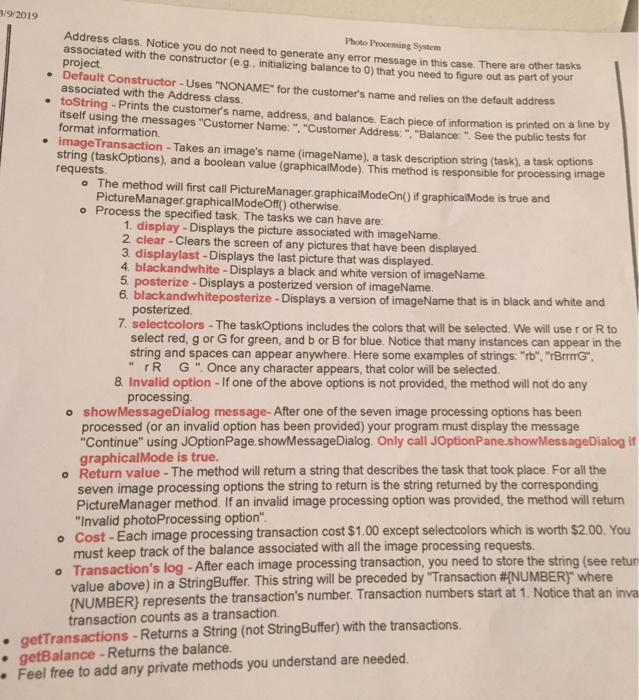
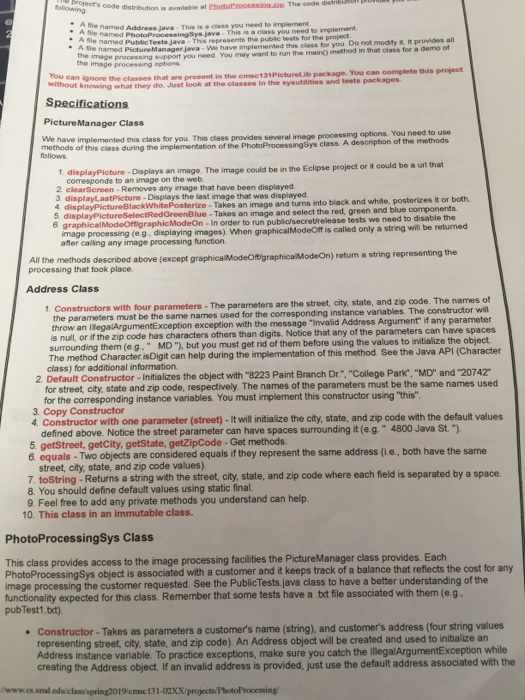
ocessing that took place ddress Class 1. Constructors with four parameters The parameters are the street, city, state, and zip code. The names of arameters must be the same names used for the corresponding instance variables. The constructor throw an IlegalArgumentException exception with the message "Invalid Address Argument if any parameter is null, or if the zip code has characters others than digits. Notice that any of the parameters can hav surrounding them (e.g., MD"), but you must get rid of them before using the values to initialize the obj a racter isDgit can help during the implementation of this method. See the Java APi (Character class) for additional information. 2 Default Constructor-Initializes the object with "8223 Paint Branch Dr" "College Park", "MD" and "20742" for street, city, state and zip code, respectively. The names of the parameters must be the same names used for the corresponding instance variables. You must implement this constructor using "t 3. Copy Constructor his" r with one parameter (street)-It will initialize the city, state, and zip code with the default values defined above. Notice the street parameter can have spaces surrounding it (e.g 5. getStreet, getCity, getState, getZipCode -Get methods " 4800 Java St. equals - Two objects are considered equals if they represent the same address (i.e, both have the same street, city, state, and zip code values) 7 toString -Retu rns a string with the street, city, state, and zip code where each field is separated by a space 8. You should define default values using static final. 9. Feel free to add any private methods you understand can hellp 10. This class in an immutable class. PhotoProcessingSys Class This class provides access to the image processing facilities the PictureManager class provides. Each PhotoProcessingSys object is associated with a customer and it keeps track of a balance that reflects the cost for any image processing the customer requested. See the PublicTests java class to have a better understanding of the functionality expected for this class. Remember that some tests have a.txt file associated with them (e.g pubTest1.txt). Constructor-Takes as parameters a customers name (string), and customers address (four string values representing street, city, state, and zip code). An Address object will be created and used to initialize an Address instance variable. To practice exceptions, make sure you catch the lllegalArgumentException while creating the Address object. If an invalid address is provided, just use the default address associated with the //www.cs.umd.edu/class/spring2019/cmsc 131-02XX/projects/PhotoProcessing /9 2019 Address class. Notice you do not need to generate any error messa associate project Photo Processing System d with the constructor (e g, initializing balance to 0) that you need to figure out as part of your It Constructor-Uses "NONAME" for the customer's name and relies on the default address ge in this case. There are other tasks . Defaul e toString -Prints the customer's name, address, and balance. Each piece of information is printed on a line by imageTransaction - Takes an image's name (imageName), a task description string (task), a task options associated with the Address class. itself using the messages "Customer Name: ". "Customer Address:" "Balance:" See the public tests for format information. string (taskOptions), and a boolean value (graphicalMode). This method is responsible for processing imag requests o The method will first call PictureManager.graphicalModeOnp) if graphicalMode is true and PictureManager.graphicalModeOff) otherwise o Process the specified task. The tasks we can have are: 1. display - Displays the picture associated with imageName. 2 clear-Clears the screen of any pictures that have been displayed 3. displaylast -Displays the last picture that was displayed 4 blackandwhite-Displays a black and white version of imageName. 5 posterize - Displays a posterized version of imageName blackandwhiteposterize -Displays a version of imageName that is in black and white and posterized. 7. selectcolors -The taskOptions includes the colors that will be selected. We will use r or R to select red, g or G for green, and b or B for blue. Notice that many instances can appear in the string and spaces can appear anywhere. Here some examples of strings: "rb", "rBITTG "rR G ". Once any character appears, that color will be selected. 8 Invalid option-If one of the above options is not provided, the method will not do any processing showMessageDialog message-After one of the seven image processing options has been processed (or an invalid option has been provided) your program must display the message Continue" using JOptionPage.showMessageDialog. Only call JOptionPane.showMessageDialog if graphicalMode is true. o o Return value- The method will return a string that describes the task that took place. For all the seven image processing options the string to return is the string returned by the corresponding PictureManager method. If an invalid image processing option was provided, the method will retun Invalid photoProcessing option o Cost-Each image processing transaction cost $1.00 except selectcolors which is worth $2.00. You must keep track of the balance associated with all the image processing requests Transaction's log -After each image processing transaction, you need to store the string (see retur value above) in a StringBuffer. This string will be preceded by "Transaction #NUMBE (NUMBER) represents the transaction's number. Transaction numbers start at 1. Notice th o R)" where . getTransactions-Returns a String (not StringBuffer) with the transactions . getBalance- Returns the balance. transaction counts as a transaction. Feel free to add any private methods you understand are needed ocessing that took place ddress Class 1. Constructors with four parameters The parameters are the street, city, state, and zip code. The names of arameters must be the same names used for the corresponding instance variables. The constructor throw an IlegalArgumentException exception with the message "Invalid Address Argument if any parameter is null, or if the zip code has characters others than digits. Notice that any of the parameters can hav surrounding them (e.g., MD"), but you must get rid of them before using the values to initialize the obj a racter isDgit can help during the implementation of this method. See the Java APi (Character class) for additional information. 2 Default Constructor-Initializes the object with "8223 Paint Branch Dr" "College Park", "MD" and "20742" for street, city, state and zip code, respectively. The names of the parameters must be the same names used for the corresponding instance variables. You must implement this constructor using "t 3. Copy Constructor his" r with one parameter (street)-It will initialize the city, state, and zip code with the default values defined above. Notice the street parameter can have spaces surrounding it (e.g 5. getStreet, getCity, getState, getZipCode -Get methods " 4800 Java St. equals - Two objects are considered equals if they represent the same address (i.e, both have the same street, city, state, and zip code values) 7 toString -Retu rns a string with the street, city, state, and zip code where each field is separated by a space 8. You should define default values using static final. 9. Feel free to add any private methods you understand can hellp 10. This class in an immutable class. PhotoProcessingSys Class This class provides access to the image processing facilities the PictureManager class provides. Each PhotoProcessingSys object is associated with a customer and it keeps track of a balance that reflects the cost for any image processing the customer requested. See the PublicTests java class to have a better understanding of the functionality expected for this class. Remember that some tests have a.txt file associated with them (e.g pubTest1.txt). Constructor-Takes as parameters a customers name (string), and customers address (four string values representing street, city, state, and zip code). An Address object will be created and used to initialize an Address instance variable. To practice exceptions, make sure you catch the lllegalArgumentException while creating the Address object. If an invalid address is provided, just use the default address associated with the //www.cs.umd.edu/class/spring2019/cmsc 131-02XX/projects/PhotoProcessing /9 2019 Address class. Notice you do not need to generate any error messa associate project Photo Processing System d with the constructor (e g, initializing balance to 0) that you need to figure out as part of your It Constructor-Uses "NONAME" for the customer's name and relies on the default address ge in this case. There are other tasks . Defaul e toString -Prints the customer's name, address, and balance. Each piece of information is printed on a line by imageTransaction - Takes an image's name (imageName), a task description string (task), a task options associated with the Address class. itself using the messages "Customer Name: ". "Customer Address:" "Balance:" See the public tests for format information. string (taskOptions), and a boolean value (graphicalMode). This method is responsible for processing imag requests o The method will first call PictureManager.graphicalModeOnp) if graphicalMode is true and PictureManager.graphicalModeOff) otherwise o Process the specified task. The tasks we can have are: 1. display - Displays the picture associated with imageName. 2 clear-Clears the screen of any pictures that have been displayed 3. displaylast -Displays the last picture that was displayed 4 blackandwhite-Displays a black and white version of imageName. 5 posterize - Displays a posterized version of imageName blackandwhiteposterize -Displays a version of imageName that is in black and white and posterized. 7. selectcolors -The taskOptions includes the colors that will be selected. We will use r or R to select red, g or G for green, and b or B for blue. Notice that many instances can appear in the string and spaces can appear anywhere. Here some examples of strings: "rb", "rBITTG "rR G ". Once any character appears, that color will be selected. 8 Invalid option-If one of the above options is not provided, the method will not do any processing showMessageDialog message-After one of the seven image processing options has been processed (or an invalid option has been provided) your program must display the message Continue" using JOptionPage.showMessageDialog. Only call JOptionPane.showMessageDialog if graphicalMode is true. o o Return value- The method will return a string that describes the task that took place. For all the seven image processing options the string to return is the string returned by the corresponding PictureManager method. If an invalid image processing option was provided, the method will retun Invalid photoProcessing option o Cost-Each image processing transaction cost $1.00 except selectcolors which is worth $2.00. You must keep track of the balance associated with all the image processing requests Transaction's log -After each image processing transaction, you need to store the string (see retur value above) in a StringBuffer. This string will be preceded by "Transaction #NUMBE (NUMBER) represents the transaction's number. Transaction numbers start at 1. Notice th o R)" where . getTransactions-Returns a String (not StringBuffer) with the transactions . getBalance- Returns the balance. transaction counts as a transaction. Feel free to add any private methods you understand are needed
Step by Step Solution
There are 3 Steps involved in it

Get step-by-step solutions from verified subject matter experts
 Study Help