







Question: on Change the following switch statement into if-else statements String month1, month2, month3; int mylnput = scan.nextInt(); switch (myInput) { case 1: month1 =
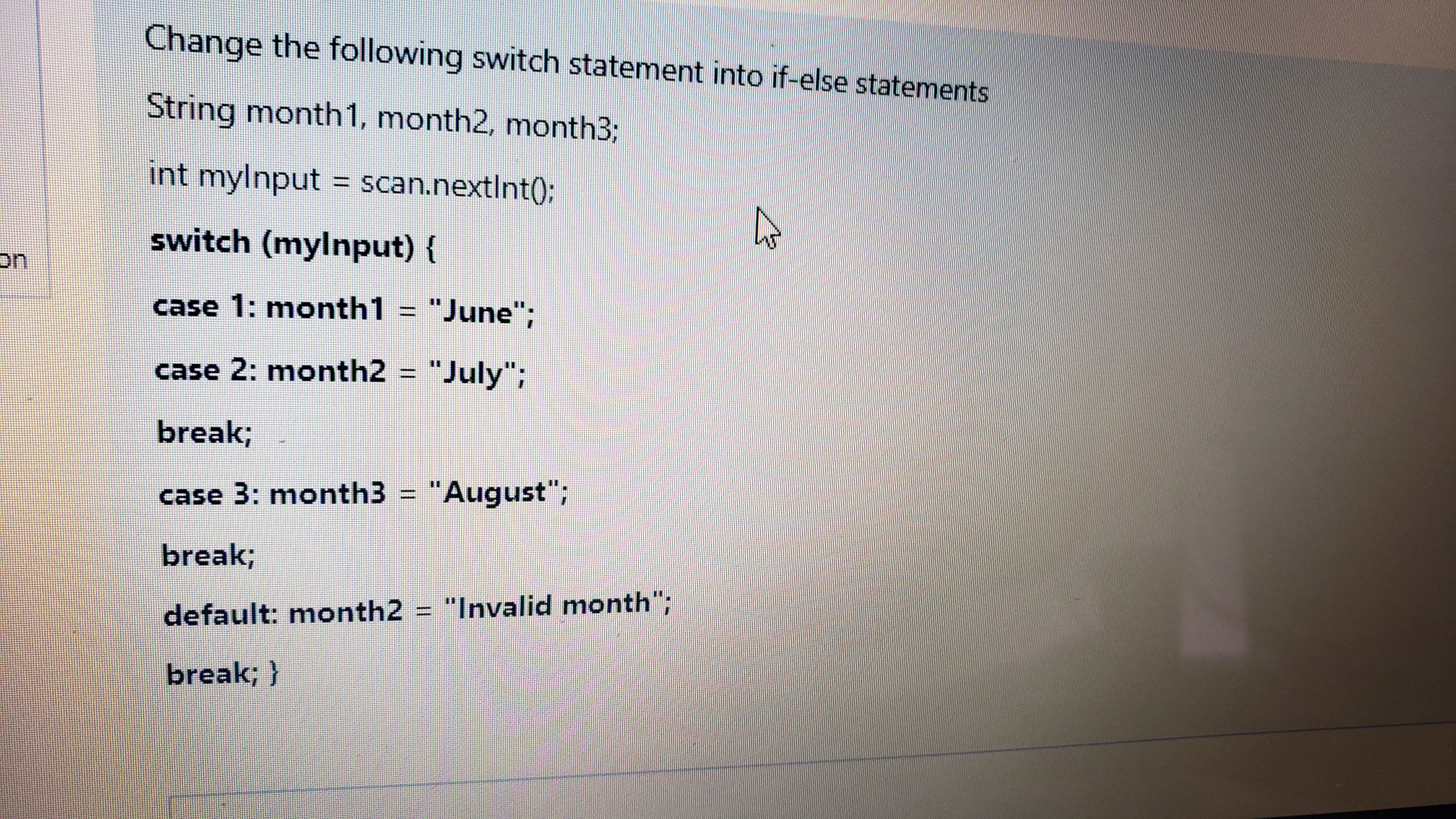
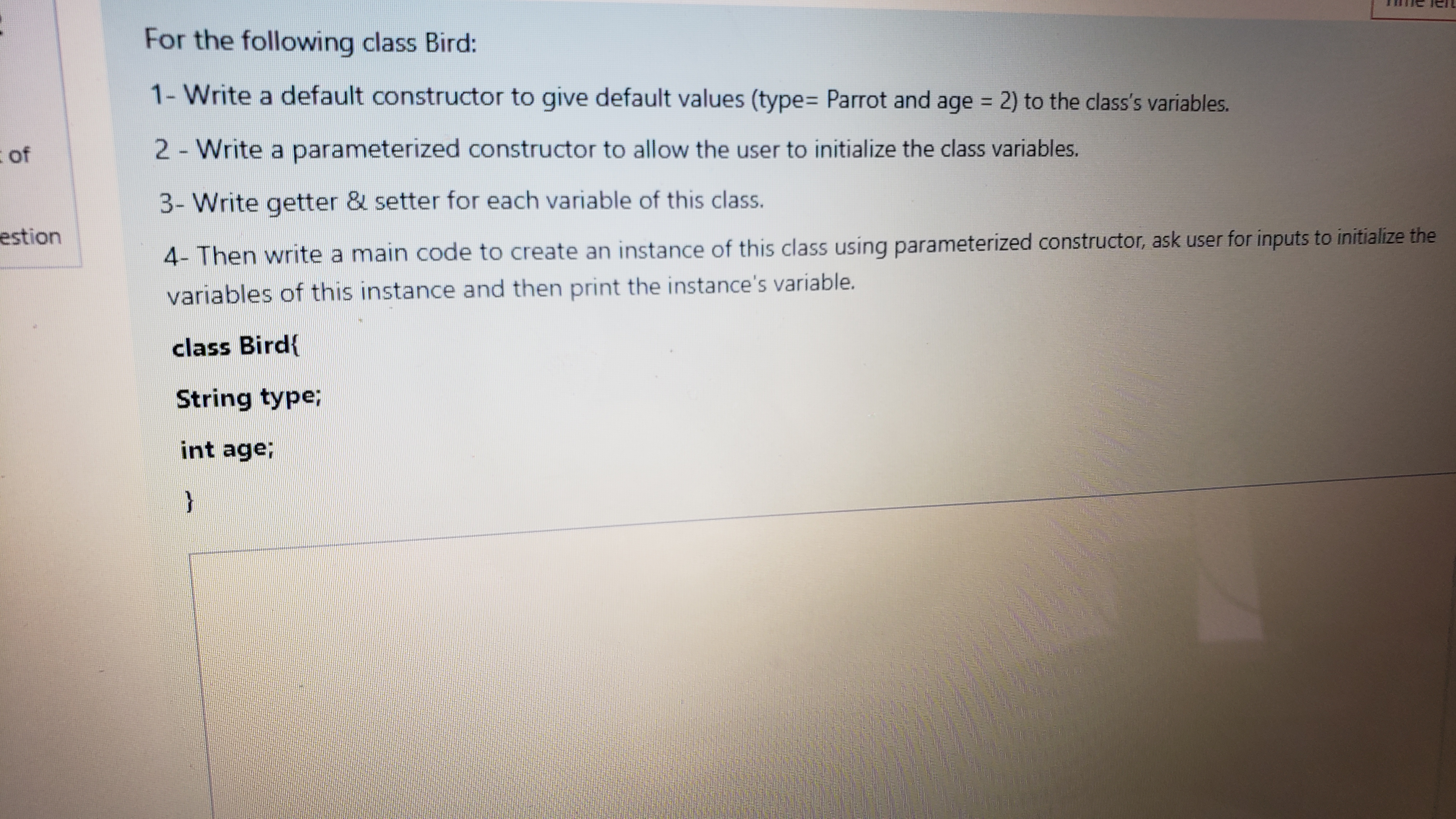
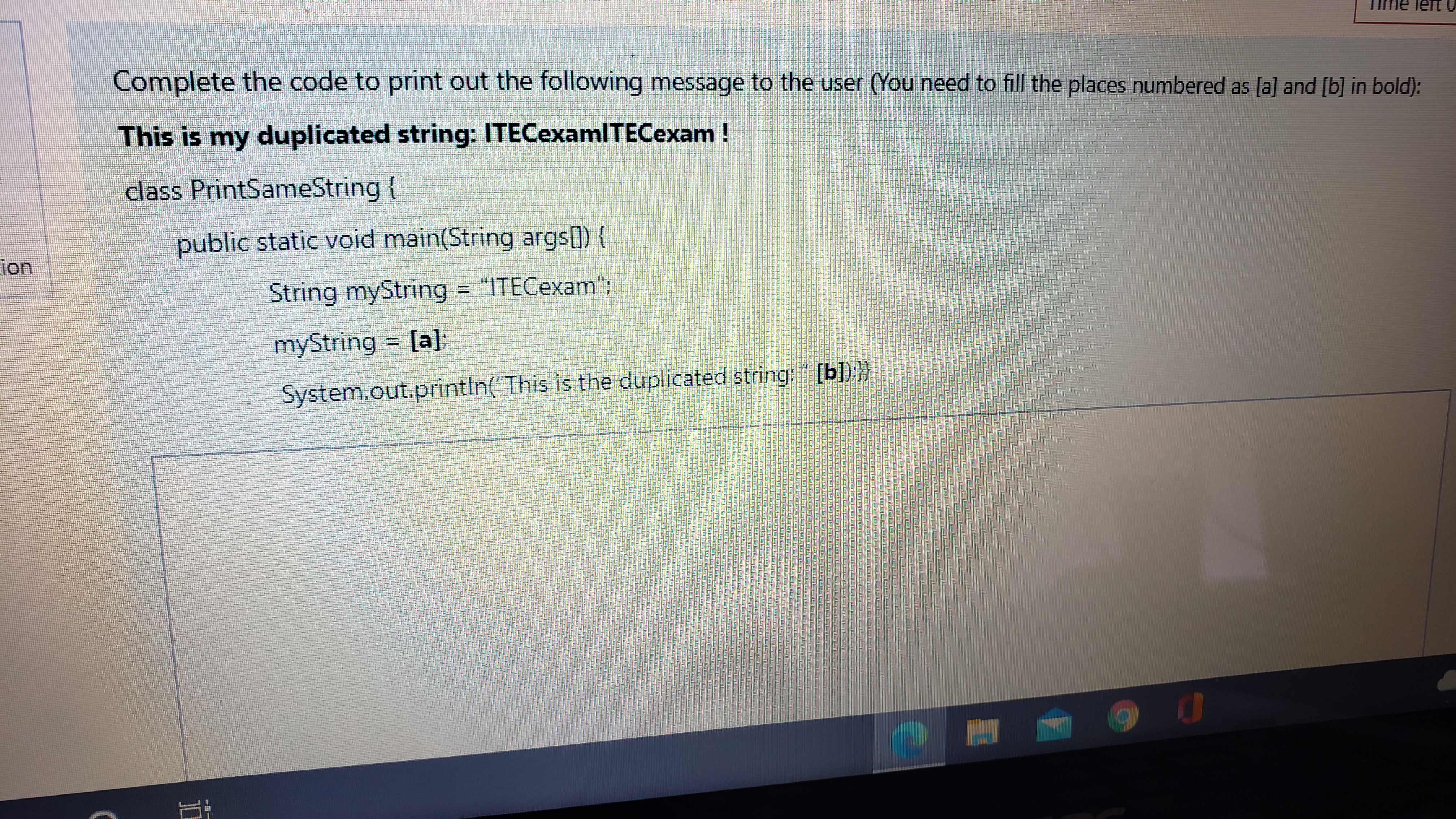
on Change the following switch statement into if-else statements String month1, month2, month3; int mylnput = scan.nextInt(); switch (myInput) { case 1: month1 = "June"; case 2: month2 = "July"; break; case 3: month3 = "August"; break; default: month2 = "Invalid month"; break; } I of estion For the following class Bird: 1- Write a default constructor to give default values (type= Parrot and age = 2) to the class's variables. 2 - Write a parameterized constructor to allow the user to initialize the class variables. 3- Write getter & setter for each variable of this class. 4- Then write a main code to create an instance of this class using parameterized constructor, ask user for inputs to initialize the variables of this instance and then print the instance's variable. class Bird{ String type; int age; } Complete the code to print out the following message to the user (You need to fill the places numbered as [a] and [b] in bold): This is my duplicated string: ITECexamITECexam! class PrintSameString { public static void main(String args[]) { String myString = "ITECexam"; myString = [a]: System.out.println("This is the duplicated string: " [b]);}} ion 10
Step by Step Solution
There are 3 Steps involved in it
Here are the changes for the switch statement and the Bird class 1 Switch Statement with ifelse java ... View full answer

Get step-by-step solutions from verified subject matter experts
 Study Help