







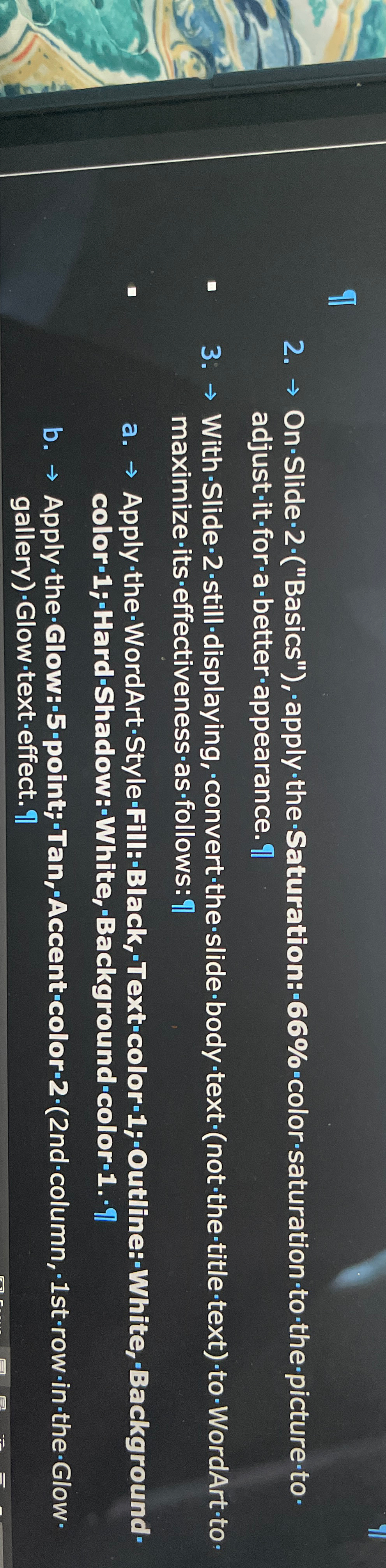
Question: On * Slide - 2 * ( Basics ) , 'apply - the - Saturation: - 6 6 % - color - saturation
OnSlideBasics'applytheSaturation:colorsaturationto the pictureto adjustitforabetterappearance
WithSlidestilldisplaying, converttheslidebodytextnotthetitletexttoWordArttomaximizeitseffectivenessasfollows:
a ApplytheWordArtStyleFill:Black,'Textcolor;Outline:White,Backgroundcolor;HardShadow;White,BackgroundcolorI
b ApplytheGlow;point;Tan,Accentcolorndcolumn,strowintheGlowgalleryGlowtexteffect.q
Step by Step Solution
There are 3 Steps involved in it
1 Expert Approved Answer
Step: 1 Unlock

Question Has Been Solved by an Expert!
Get step-by-step solutions from verified subject matter experts
Step: 2 Unlock
Step: 3 Unlock
 Study Help