







Question: On the Summary by Type worksheet, modify the Sparklines. a. Change the Sparklines to columns. b. Apply the Quick Style Green, Sparkline Style Accent 6
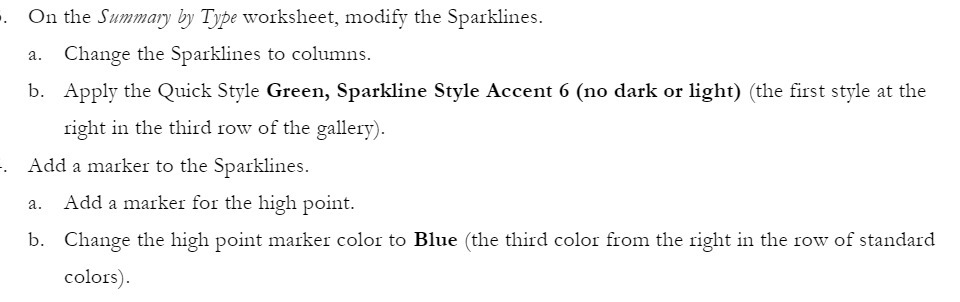
On the Summary by Type worksheet, modify the Sparklines. a. Change the Sparklines to columns. b. Apply the Quick Style Green, Sparkline Style Accent 6 (no dark or light) (the first style at the right in the third row of the gallery). Add a marker to the Sparklines. a. Add a marker for the high point. b. Change the high point marker color to Blue (the third color from the right in the row of standard colors)
Step by Step Solution
There are 3 Steps involved in it
1 Expert Approved Answer
Step: 1 Unlock

Question Has Been Solved by an Expert!
Get step-by-step solutions from verified subject matter experts
Step: 2 Unlock
Step: 3 Unlock
 Study Help