







Question: On the Summary worksheet, open the Select Changes to Accept or Reject dialog box and deselect all check boxes. Accept the changes to insert row
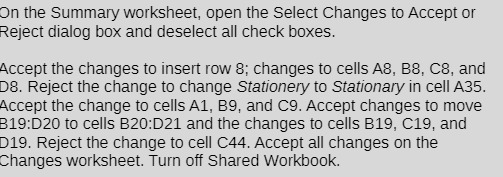
On the Summary worksheet, open the Select Changes to Accept or Reject dialog box and deselect all check boxes. Accept the changes to insert row 8; changes to cells A8, B8, C8, and D8. Reject the change to change Stationery to Stationary in cell A35. Accept the change to cells A1, B9, and C9. Accept changes to move B19:D20 to cells B20:D21 and the changes to cells B19, C19, and D19. Reject the change to cell C44. Accept all changes on the Changes worksheet. Turn off Shared Workbook
Step by Step Solution
There are 3 Steps involved in it
1 Expert Approved Answer
Step: 1 Unlock

Question Has Been Solved by an Expert!
Get step-by-step solutions from verified subject matter experts
Step: 2 Unlock
Step: 3 Unlock
 Study Help