







Question: One useful function of spreadsheet software is the ability to change input values and see the impact on outcome variables. For example, you can
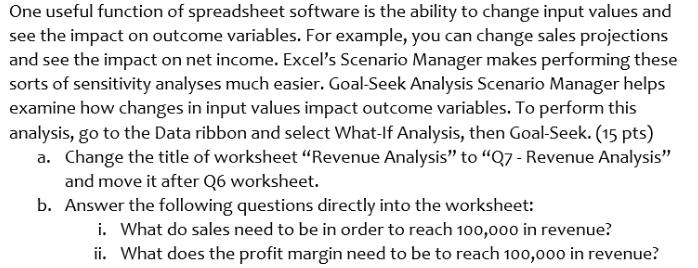
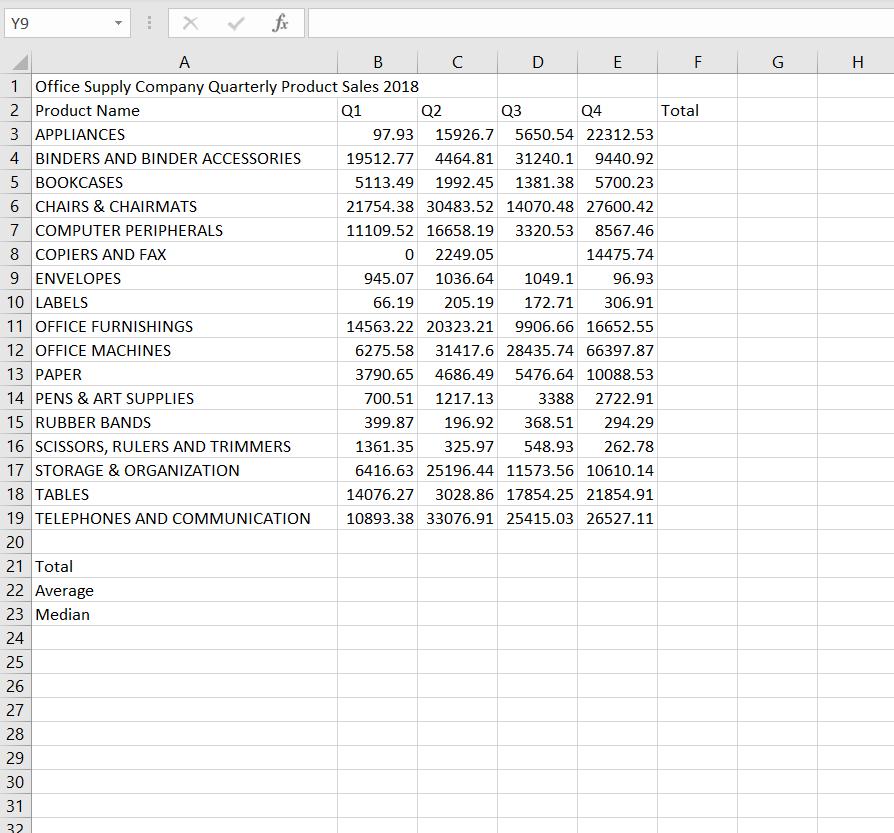
One useful function of spreadsheet software is the ability to change input values and see the impact on outcome variables. For example, you can change sales projections and see the impact on net income. Excel's Scenario Manager makes performing these sorts of sensitivity analyses much easier. Goal-Seek Analysis Scenario Manager helps examine how changes in input values impact outcome variables. To perform this analysis, go to the Data ribbon and select What-If Analysis, then Goal-Seek. (15 pts) a. Change the title of worksheet "Revenue Analysis" to "Q7- Revenue Analysis" and move it after Q6 worksheet. b. Answer the following questions directly into the worksheet: i. What do sales need to be in order to reach 100,000 in revenue? ii. What does the profit margin need to be to reach 100,000 in revenue? Y9 A B D E F G H 1 Office Supply Company Quarterly Product Sales 2018 2 Product Name Q1 Q2 Q3 Q4 Total 3 APPLIANCES 97.93 15926.7 5650.54 22312.53 4 BINDERS AND BINDER ACCESSORIES 19512.77 4464.81 31240.1 9440.92 5 BOOKCASES 5113.49 1992.45 1381.38 5700.23 6 CHAIRS & CHAIRMATS 21754.38 30483.52 14070.48 27600.42 7 COMPUTER PERIPHERALS 8 COPIERS AND FAX 9 ENVELOPES 11109.52 16658.19 3320.53 8567.46 2249.05 14475.74 945.07 1036.64 1049.1 96.93 10 LABELS 66.19 205.19 172.71 306.91 11 OFFICE FURNISHINGS 14563.22 20323.21 9906.66 16652.55 12 OFFICE MACHINES 6275.58 31417.6 28435.74 66397.87 13 PER 3790.65 4686.49 5476.64 10088.53 14 PENS & ART SUPPLIES 700.51 1217.13 3388 2722.91 15 RUBBER BANDS 399.87 196.92 368.51 294.29 16 SCISSORS, RULERS AND TRIMMERS 17 STORAGE & ORGANIZATION 18 TABLES 1361.35 325.97 548.93 262.78 6416.63 25196.44 11573.56 10610.14 14076.27 3028.86 17854.25 21854.91 19 TELEPHONES AND COMMUNICATION 10893.38 33076.91 25415.03 26527.11 20 21 Total 22 Average 23 Median 24 25 26 27 28 29 30 31 32
Step by Step Solution
3.41 Rating (154 Votes )
There are 3 Steps involved in it
a Steps 1 Put formula for revenue refer screenshot 1 2 Select data tab the... View full answer

Get step-by-step solutions from verified subject matter experts
 Study Help