







Question: ONLY NEED PART 2 ! 2 0 4 8 GAME - MATLAB ONLY - NO SPECIAL FUNCTIONS Part 2 : Game Play The next step
ONLY NEED PART GAME MATLAB ONLY NO SPECIAL FUNCTIONS
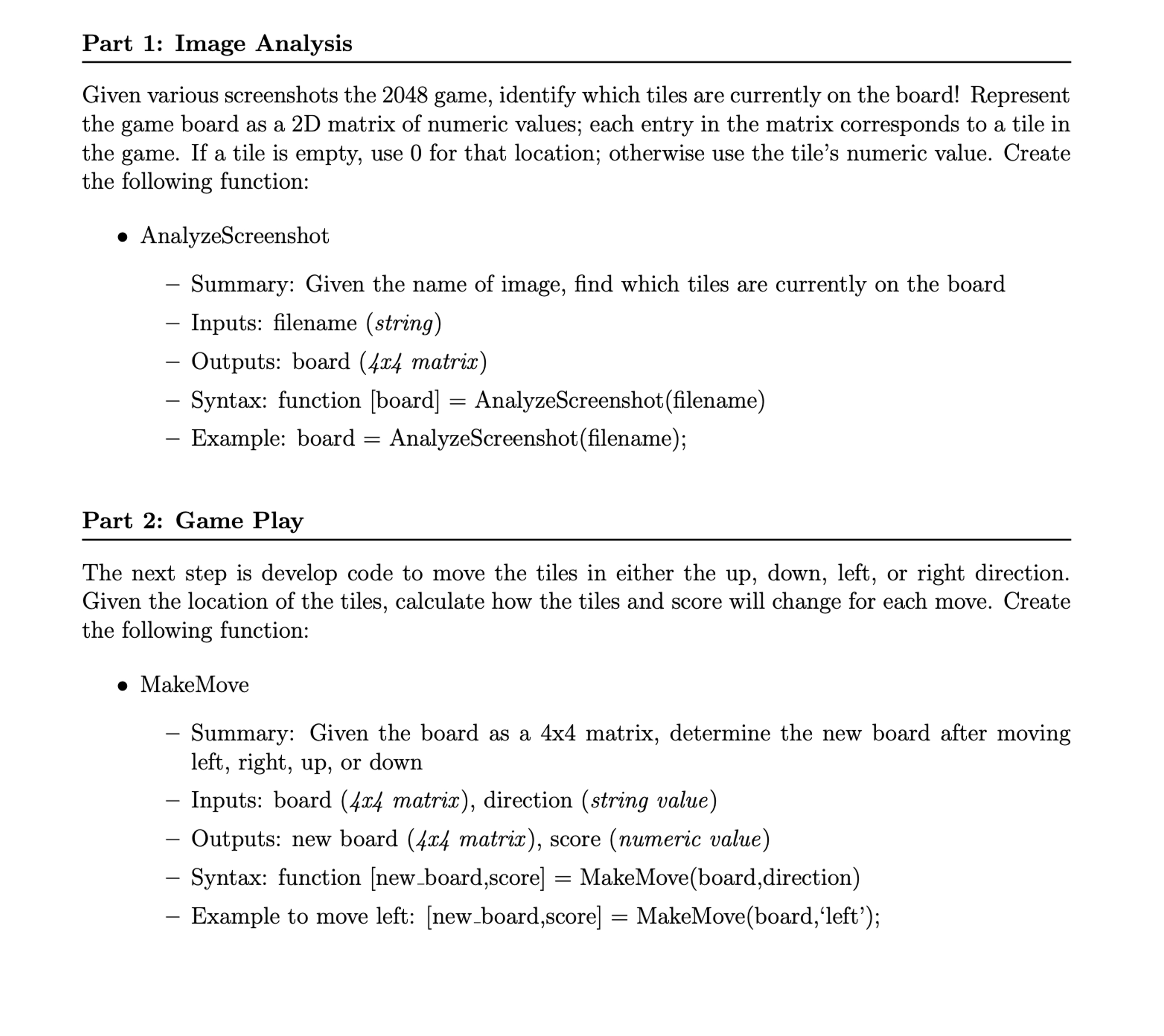
Part : Game Play
The next step is develop code to move the tiles in either the up down, left, or right direction.
Given the location of the tiles, calculate how the tiles and score will change for each move. Create
the following function:
MakeMove
Summary: Given the board as a matrix, determine the new board after moving
left, right, up or down
Inputs: board x matrix direction string value
Outputs: new board matrix score numeric value
Syntax: function newboard,score MakeMoveboarddirection
Example to move left: newboard,score MakeMoveboard'left';
Play the game to properly understand how the values change when they are shifted. This would be important and you can define a sample matrix like board ; ; ; to test different board arrangements.
ADDITIONAL INSTRUCTIONS
In part you do not have to generate a new number at a random position. You have to just make a move in a direction given by the user. Your program should work for all the four possible moves.
Whenever numbers combine, the score is incremented by the total of both the numbers. For example: when shifted to left becomes So the score increases by as two s get combined
Step by Step Solution
There are 3 Steps involved in it
1 Expert Approved Answer
Step: 1 Unlock

Question Has Been Solved by an Expert!
Get step-by-step solutions from verified subject matter experts
Step: 2 Unlock
Step: 3 Unlock
 Study Help