







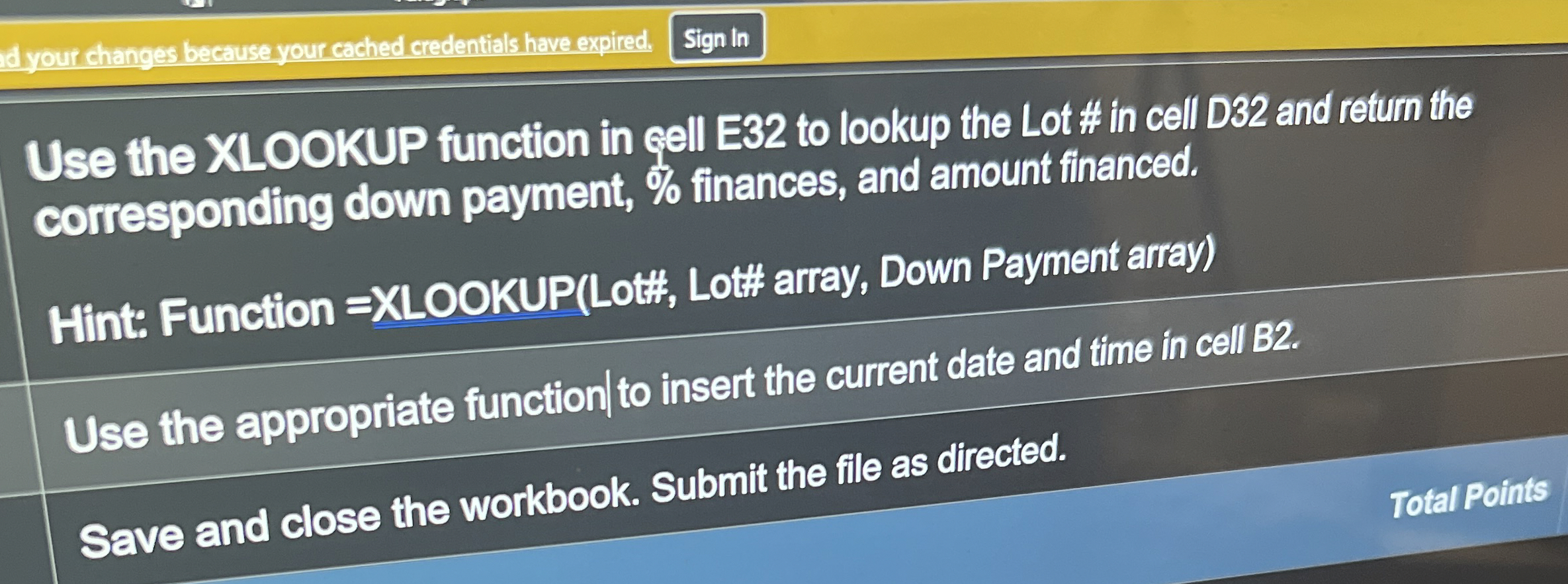
Question: Use the XLOOKUP function in qell E 3 2 to lookup the Lot # in cell D 3 2 and return the corresponding down payment,
Use the XLOOKUP function in qell E to lookup the Lot # in cell D and return the corresponding down payment, finances, and amount financed.
Hint: Function XLOOKUPLott Lot# array, Down Payment array
Use the appropriate function to insert the current date and time in cell
Save and close the workbook. Submit the file as directed.
Total Points
Step by Step Solution
There are 3 Steps involved in it
1 Expert Approved Answer
Step: 1 Unlock

Question Has Been Solved by an Expert!
Get step-by-step solutions from verified subject matter experts
Step: 2 Unlock
Step: 3 Unlock
 Study Help