







Question: Open macro.xlsx. Create a second workbook by your own, and name it data.xlsx. Activate the macro workbook. Record a macro while you do the following:
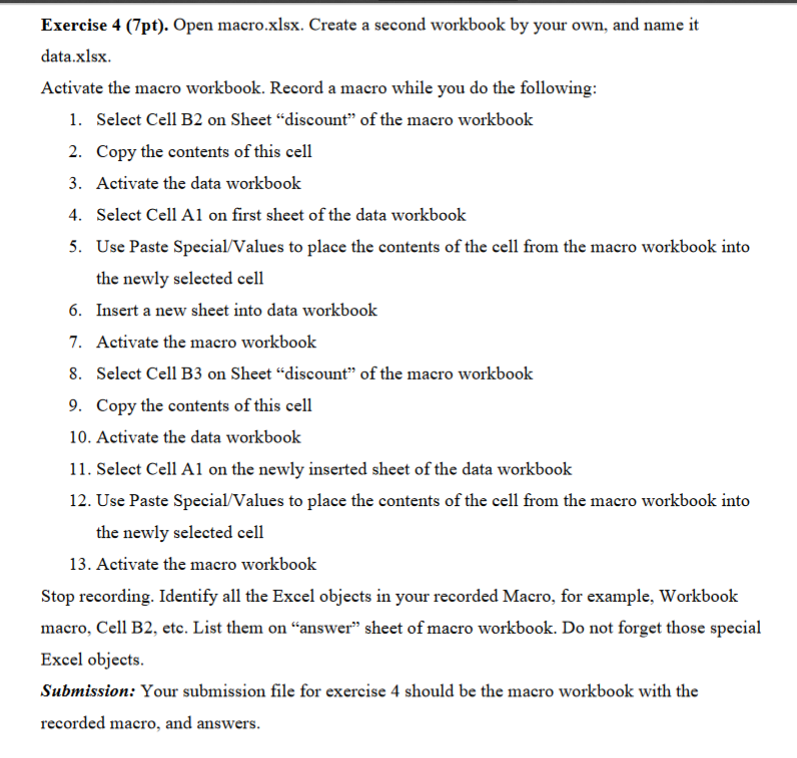
Open macro.xlsx. Create a second workbook by your own, and name it data.xlsx. Activate the macro workbook. Record a macro while you do the following: Select Cell B2 on Sheet "discount'' of the macro workbook Copy the contents of this cell Activate the data workbook Select Cell A1 on first sheet of the data workbook Use Paste Special/Values to place the contents of the cell from the macro workbook into the newly selected cell Insert a new sheet into data workbook Activate the macro workbook Select Cell B3 on Sheet "discount" of the macro workbook Copy the contents of this cell Activate the data workbook Select Cell A1 on the newly inserted sheet of the data workbook Use Paste Special/Values to place the contents of the cell from the macro workbook into the newly selected cell Activate the macro workbook Stop recording. Identify all the Excel objects in your recorded Macro, for example. Workbook macro. Cell B2. etc. List them on "answer" sheet of macro workbook. Do not forget those special Excel objects. Your submission file for exercise 4 should be the macro workbook with the recorded macro, and answers
Step by Step Solution
There are 3 Steps involved in it

Get step-by-step solutions from verified subject matter experts
 Study Help