







Question: Open, test, and review the application 1. Use your text editor or IDE to open the files in this folder: javascript jquery exercisesch07 ollover 2.
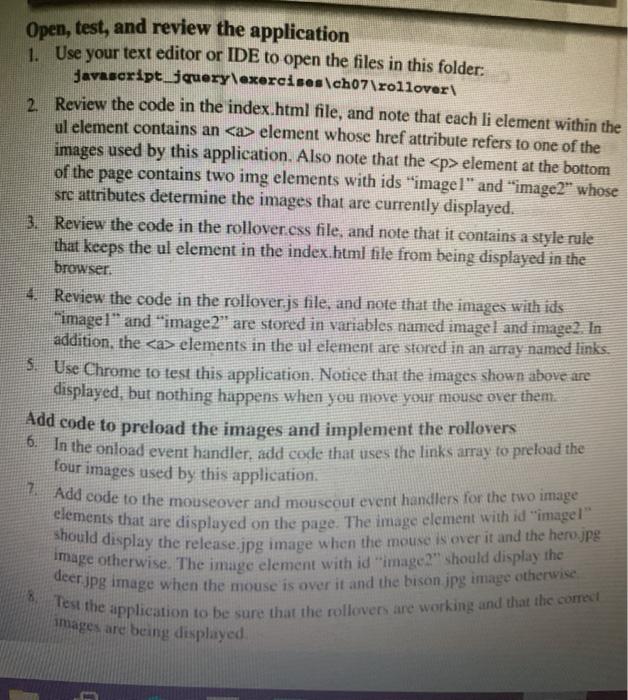
Open, test, and review the application 1. Use your text editor or IDE to open the files in this folder: javascript jquery exercises\ch07 ollover 2. Review the code in the index.html file, and note that each li element within the ul element contains an element whose href attribute refers to one of the images used by this application. Also note that the element at the bottom of the page contains two img elements with ids "imagel" and "image2" whose sre attributes determine the images that are currently displayed. 3. Review the code in the rollover.css file, and note that it contains a style rule that keeps the ul element in the index.html file from being displayed in the browser. 4. Review the code in the rollover.js file, and note that the images with ids image!" and "image2" are stored in variables named imagel and image2. In addition, the elements in the ul element are stored in an array named links. 3. Use Chrome to test this application. Notice that the images shown above are displayed, but nothing happens when you move your mouse over them Add code to preload the images and implement the rollovers 6. In the onload event handler, add code that uses the links array to preload the four images used by this application. 2. Add code to the mouseover and mouseout event handlers for the two image Clements that are displayed on the page. The image element with id "image!" should display the release.jpg image when the mouse is over it and the hero.jpg image otherwise. The image element with id image2" should display the deer.jpg image when the mouse is over it and the bison jpg image otherwise 8. Test the application to be sure that the rollovers are working and that the correct images are being displayed
Step by Step Solution
There are 3 Steps involved in it

Get step-by-step solutions from verified subject matter experts
 Study Help