







Question: Open the code2-2_txt.html and code2-2_txt.css files from the htmi02code2 folder Enter your name an 2. Go to the code 2-2.html file in your editor. Within
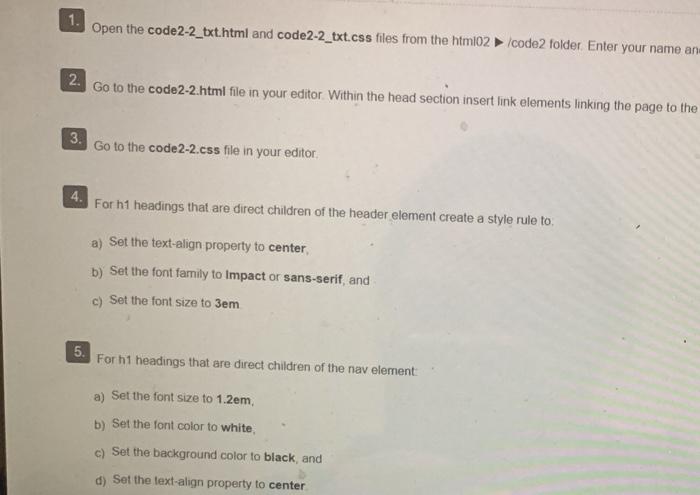
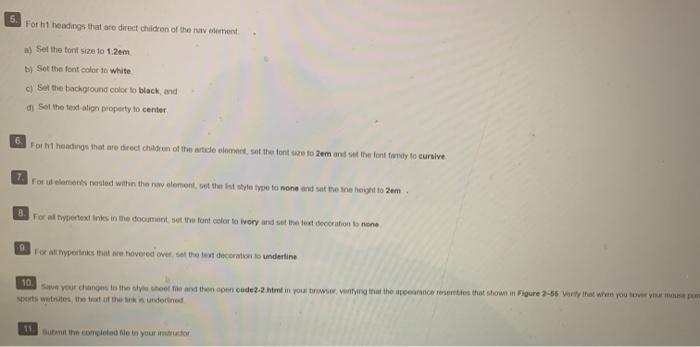
Open the code2-2_txt.html and code2-2_txt.css files from the htmi02code2 folder Enter your name an 2. Go to the code 2-2.html file in your editor. Within the head section insert link elements linking the page to the 3. Go to the code2-2.css file in your editor, For h1 headings that are direct children of the header element create a style rule to: a) Set the text-align property to center b) Set the font family to Impact or sans-serif, and c) Set the font size to 3em 5. For h1 headings that are direct children of the nav element: a) Set the font size to 1.2em b) Set the font color to white, c) Set the background color to black and d) Set the text-align property to center 5. For h1 headings that are direct children of the ralement a) Set the font size to 1.2em b) Set the font color to white c) Set the background color to black and Set the text align property to center 6 For hit headings that are direct children of the nice to set the tent size to Zum and set the font twy to cursive For elements ested within the row tomont, vot the best style type to none and set the scheight to 2em For all typertext links in the document, set the font color to Ivory and at the best decoration to none ver at hyperlinks that we havered over at the decoration to underline 10 Save your changes to the style whole and then code2-2 html in your browser, venting that the reacties that shown in Figure 2-55 What we you to Sports websites that of the underlined 11 But the complete le to your in Open the code2-2_txt.html and code2-2_txt.css files from the htmi02code2 folder Enter your name an 2. Go to the code 2-2.html file in your editor. Within the head section insert link elements linking the page to the 3. Go to the code2-2.css file in your editor, For h1 headings that are direct children of the header element create a style rule to: a) Set the text-align property to center b) Set the font family to Impact or sans-serif, and c) Set the font size to 3em 5. For h1 headings that are direct children of the nav element: a) Set the font size to 1.2em b) Set the font color to white, c) Set the background color to black and d) Set the text-align property to center 5. For h1 headings that are direct children of the ralement a) Set the font size to 1.2em b) Set the font color to white c) Set the background color to black and Set the text align property to center 6 For hit headings that are direct children of the nice to set the tent size to Zum and set the font twy to cursive For elements ested within the row tomont, vot the best style type to none and set the scheight to 2em For all typertext links in the document, set the font color to Ivory and at the best decoration to none ver at hyperlinks that we havered over at the decoration to underline 10 Save your changes to the style whole and then code2-2 html in your browser, venting that the reacties that shown in Figure 2-55 What we you to Sports websites that of the underlined 11 But the complete le to your in
Step by Step Solution
There are 3 Steps involved in it

Get step-by-step solutions from verified subject matter experts
 Study Help