



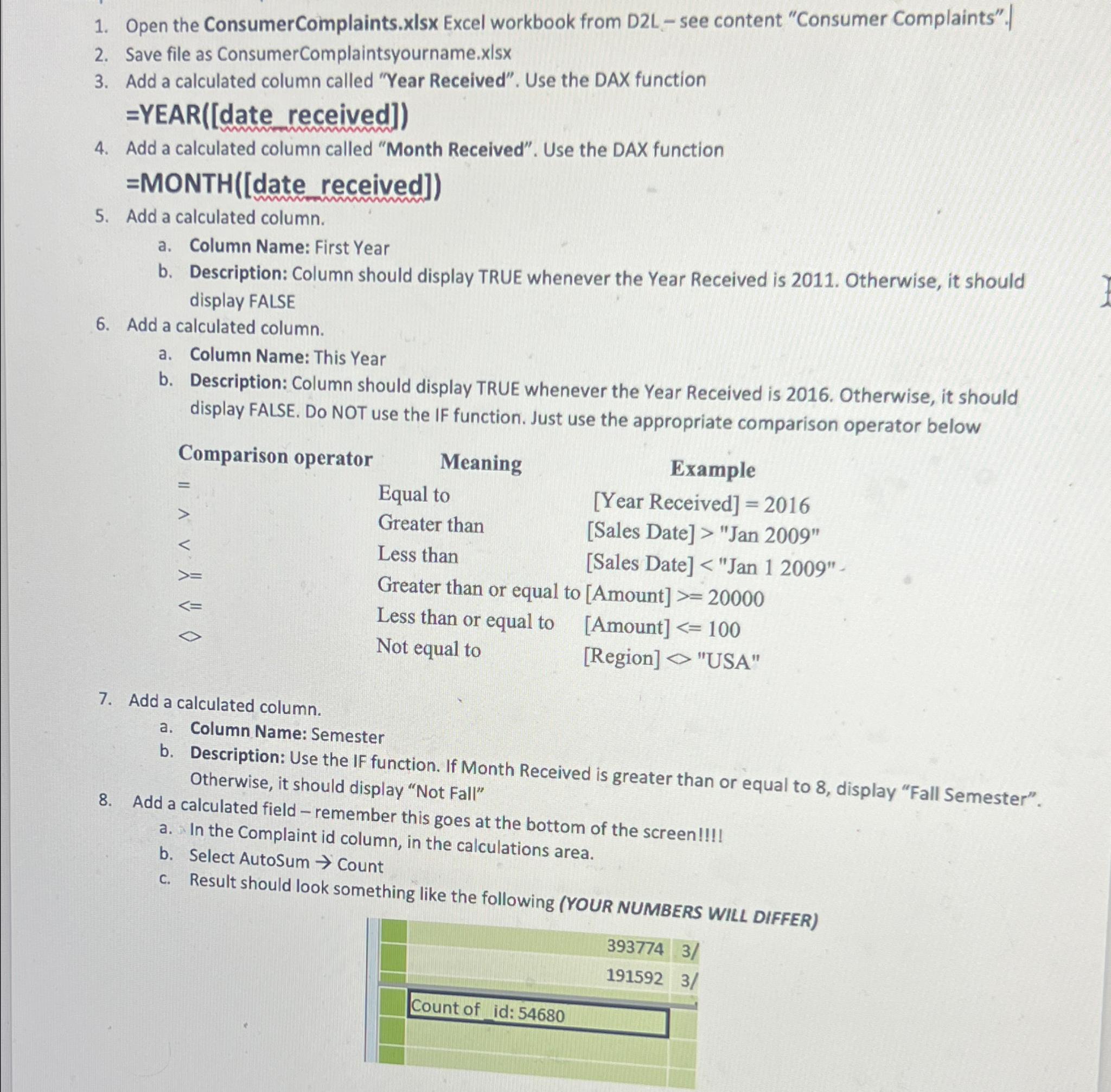
Question: Open the ConsumerComplaints.xIsx Excel workbook from D 2 L - see content Consumer Complaints. | Save file as ConsumerComplaintsyourname. x | s x | Add
Open the ConsumerComplaints.xIsx Excel workbook from DL see content "Consumer Complaints".
Save file as ConsumerComplaintsyourname.
Add a calculated column called "Year Received". Use the DAX function
date received
Add a calculated column called "Month Received". Use the DAX function
MONTHdate received
Add a calculated column.
a Column Name: First Year
b Description: Column should display TRUE whenever the Year Received is Otherwise, it should display FALSE
Add a calculated column.
a Column Name: This Year
b Description: Column should display TRUE whenever the Year Received is Otherwise, it should display FALSE. Do NOT use the IF function. Just use the appropriate comparison operator below
tableComparison operator,Meaning,ExampleEqual toYear Received
Step by Step Solution
There are 3 Steps involved in it
1 Expert Approved Answer
Step: 1 Unlock

Question Has Been Solved by an Expert!
Get step-by-step solutions from verified subject matter experts
Step: 2 Unlock
Step: 3 Unlock