







Question: Open the downloaded document e02_grader_hw_Raises.xlsx. Save the file as 202_grader_hw_Raises_LastFirst using your last and first name. The Addresses worksheet includes data from the payroll database.
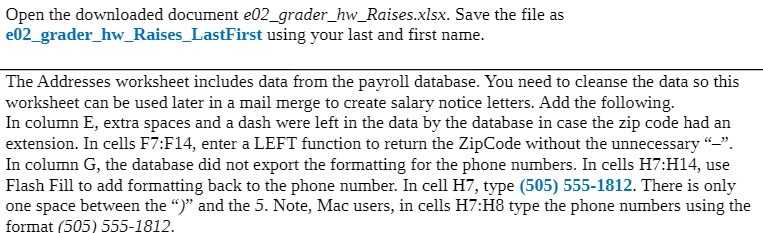
Open the downloaded document e02_grader_hw_Raises.xlsx. Save the file as 202_grader_hw_Raises_LastFirst using your last and first name. The Addresses worksheet includes data from the payroll database. You need to cleanse the data so this worksheet can be used later in a mail merge to create salary notice letters. Add the following. In column E, extra spaces and a dash were left in the data by the database in case the zip code had an extension. In cells F7:F14, enter a LEFT function to return the ZipCode without the unnecessary "- In column G, the database did not export the formatting for the phone numbers. In cells H7:H14, use Flash Fill to add formatting back to the phone number. In cell H7, type (505) 555-1812. There is only one space between the ")" and the 5. Note, Mac users, in cells H7:H8 type the phone numbers using the format (505) 555-1812
Step by Step Solution
There are 3 Steps involved in it

Get step-by-step solutions from verified subject matter experts
 Study Help