







Question: Open the file NP _ EX 1 9 _ 1 b _ FirstLastName _ 1 . xlsx , available for download from the SAM website.
Open the file NPEXbFirstLastNamexlsx available for download from the SAM website.
Save the file as NPEXbFirstLastNamexIsx by changing the to a
If you do not see the xIsx file extension in the Save As dialog box, do not type it
The program will add the file extension for you automatically.
With the file NPEXbFirstLastNamexIsx still open, ensure that your first and last name is displayed in cell B of the Documentation sheet.
If cell B does not display your name, delete the file and download a new copy from the SAM website.
PROJECT STEPS
As a member of the Finance Committee for the City of New Monroe, you use Excel to maintain city data and summarize cash flow. Go to the Committees worksheet. Cut the contents of the range : and paste them into the range :
Adjust the width of column B using AutoFit.
Change the width of column to
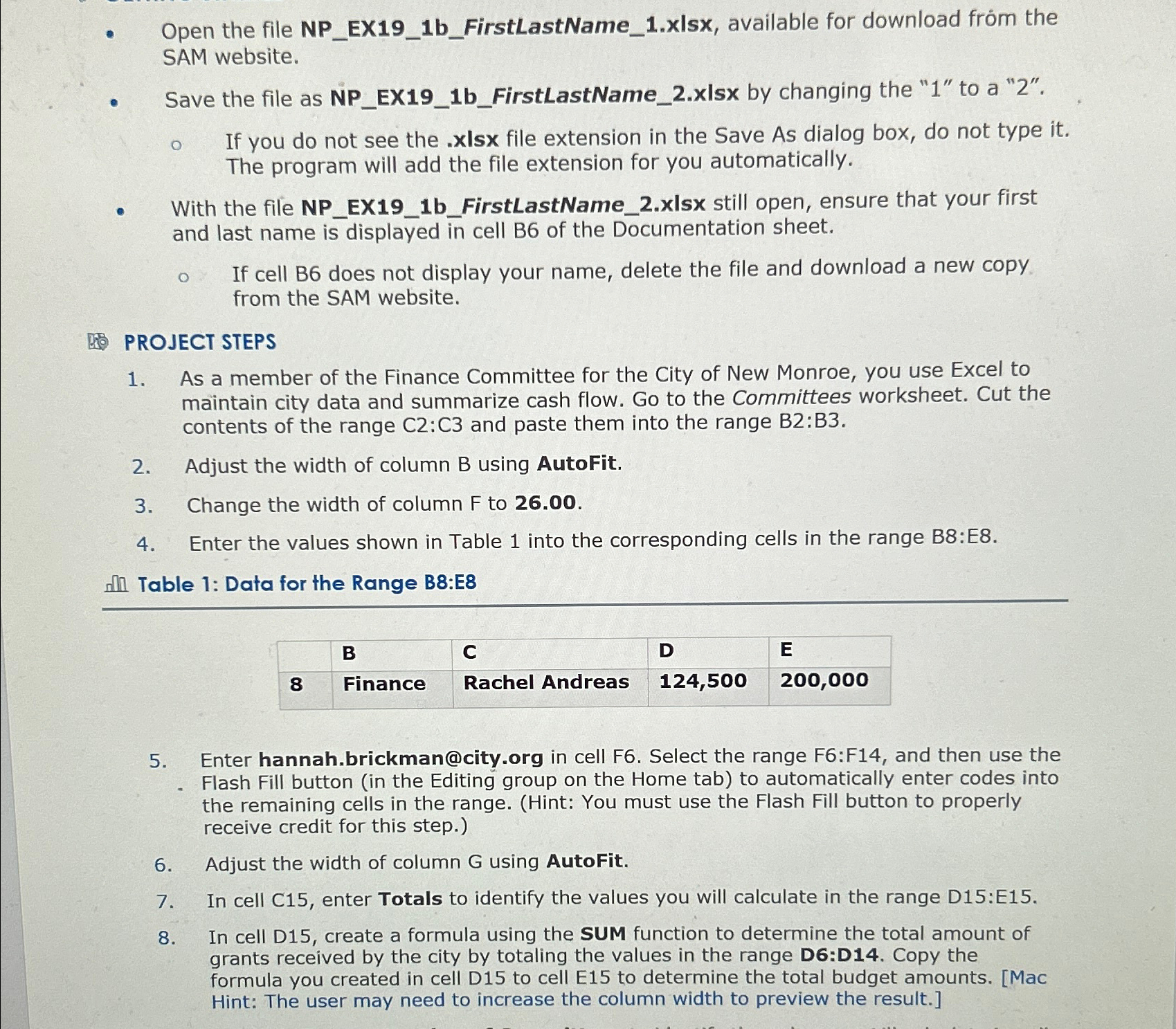
Enter the values shown in Table into the corresponding cells in the range B:E
nflin Table : Data for the Range B:E
tableBCDEFinance,Rachel Andreas,
Enter
hannah.brickman@city.org in cell F Select the range F:F and then use the Flash Fill button in the Editing group on the Home tab to automatically enter codes into the remaining cells in the range. Hint: You must use the Flash Fill button to properly receive credit for this step.
Adjust the width of column using AutoFit.
In cell C enter Totals to identify the values you will calculate in the range D:E
In cell D create a formula using the SUM function to determine the total amount of grants received by the city by totaling the values in the range D:D Copy the formula you created in cell D to cell E to determine the total budget amounts. Mac Hint: The user may need to increase the column width to preview the result.
Step by Step Solution
There are 3 Steps involved in it
1 Expert Approved Answer
Step: 1 Unlock

Question Has Been Solved by an Expert!
Get step-by-step solutions from verified subject matter experts
Step: 2 Unlock
Step: 3 Unlock
 Study Help