







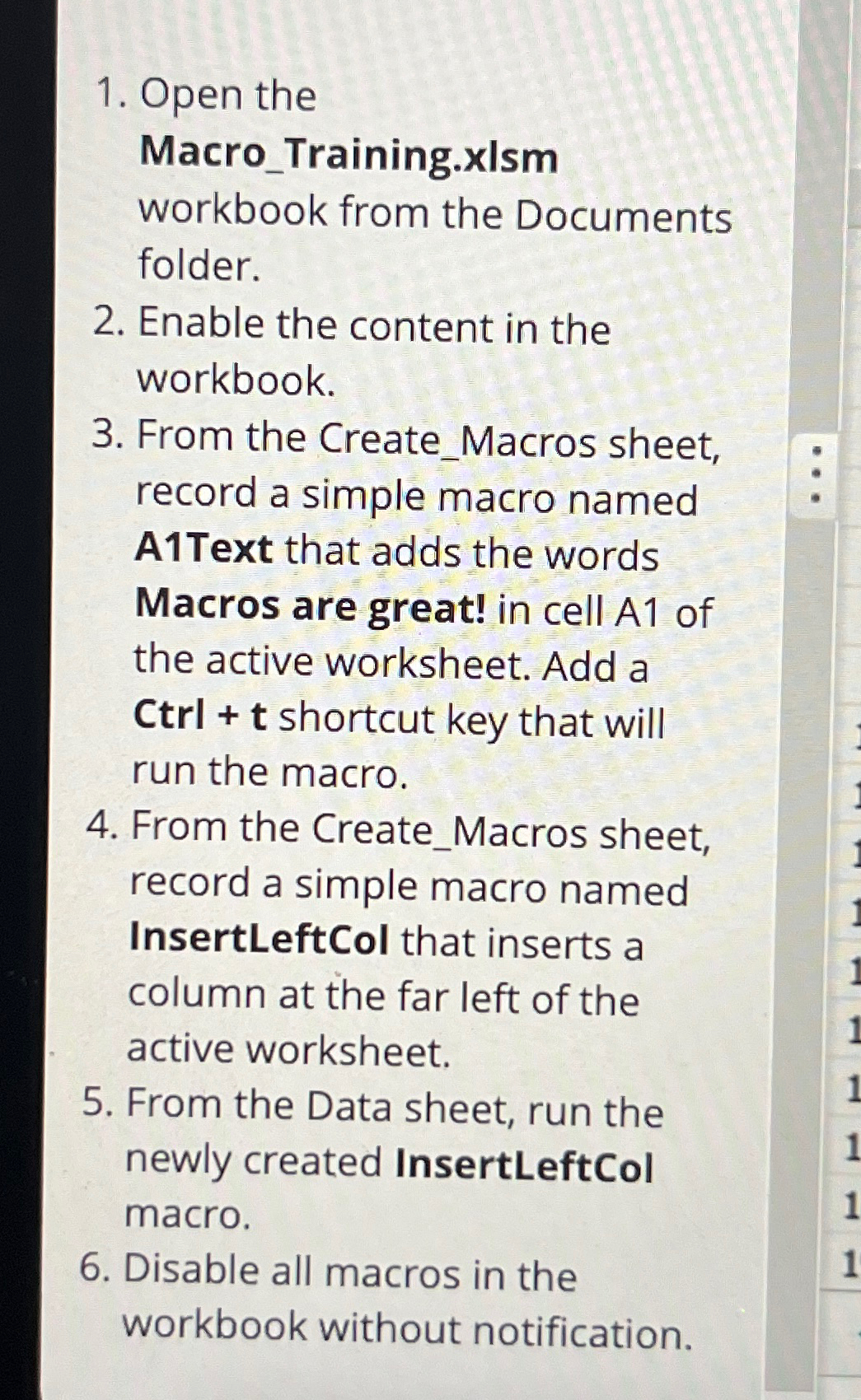
Question: Open the Macro _ Training.xlsm workbook from the Documents folder. 2 . Enable the content in the workbook. 3 . From the Create _ Macros
Open the
MacroTraining.xlsm
workbook from the Documents folder.
Enable the content in the workbook.
From the CreateMacros sheet, record a simple macro named AText that adds the words Macros are great! in cell A of the active worksheet. Add a Ctrl shortcut key that will run the macro.
From the CreateMacros sheet, record a simple macro named InsertLeftCol that inserts a column at the far left of the active worksheet.
From the Data sheet, run the newly created InsertLeftCol macro.
Disable all macros in the workbook without notification.
Step by Step Solution
There are 3 Steps involved in it
1 Expert Approved Answer
Step: 1 Unlock

Question Has Been Solved by an Expert!
Get step-by-step solutions from verified subject matter experts
Step: 2 Unlock
Step: 3 Unlock
 Study Help