







Question: Open the start file CentralSierra - 0 2 . xisx workbook. If the workbook opens in Protected View, click the Enable Editing button so you
Open the start file CentralSierraxisx workbook. If the workbook opens in Protected View, click the Enable Editing button so you can modify it The file will be renamed automatically to include your name. Change the project file name if directed to do so by your instructor, and save it
Select the Tables sheet, select cells A:B and create range names using the Create from Selection button Formulas tab, Defined Names group
Select cells B:F and click the Name box. Name the selectionHRates Note that the first row is arranged in ascending order.
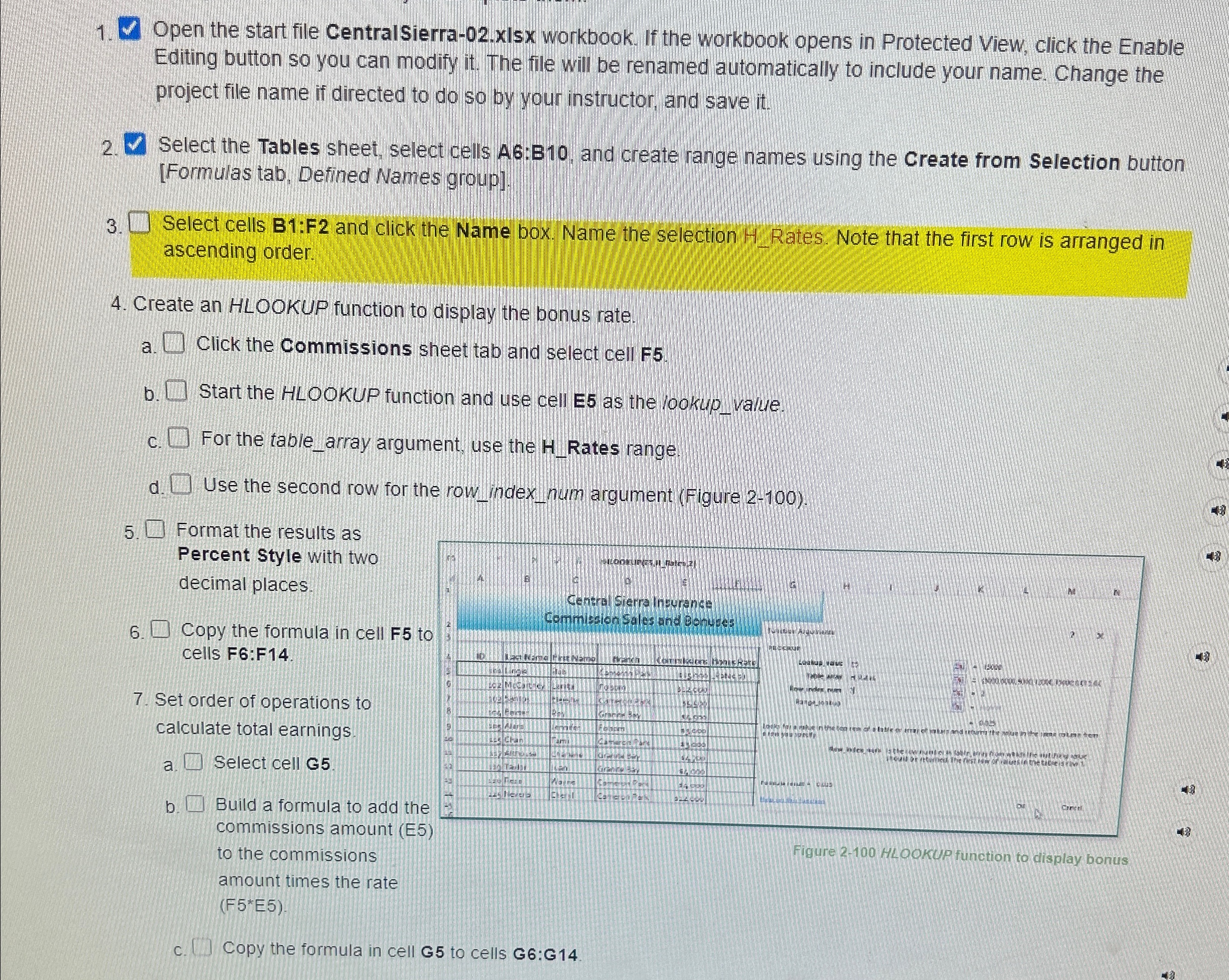
Create an HLOOKUP function to display the bonus rate.
a Click the Commissions sheet tab and select cell F
b Start the HLOOKUP function and use cell E as the lookupvalue.
c For the tablearray argument, use the Rates range.
d Use the second row for the rowindexnum argument Figure
Format the results as Percent Style with two decimal places.
Copy the formula in cell F to cells F:F
Set order of operations to calculate total earnings.
a Select cell G
b Build a formula to add the to the commissions
Figure HLOOKUP function to display bonus
amount times the rate FE
c Copy the formula in cell G to cells G:G
Step by Step Solution
There are 3 Steps involved in it
1 Expert Approved Answer
Step: 1 Unlock

Question Has Been Solved by an Expert!
Get step-by-step solutions from verified subject matter experts
Step: 2 Unlock
Step: 3 Unlock
 Study Help