







Question: ) Open two virtual machines -) Type ifconfig in both the machines to find ip addresses -) Type nc -lk 9090 -V in the first
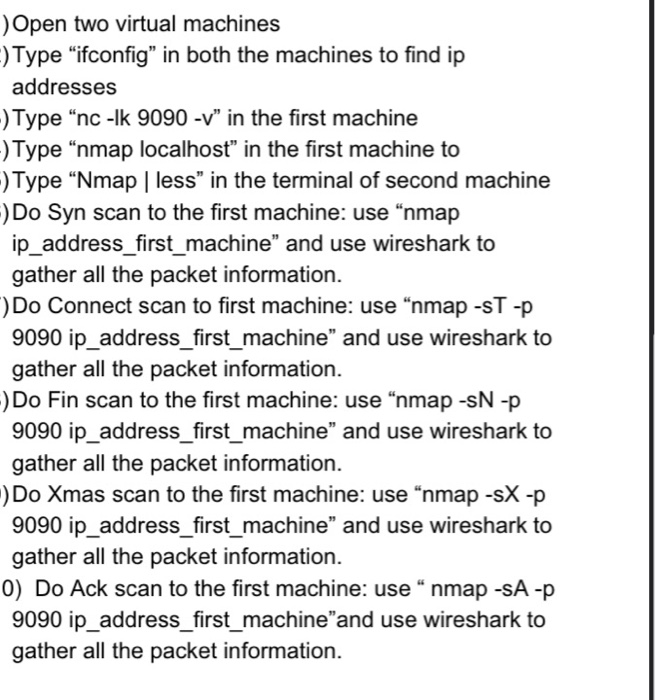
) Open two virtual machines -) Type "ifconfig in both the machines to find ip addresses -) Type "nc -lk 9090 -V" in the first machine -) Type "nmap localhost" in the first machine to -) Type Nmap | less" in the terminal of second machine -) Do Syn scan to the first machine: use "nmap ip_address_first_machine" and use wireshark to gather all the packet information. Do Connect scan to first machine: use "nmap -ST-P 9090 ip_address_first_machine and use wireshark to gather all the packet information. -) Do Fin scan to the first machine: use "nmap -SN -P 9090 ip_address_first_machine" and use wireshark to gather all the packet information. :) Do Xmas scan to the first machine: use "nmap -sX -p 9090 ip_address_first_machine" and use wireshark to gather all the packet information. 0) Do Ack scan to the first machine: use nmap -SA-P 9090 ip_address_first_machineand use wireshark to gather all the packet information. ) Open two virtual machines -) Type "ifconfig in both the machines to find ip addresses -) Type "nc -lk 9090 -V" in the first machine -) Type "nmap localhost" in the first machine to -) Type Nmap | less" in the terminal of second machine -) Do Syn scan to the first machine: use "nmap ip_address_first_machine" and use wireshark to gather all the packet information. Do Connect scan to first machine: use "nmap -ST-P 9090 ip_address_first_machine and use wireshark to gather all the packet information. -) Do Fin scan to the first machine: use "nmap -SN -P 9090 ip_address_first_machine" and use wireshark to gather all the packet information. :) Do Xmas scan to the first machine: use "nmap -sX -p 9090 ip_address_first_machine" and use wireshark to gather all the packet information. 0) Do Ack scan to the first machine: use nmap -SA-P 9090 ip_address_first_machineand use wireshark to gather all the packet information
Step by Step Solution
There are 3 Steps involved in it

Get step-by-step solutions from verified subject matter experts
 Study Help