Question: operating system-shell- C language You will develop a command-line interpreter or shell with support of the environment variables and history of executed commands. Let's call
operating system-shell- C language
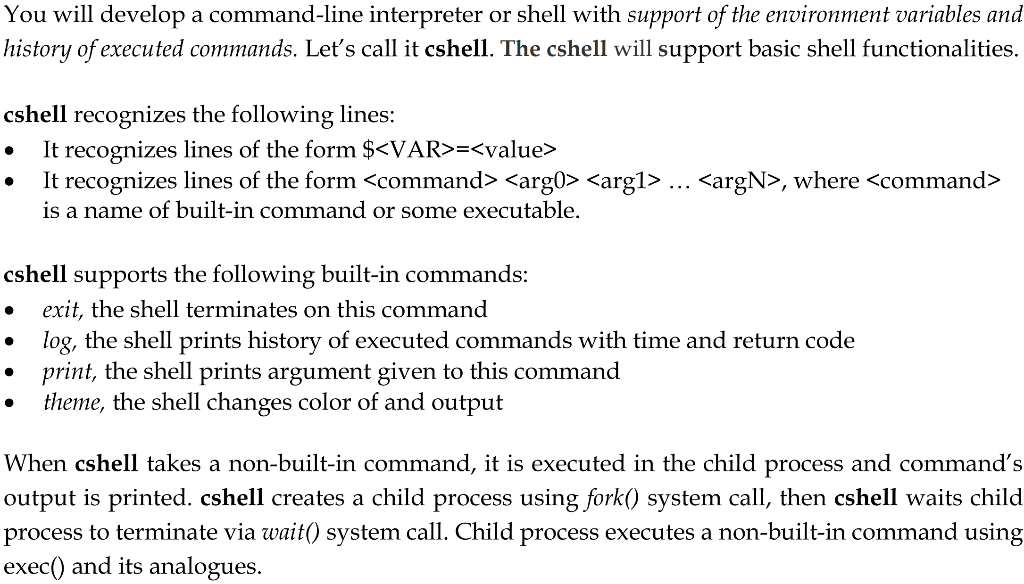
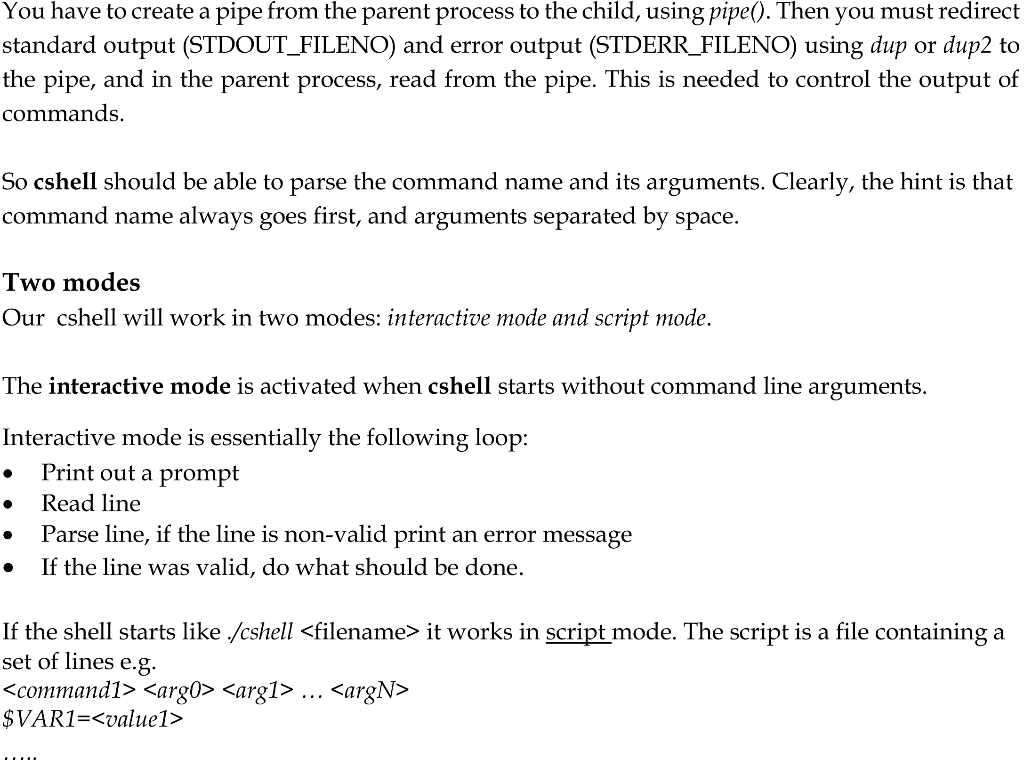
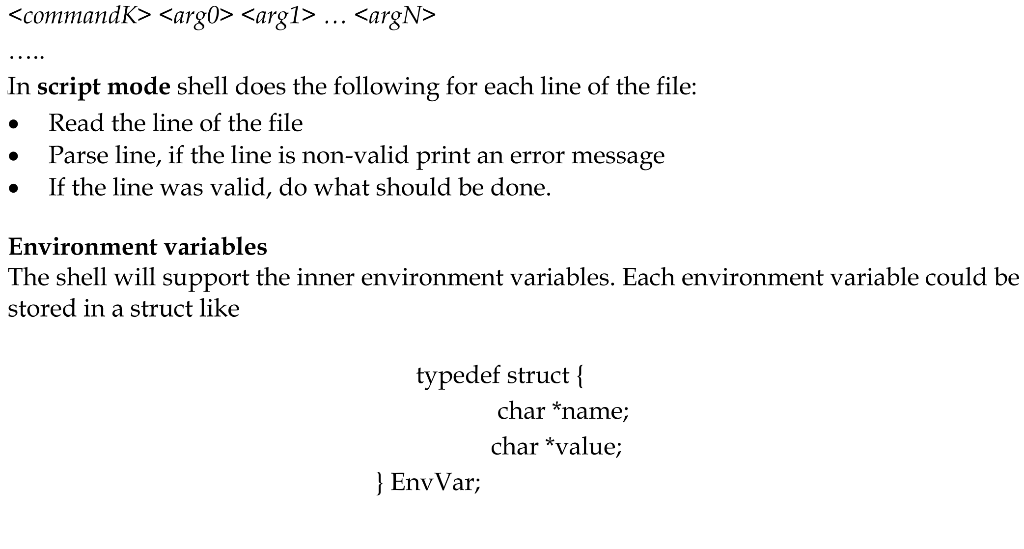
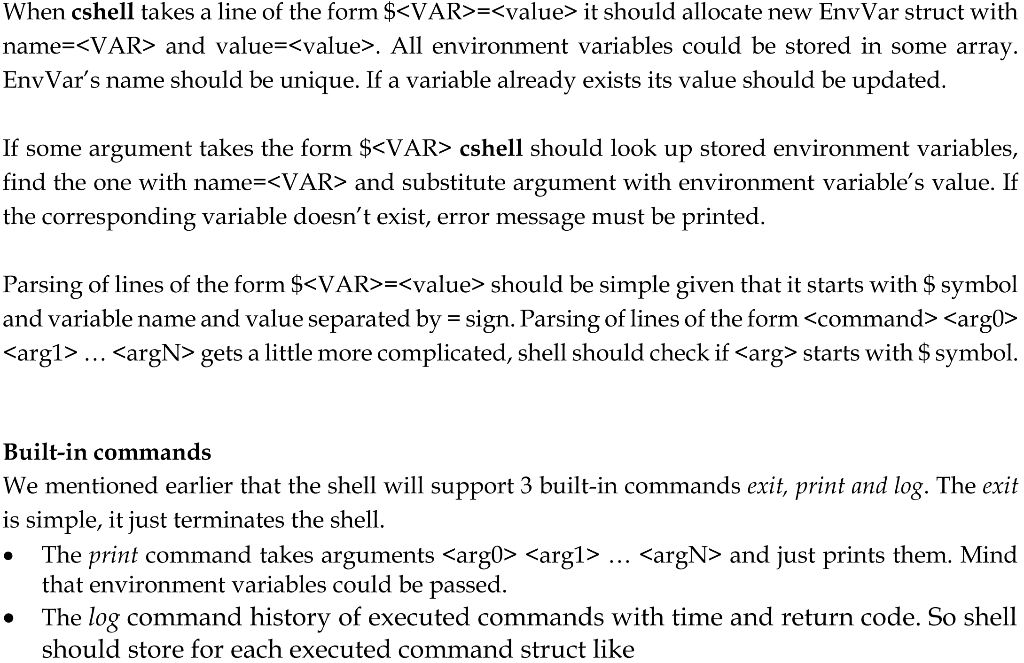
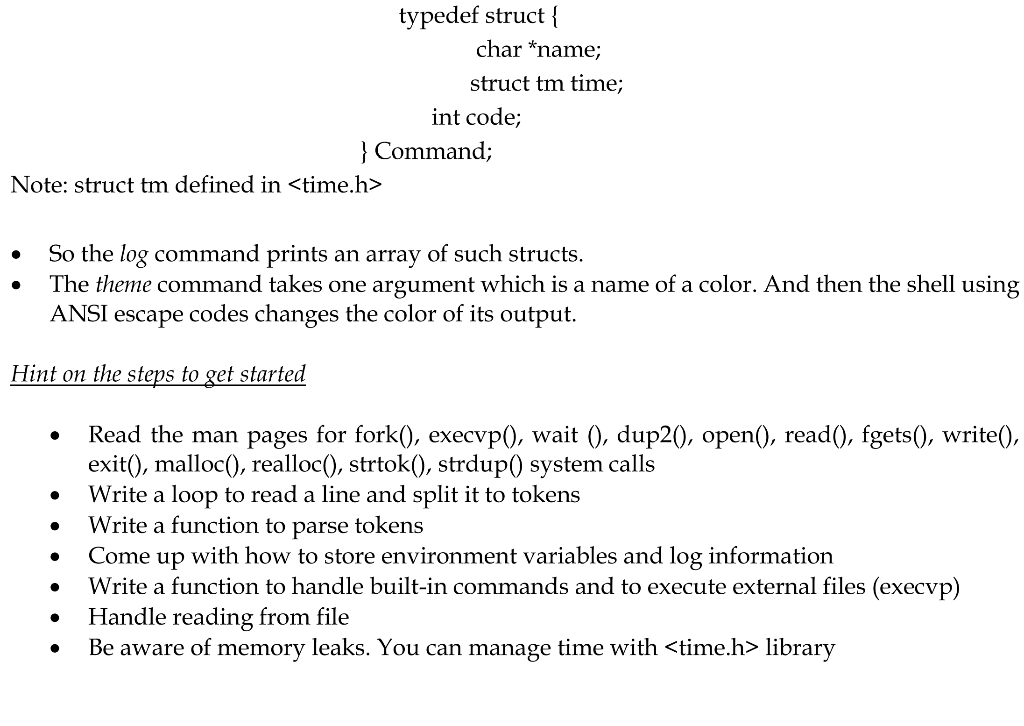
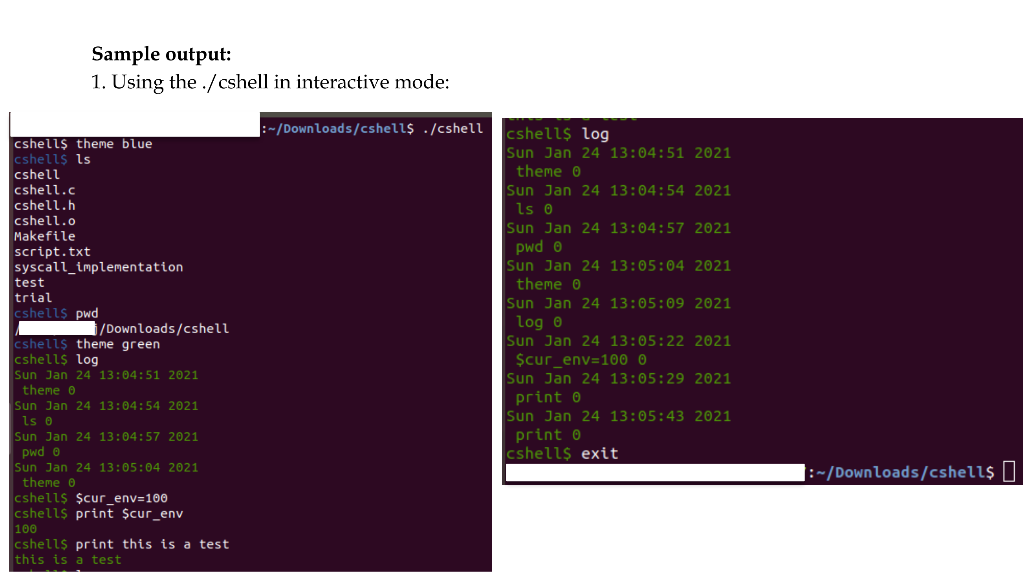
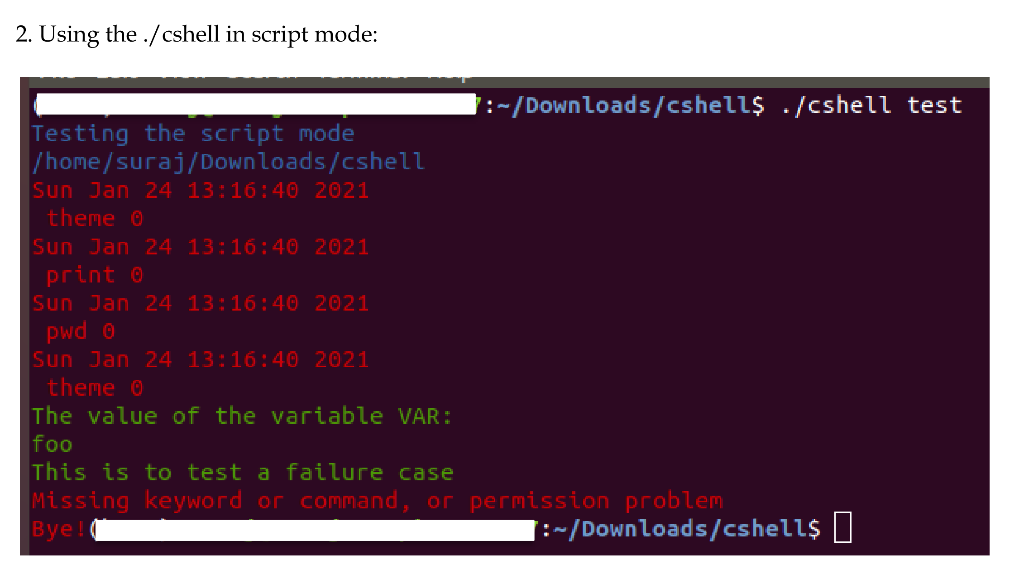
You will develop a command-line interpreter or shell with support of the environment variables and history of executed commands. Let's call it cshell. The cshell will support basic shell functionalities. cshell recognizes the following lines: It recognizes lines of the form $= It recognizes lines of the form ... , where is a name of built-in command or some executable. cshell supports the following built-in commands: exit, the shell terminates on this command log, the shell prints history of executed commands with time and return code print, the shell prints argument given to this command theme, the shell changes color of and output Whe hell takes a puilt-in command, it is executed in child process and con and's output is printed. cshell creates a child process using fork() system call, then cshell waits child process to terminate via wait() system call. Child process executes a non-built-in command using exec() and its analogues. You have to create a pipe from the parent process to the child, using pipe(). Then you must redirect standard output (STDOUT_FILENO) and error output (STDERR_FILENO) using dup or dup2 to the pipe, and in the parent process, read from the pipe. This is needed to control the output of commands. So cshell should be able to parse the command name and its arguments. Clearly, the hint is that command name always goes first, and arguments separated by space. Two modes Our cshell will work in two modes: interactive mode and script mode. The interactive mode is activated when cshell starts without command line arguments. Interactive mode is essentially the following loop: Print out a prompt Read line Parse line, if the line is non-valid print an error message If the line was valid, do what should be done. If the shell starts like ./cshell it works in script mode. The script is a file containing a set of lines e.g. $VAR1= ... . In script mode shell does the following for each line of the file: Read the line of the file Parse line, if the line is non-valid print an error message If the line was valid, do what should be done. O . Environment variables The shell will support the inner environment variables. Each environment variable could be stored in a struct like typedef struct { char *name; char *value; } EnvVar; When cshell takes a line of the form $= it should allocate new Env Var struct with name= and value=. All environment variables could be stored in some array. EnvVar's name should be unique. If a variable already exists its value should be updated. If some argument takes the form $ cshell should look up stored environment variables, find the one with name= and substitute argument with environment variable's value. If the corresponding variable doesn't exist, error message must be printed. Parsing of lines of the form $= should be simple given that it starts with $ symbol and variable name and value separated by = sign. Parsing of lines of the form ... gets a little more complicated, shell should check if starts with $ symbol. Built-in commands We mentioned earlier that the shell will support 3 built-in commands exit, print and log. The exit is simple, it just terminates the shell. The print command takes arguments ... and just prints them. Mind that environment variables could be passed. The log command history of executed commands with time and return code. So shell should store for each executed command struct like typedef struct { char *name; struct tm time; int code; } Command; Note: struct tm defined in . So the log command prints an array of such structs. The theme command takes one argument which is a name of a color. And then the shell using ANSI escape codes changes the color of its output. Hint on the steps to get started Read the man pages for fork(), execvp(), wait (), dup2(), open(), read(), fgets(), write(), exit(), malloc(), realloc(), strtok(), strdup() system calls Write a loop to read a line and split it to tokens Write a function to parse tokens Come up with how to store environment variables and log information Write a function to handle built-in commands and to execute external files (execvp) Handle reading from file Be aware of memory leaks. You can manage time with library . . Sample output: 1. Using the ./cshell in interactive mode: :-/Downloads/cshell$ ./cshell cshells theme blue cshells ls cshell cshell.c cshell.h cshell.o Makefile script.txt syscall_implementation test trial cshells pwd Downloads/cshell cshells theme green cshells log Sun Jan 24 13:04:51 2021 theme 0 Sun Jan 24 13:04:54 2021 Is 0 Sun Jan 24 13:04:57 2021 pwd 0 Sun Jan 24 13:05:04 2021 theme o cshells $cur_env=100 cshells print $cur_env 100 cshells print this is a test this is a test cshells log Sun Jan 24 13:04:51 2021 theme 0 Sun Jan 24 13:04:54 2021 Is 0 Sun Jan 24 13:04:57 2021 pwd o Sun Jan 24 13:05:04 2021 theme 0 Sun Jan 24 13:05:09 2021 logo Sun Jan 24 13:05:22 2021 $cur_env=1000 Sun Jan 24 13:05:29 2021 print 0 Sun Jan 24 13:05:43 2021 print 0 cshells exit 1:~/Downloads/cshells | 2. Using the ./cshell in script mode: :-/Downloads/cshells ./cshell test Testing the script mode /home/suraj/Downloads/cshell Sun Jan 24 13:16:40 2021 theme 0 Sun Jan 24 13:16:40 2021 print 0 Sun Jan 24 13:16:40 2021 pwd @ Sun Jan 24 13:16:40 2021 theme 0 The value of the variable VAR: foo This is to test a failure case Missing keyword or command, or permission problem Bye! 1:-/Downloads/cshells |









 Study Help