







Question: output sample: Menu 1. Display Songs sorted by title 2. Display Songs sorted by rating 3. Lookup title and artist by ID 4. Lookup ID
output sample: Menu 1. Display Songs sorted by title 2. Display Songs sorted by rating 3. Lookup title and artist by ID 4. Lookup ID by title and artist 5. Quit the Program Enter your choice: 1 Happy Pharrell Williams 3.9 MB 15 4 Let It Go Idina Menzel 4.8 MB 99 5 My Heart Will Go On Celine Dion 5.4 MB 9 5 You've Got a Friend in Me Randy Newman 4.2 MB 6 2 Menu 1. Display Songs sorted by title 2. Display Songs sorted by rating 3. Lookup title and artist by ID 4. Lookup ID by title and artist 5. Quit the Program Enter your choice: 2 Let It Go Idina Menzel 4.8 MB 99 5 My Heart Will Go On Celine Dion 5.4 MB 9 5 Happy Pharrell Williams 3.9 MB 15 4 You've Got a Friend in Me Randy Newman 4.2 MB 6 2
Library file:
A201 My Heart Will Go On Celine Dion 5.4 9 5 B331 Happy Pharrell Williams 3.9 15 4 D210 Let It Go Idina Menzel 4.8 99 5 A122 You've Got a Friend in Me Randy Newman 4.2 6 2
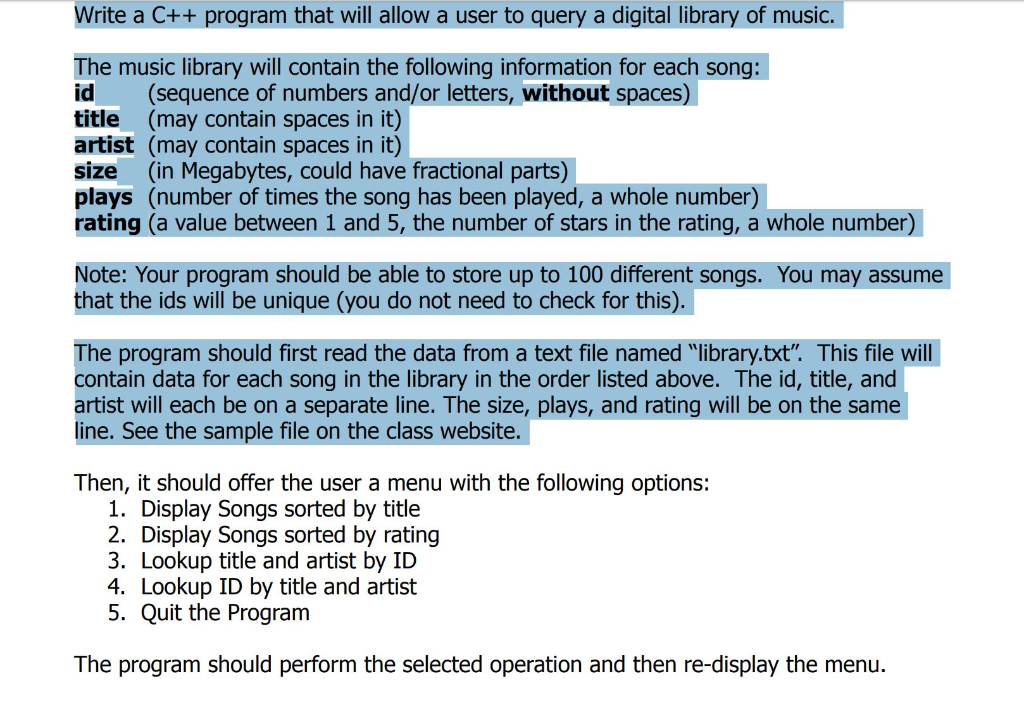
Write a C++ program that will allow a user to query a digital library of music. The music library will contain the following information for each song: id (sequence of numbers and/or letters, without spaces) title (may contain spaces in it) artist (may contain spaces in it) size (in Megabytes, could have fractional parts) plays (number of times the song has been played, a whole number) rating (a value between 1 and 5, the number of stars in the rating, a whole number) Note: Your program should be able to store up to 100 different songs. You may assume that the ids will be unique (you do not need to check for this) he program should first read the data from a text file named "library.txt". This file will contain data for each song in the library in the order listed above. The id, title, and artist will each be on a separate line. The size, plays, and rating will be on the same line. See the sample file on the class website. Then, it should offer the user a menu with the following options: 1. Display Songs sorted by title 2. Display Songs sorted by rating 3. Lookup title and artist by ID 4. Lookup ID by title and artist 5. Quit the Program The program should perform the selected operation and then re-display the menu
Step by Step Solution
There are 3 Steps involved in it

Get step-by-step solutions from verified subject matter experts
 Study Help