







Question: Overall Lab 12 Instructions Using the instructions from Closed Lab 01, create a new folder named ClosedLab12. Unlike with previous labs, you will need to
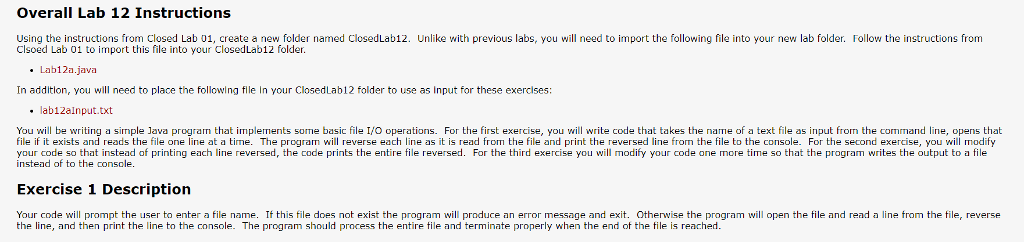
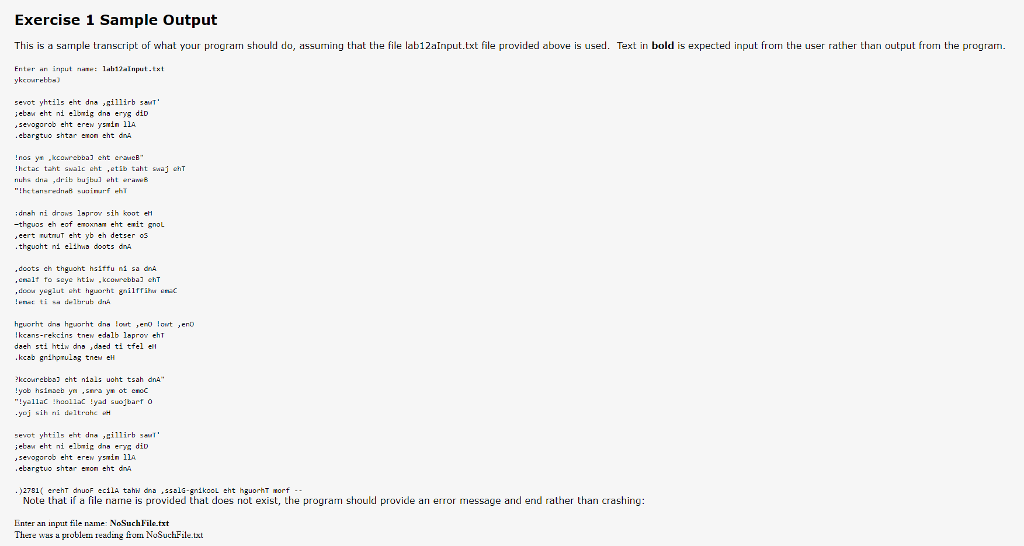
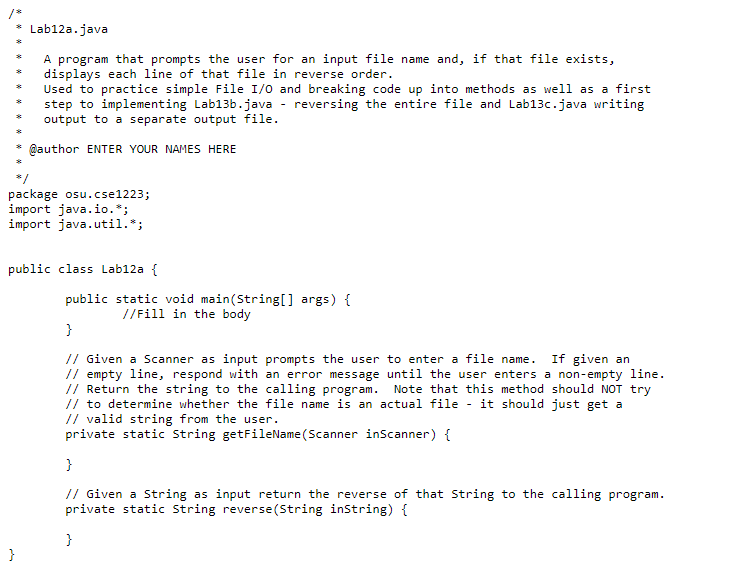
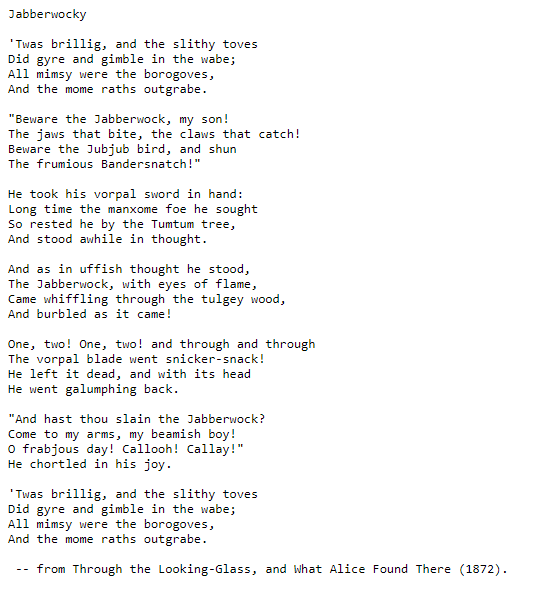
Overall Lab 12 Instructions Using the instructions from Closed Lab 01, create a new folder named ClosedLab12. Unlike with previous labs, you will need to import the following file into your new lab folder. Follow the instructions from Clsoed Lab 01 to import this file into your ClosedLab12 folder Lab12a.java In addition, you will need to place the following flle In your ClosedLab12 folder to use as Input for these exercises: . lab12aInput.txt You will be writing a simple Java program that implements some basic file I/O operations. For the first exercise, you will write code that takes the name of a text file as input from the command line, opens that file if it exists and reads the file one line at a time. The program will reverse each line as it is read from the file and print the reversed line from the file to the console. For the second exercise, you will modify nste od of to thet stel ofprinting each line reversed, the codle prints the entire file reversed. For the third exercise you will modify your code one more time so that the program wirites the output to a file Exercise 1 Description Your code will prompt the user to enter a file name. If this file does not exist the program will produce an error message and exit. Otherwise the program will open the file and read a line from the file, reverse the line, and then print the line to the console. The program should process the ente ile and terminate properly when the end of the tile is reached
Step by Step Solution
There are 3 Steps involved in it

Get step-by-step solutions from verified subject matter experts
 Study Help