







Question: Overview Each student will be required to program his / her microcontroller to perform all four arithmetic operations ( add , subtract, multiply and divide
Overview
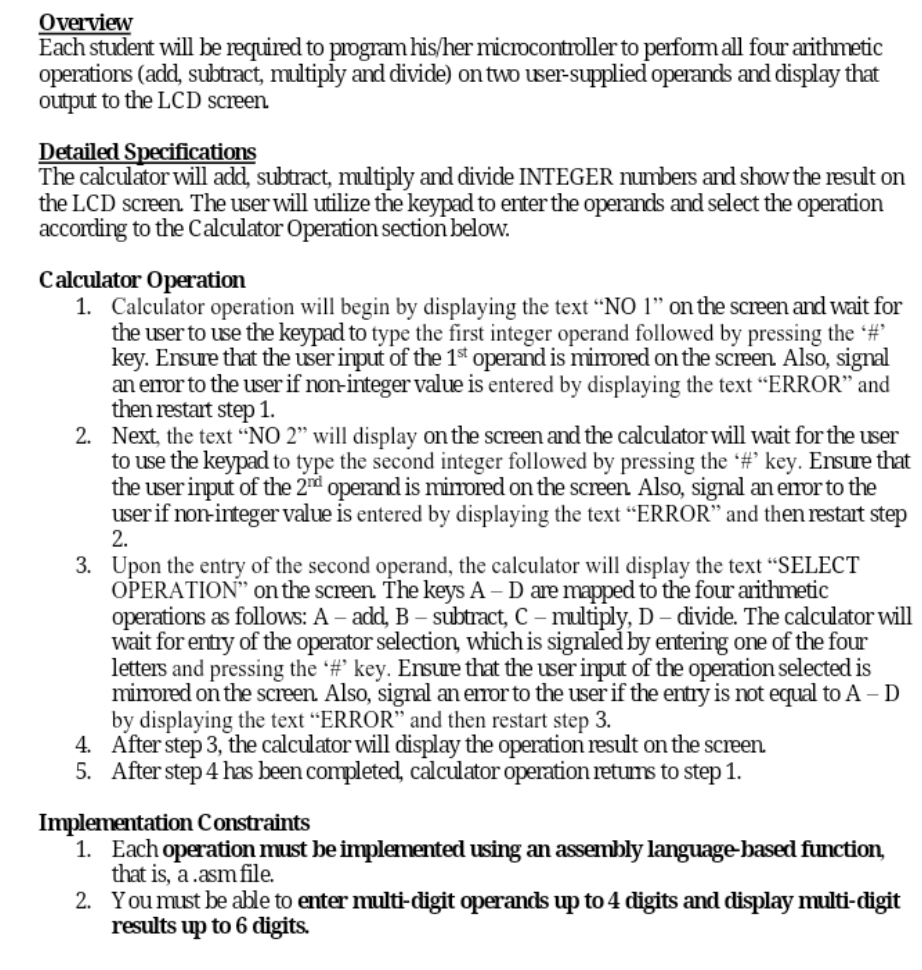
Each student will be required to program hisher microcontroller to perform all four arithmetic operations add subtract, multiply and divide on two usersupplied operands and display that output to the LCD screen. Each operation must be done using assembly language based function that is a asmfile
Detailed Specifications
The calculator will add, subtract, multiply and divide INTEGER numbers and show the result on the LCD screen. The user will utilize the keypad to enter the operands and select the operation according to the Calculator Operation section below.
Calculator Operation
Calculator operation will begin by displaying the text NO on the screen and wait for the user to use the keypad to type the first integer operand followed by pressing the # key. Ensure that the user input of the operand is mirrored on the screen Also, signal an error to the user if noninteger value is entered by displaying the text "ERROR" and then restart step
Next, the text NO will display on the screen and the calculator will wait for the user to use the keypad to type the second integer followed by pressing the # key. Ensure that the user input of the operand is mirrored on the screen Also, signal an error to the user if noninteger value is entered by displaying the text "ERROR" and then restart step
Upon the entry of the second operand, the calculator will display the text "SELECT OPERATION" on the screen The keys A D are mapped to the four arithmetic operations as follows: A add, B subtract, C multiply, D divide. The calculator will wait for entry of the operator selection, which is signaled by entering one of the four letters and pressing the # key. Ensure that the user input of the operation selected is mirrored on the screen. Also, signal an error to the user if the entry is not equal to A D by displaying the text "ERROR" and then restart step
After step the calculator will display the operation result on the screen.
After step has been completed, calculator operation returns to step
Implementation Constraints
Each operation must be implemented using an assembly language based function, that is a asmfile.
You must be able to enter multidigit operands up to digits and display multidigit results up to digits.
Step by Step Solution
There are 3 Steps involved in it
1 Expert Approved Answer
Step: 1 Unlock

Question Has Been Solved by an Expert!
Get step-by-step solutions from verified subject matter experts
Step: 2 Unlock
Step: 3 Unlock
 Study Help