







Question: PAGE 31 LECTURE 5 23. Write the steps in a system call to read a byte from the keyboard. Refer to page 31 of Lecture
 PAGE 31 LECTURE 5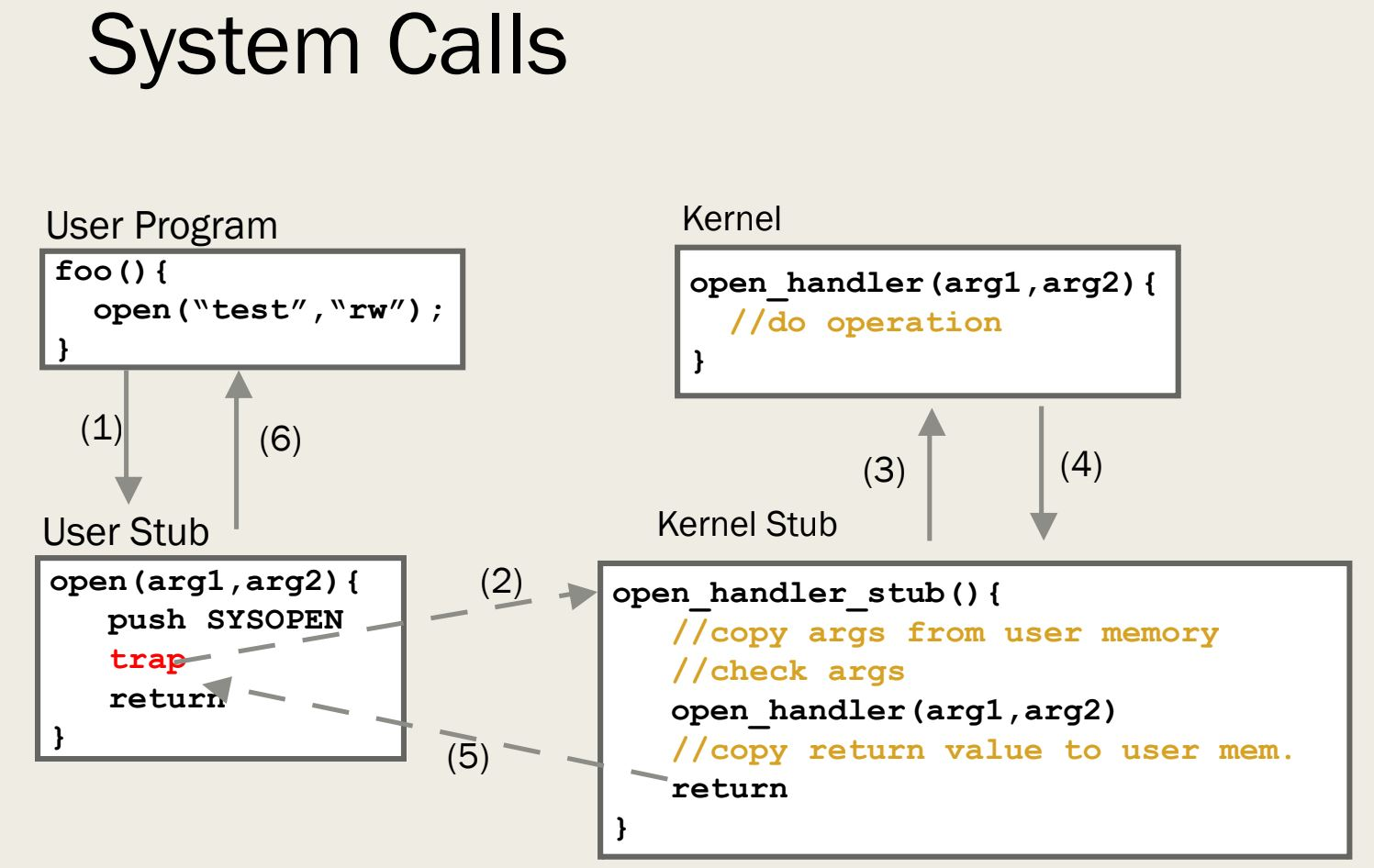
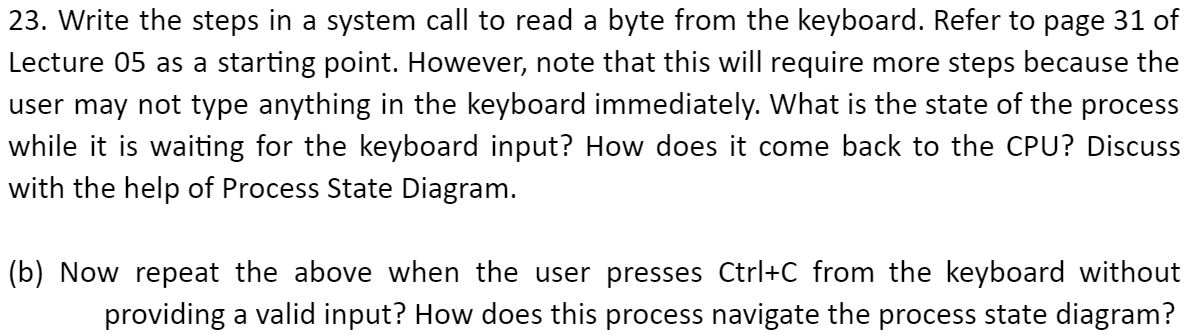
23. Write the steps in a system call to read a byte from the keyboard. Refer to page 31 of Lecture 05 as a starting point. However, note that this will require more steps because the user may not type anything in the keyboard immediately. What is the state of the process while it is waiting for the keyboard input? How does it come back to the CPU? Discuss with the help of Process State Diagram. (b) Now repeat the above when the user presses Ctrl+C from the keyboard without providing a valid input? How does this process navigate the process state diagram? System Calls Kernel User Program foo () { open ("test", "rw"); open_handler (argi, arg2) { //do operation (3) (4) Kernel Stub User Stub open (argi, arg2) { push SYSOPEN - trap return. - open_handler_stub () { //copy args from user memory //check args open_handler (argi, arg2) //copy return value to user nem. return 23. Write the steps in a system call to read a byte from the keyboard. Refer to page 31 of Lecture 05 as a starting point. However, note that this will require more steps because the user may not type anything in the keyboard immediately. What is the state of the process while it is waiting for the keyboard input? How does it come back to the CPU? Discuss with the help of Process State Diagram. (b) Now repeat the above when the user presses Ctrl+C from the keyboard without providing a valid input? How does this process navigate the process state diagram? System Calls Kernel User Program foo () { open ("test", "rw"); open_handler (argi, arg2) { //do operation (3) (4) Kernel Stub User Stub open (argi, arg2) { push SYSOPEN - trap return. - open_handler_stub () { //copy args from user memory //check args open_handler (argi, arg2) //copy return value to user nem. return
Step by Step Solution
There are 3 Steps involved in it

Get step-by-step solutions from verified subject matter experts
 Study Help