







Question: Part 1. 1. On a PC, Open Command Prompt Window (CMD). 2. Start Wireshark and Start a packet capture by pressing Start 3. In the
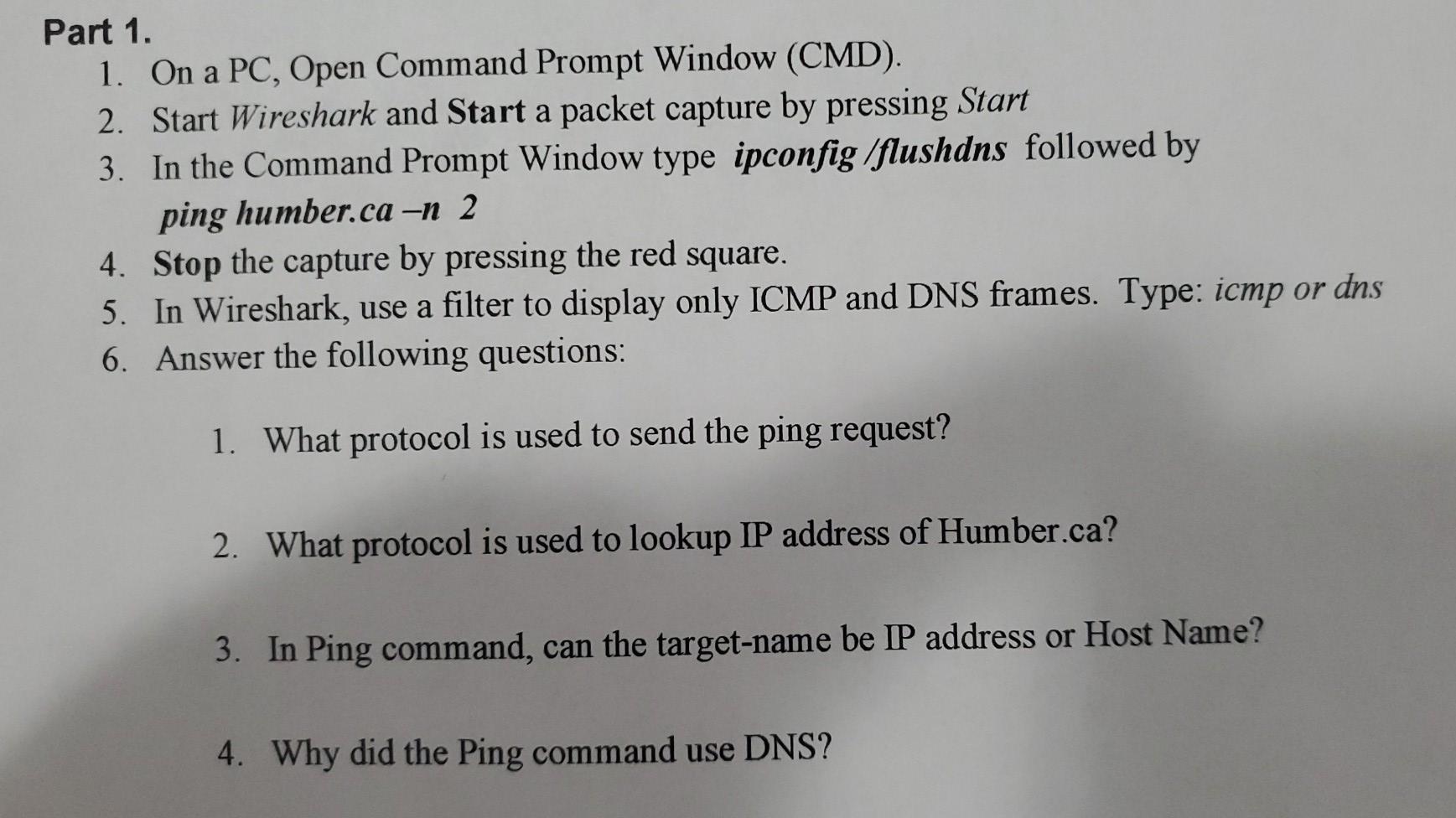
Part 1. 1. On a PC, Open Command Prompt Window (CMD). 2. Start Wireshark and Start a packet capture by pressing Start 3. In the Command Prompt Window type ipconfig /flushdns followed by ping humber.ca -n 2 4. Stop the capture by pressing the red square. 5. In Wireshark, use a filter to display only ICMP and DNS frames. Type: icmp or dns 6. Answer the following questions: 1. What protocol is used to send the ping request? 2. What protocol is used to lookup IP address of Humber.ca? 3. In Ping command, can the target-name be IP address or Host Name? 4. Why did the Ping command use DNS
Step by Step Solution
There are 3 Steps involved in it
1 Expert Approved Answer
Step: 1 Unlock

Question Has Been Solved by an Expert!
Get step-by-step solutions from verified subject matter experts
Step: 2 Unlock
Step: 3 Unlock
 Study Help