







Question: Part 1: Command-let Navigation in Windows PowerShell - In PowerShell, create a directory called csci109 under C: - Navigate into the directory (C:lcsci109) - Perform
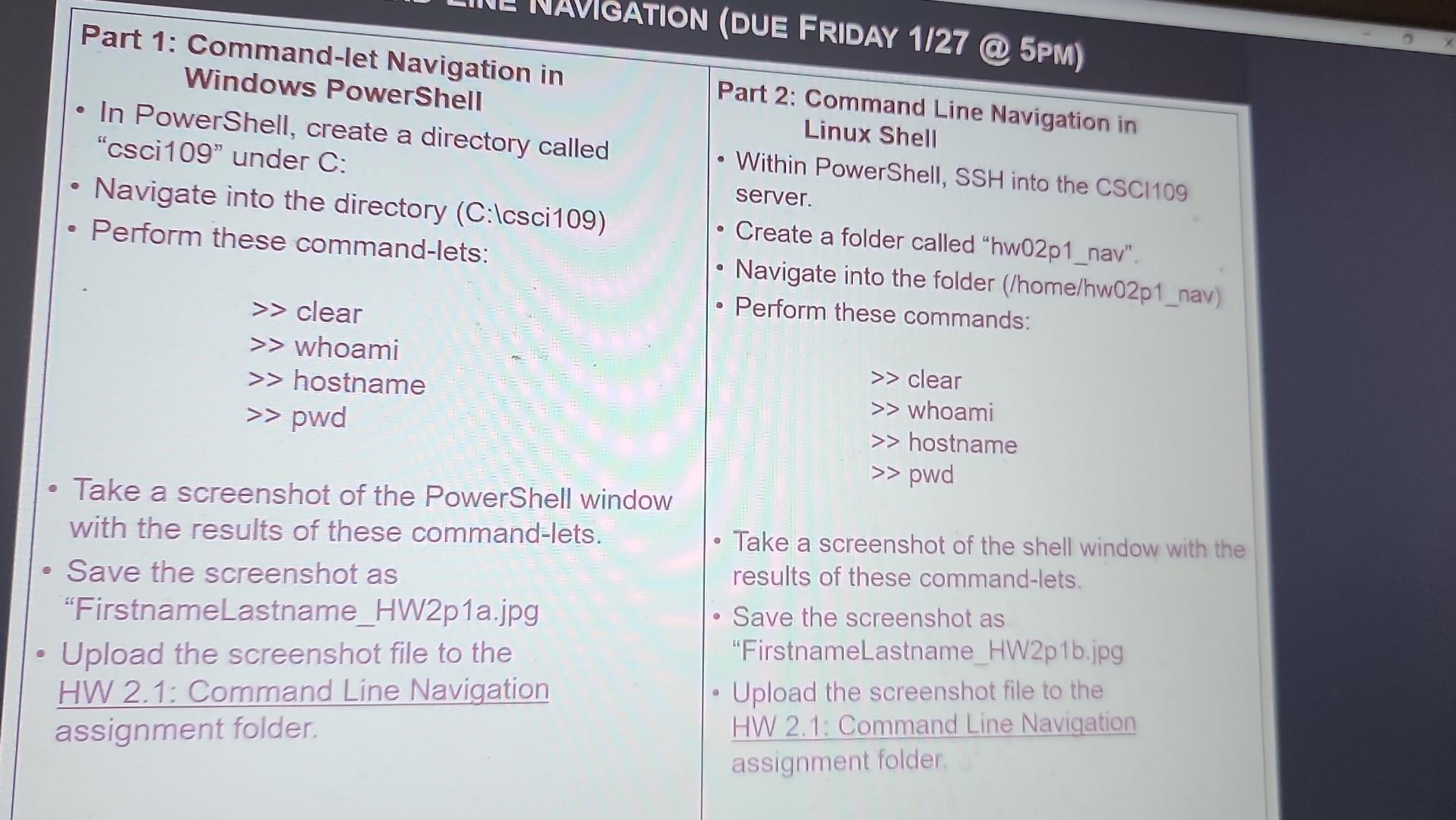
Part 1: Command-let Navigation in Windows PowerShell - In PowerShell, create a directory called "csci109" under C: - Navigate into the directory (C:lcsci109) - Perform these command-lets: Part 2: Command Line Navigation in Linux Shell - Within PowerShell, SSH into the CSCl109 server. - Create a folder called "hw02p1_nav". - Navigate into the folder (/home/hw02p1_nav) - Perform these commands: clear > whoami > hostname clear pwd whoami > hostname pwd - Take a screenshot of the PowerShell window with the results of these command-lets. - Save the screenshot as - Take a screenshot of the shell window with the results of these command-lets. Upload the screenshot file to the - Save the screenshot as HW 2.1: Command Line Navigation "FirstnameLastname_HW2p1b.jpg assignment folder. - Upload the screenshot file to the HW 2.1: Command Line Navigation assignment folder
Step by Step Solution
There are 3 Steps involved in it

Get step-by-step solutions from verified subject matter experts
 Study Help