







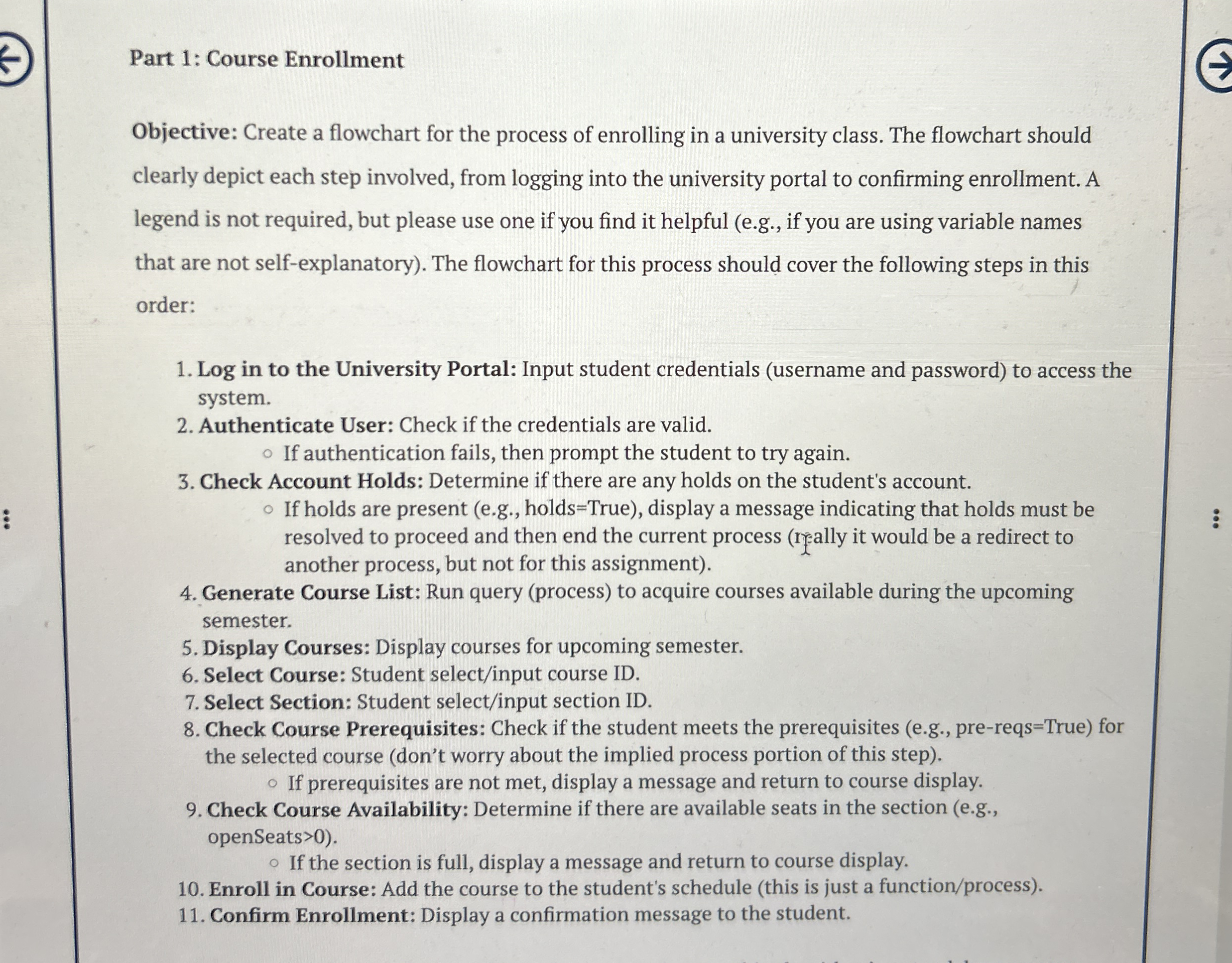
Question: Part 1 : Course Enrollment Objective: Create a flowchart for the process of enrolling in a university class. The flowchart should clearly depict each step
Part : Course Enrollment
Objective: Create a flowchart for the process of enrolling in a university class. The flowchart should
clearly depict each step involved, from logging into the university portal to confirming enrollment. A
legend is not required, but please use one if you find it helpful eg if you are using variable names
that are not selfexplanatory The flowchart for this process should cover the following steps in this
order:
Log in to the University Portal: Input student credentials username and password to access the
system.
Authenticate User: Check if the credentials are valid.
If authentication fails, then prompt the student to try again.
Check Account Holds: Determine if there are any holds on the student's account.
If holds are present eg holdsTrue display a message indicating that holds must be
resolved to proceed and then end the current process really it would be a redirect to
another process, but not for this assignment
Generate Course List: Run query process to acquire courses available during the upcoming
semester.
Display Courses: Display courses for upcoming semester.
Select Course: Student selectinput course ID
Select Section: Student selectinput section ID
Check Course Prerequisites: Check if the student meets the prerequisites eg prereqsTrue for
the selected course dont worry about the implied process portion of this step
If prerequisites are not met, display a message and return to course display.
Check Course Availability: Determine if there are available seats in the section eg
openSeats
If the section is full, display a message and return to course display.
Enroll in Course: Add the course to the student's schedule this is just a functionprocess
Confirm Enrollment: Display a confirmation message to the student.
Step by Step Solution
There are 3 Steps involved in it
1 Expert Approved Answer
Step: 1 Unlock

Question Has Been Solved by an Expert!
Get step-by-step solutions from verified subject matter experts
Step: 2 Unlock
Step: 3 Unlock
 Study Help