







Question: Part 1 - Investigating and selecting hypervisor solution 1.1, 1.2, 1.3, 1.4, 1.5, 1.6 PE1, KE1 Task 1-Government and industry guidelines 1.1, KE1 Conduct
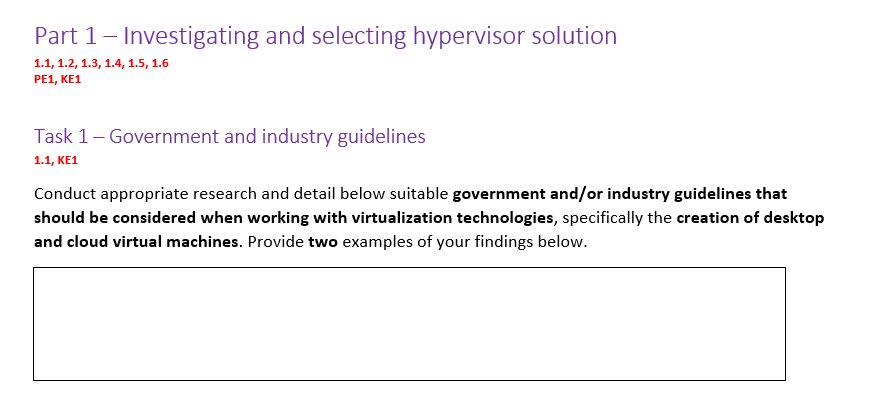
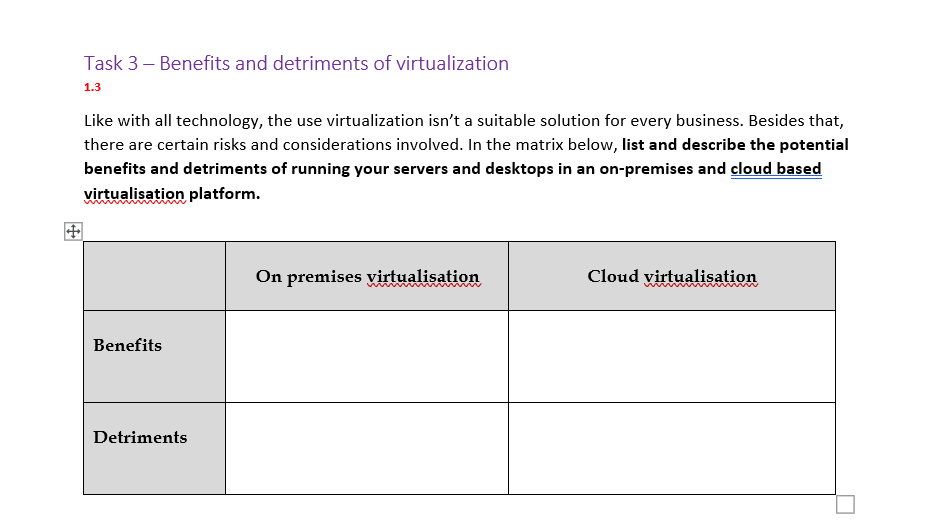
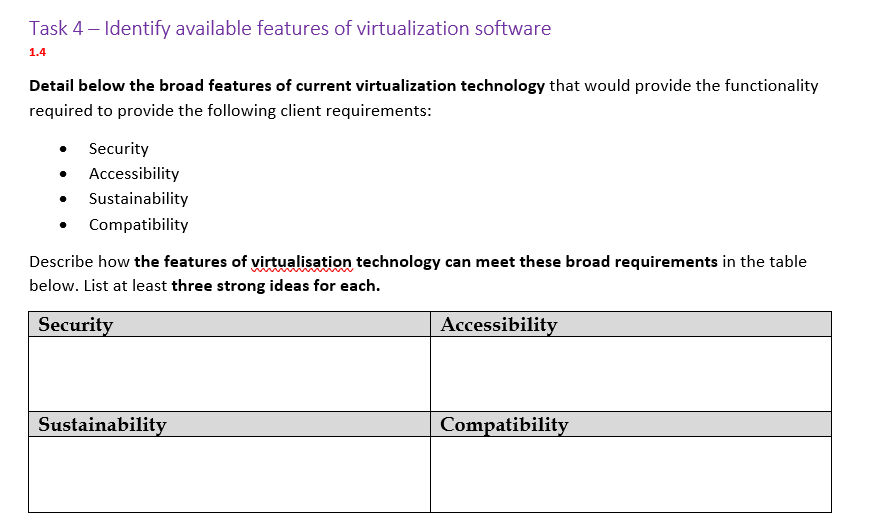
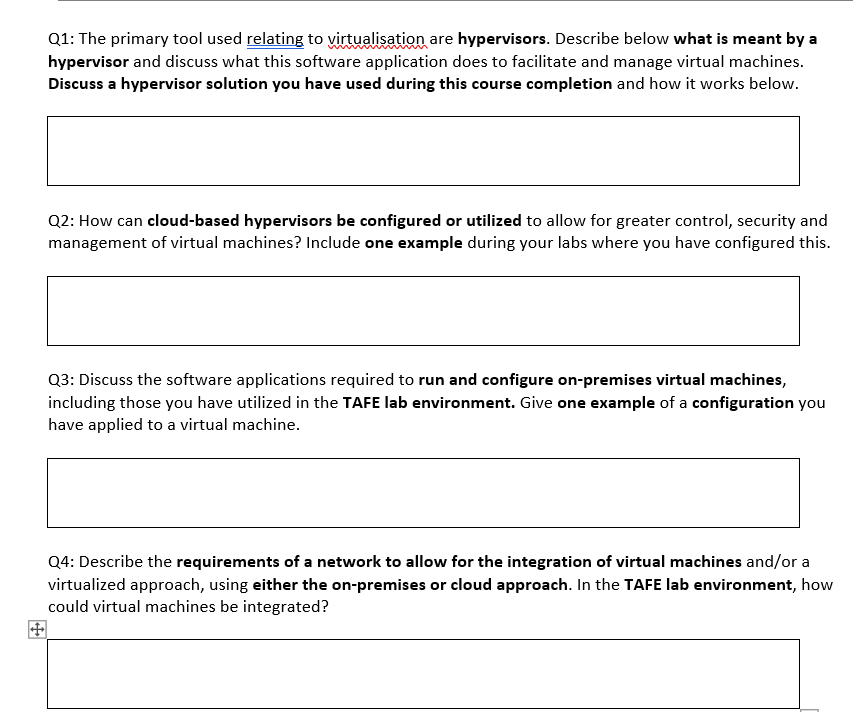
Part 1 - Investigating and selecting hypervisor solution 1.1, 1.2, 1.3, 1.4, 1.5, 1.6 PE1, KE1 Task 1-Government and industry guidelines 1.1, KE1 Conduct appropriate research and detail below suitable government and/or industry guidelines that should be considered when working with virtualization technologies, specifically the creation of desktop and cloud virtual machines. Provide two examples of your findings below. Task 3 - Benefits and detriments of virtualization 1.3 Like with all technology, the use virtualization isn't a suitable solution for every business. Besides that, there are certain risks and considerations involved. In the matrix below, list and describe the potential benefits and detriments of running your servers and desktops in an on-premises and cloud based virtualisation platform. Benefits Detriments On premises virtualisation Cloud virtualisation www wwww Task 4 - Identify available features of virtualization software 1.4 Detail below the broad features of current virtualization technology that would provide the functionality required to provide the following client requirements: Security Accessibility Sustainability Compatibility Describe how the features of virtualisation technology can meet these broad requirements in the table below. List at least three strong ideas for each. Security Accessibility Sustainability Compatibility + Q1: The primary tool used relating to virtualisation are hypervisors. Describe below what is meant by a hypervisor and discuss what this software application does to facilitate and manage virtual machines. Discuss a hypervisor solution you have used during this course completion and how it works below. Q2: How can cloud-based hypervisors be configured or utilized to allow for greater control, security and management of virtual machines? Include one example during your labs where you have configured this. Q3: Discuss the software applications required to run and configure on-premises virtual machines, including those you have utilized in the TAFE lab environment. Give one example of a configuration you have applied to a virtual machine. Q4: Describe the requirements of a network to allow for the integration of virtual machines and/or a virtualized approach, using either the on-premises or cloud approach. In the TAFE lab environment, how could virtual machines be integrated?
Step by Step Solution
There are 3 Steps involved in it

Get step-by-step solutions from verified subject matter experts
 Study Help