







Question: Part 2 Then, combine the code snippets to write a new script in the MATLAB code editor. To write a script, click the /Home
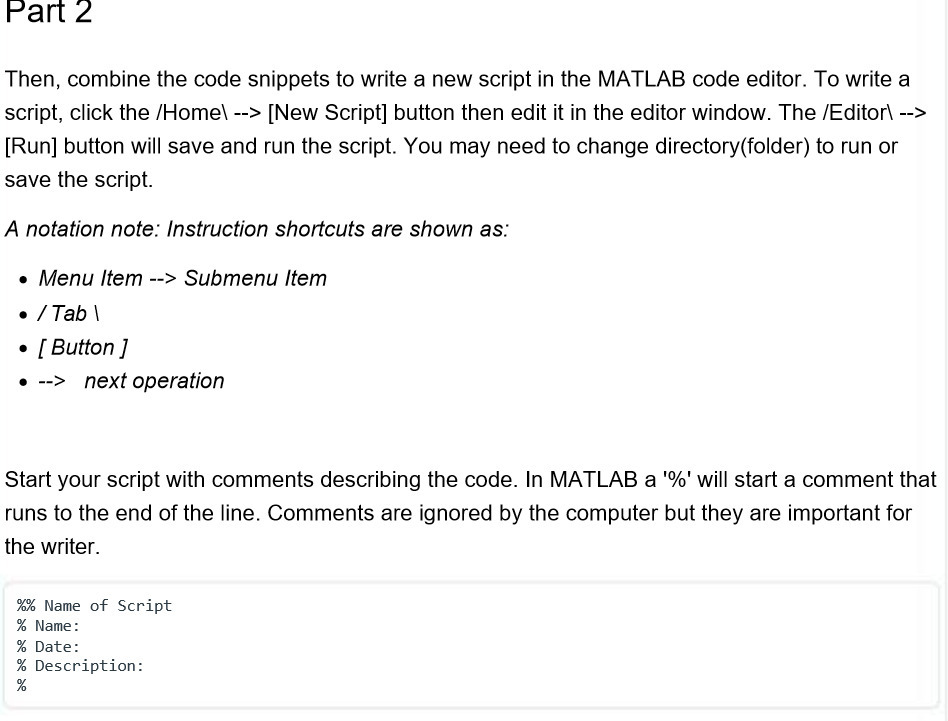
Part 2 Then, combine the code snippets to write a new script in the MATLAB code editor. To write a script, click the /Home\ --> [New Script] button then edit it in the editor window. The /Editor\ --> [Run] button will save and run the script. You may need to change directory(folder) to run or save the script. A notation note: Instruction shortcuts are shown as: Menu Item --> Submenu Item / Tab\ [Button] --> next operation Start your script with comments describing the code. In MATLAB a '%' will start a comment that runs to the end of the line. Comments are ignored by the computer but they are important for the writer. %% Name of Script % Name: % Date: % Description: %
Step by Step Solution
There are 3 Steps involved in it
Answer Sure heres how you can combine the code snippets into a single script and include appropriate ... View full answer

Get step-by-step solutions from verified subject matter experts
 Study Help