



Question: Part 3: Choose the Earth and Moon system as shown below. Check the path box and select gravity II I! on. sa 1. Start the
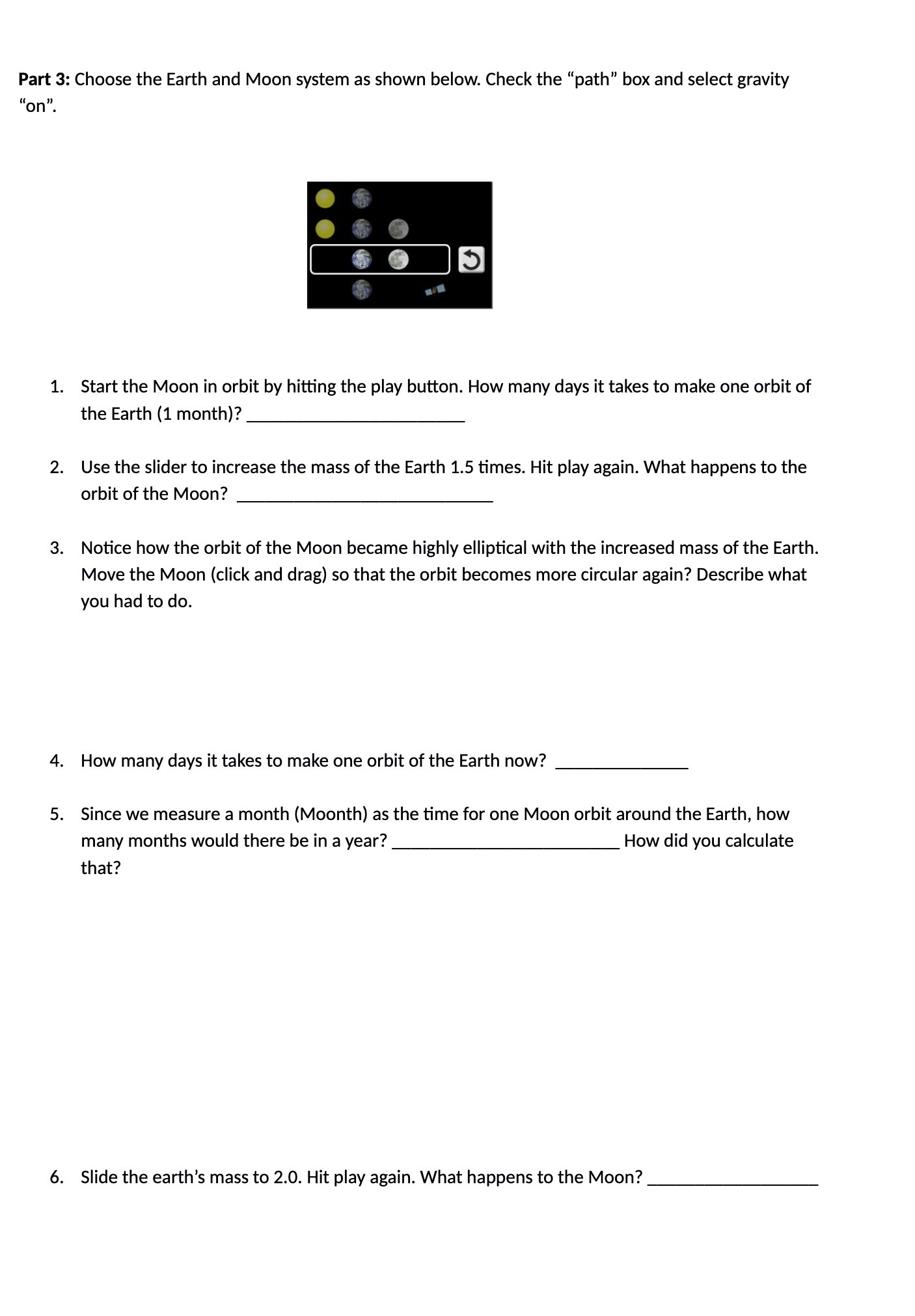
Part 3: Choose the Earth and Moon system as shown below. Check the "path\" box and select gravity II I! on. sa 1. Start the Moon in orbit by hitting the play button. How many days it takes to make one orbit of the Earth (1 month)? 2. Use the slider to increase the mass of the Earth 1.5 times. Hit play again. What happens to the orbit of the Moon? 3. Notice how the orbit of the Moon became highly elliptical with the increased mass of the Earth. Move the Moon (click and drag) so that the orbit becomes more circular again? Describe what you had to do. 4. How many days it takes to make one orbit of the Earth now? 5. Since we measure a month (Moonth) as the time for one Moon orbit around the Earth, how many months would there be in a year? How did you calculate that? 6. Slide the earth's mass to 2.0. Hit play again. What happens to the Moon
Step by Step Solution
There are 3 Steps involved in it

Get step-by-step solutions from verified subject matter experts