



Question: Part 5: Configure NAT Step 1: Configure dynamic PAT. a. Create access list 1 to allow only all addresses in the internal networks. b.
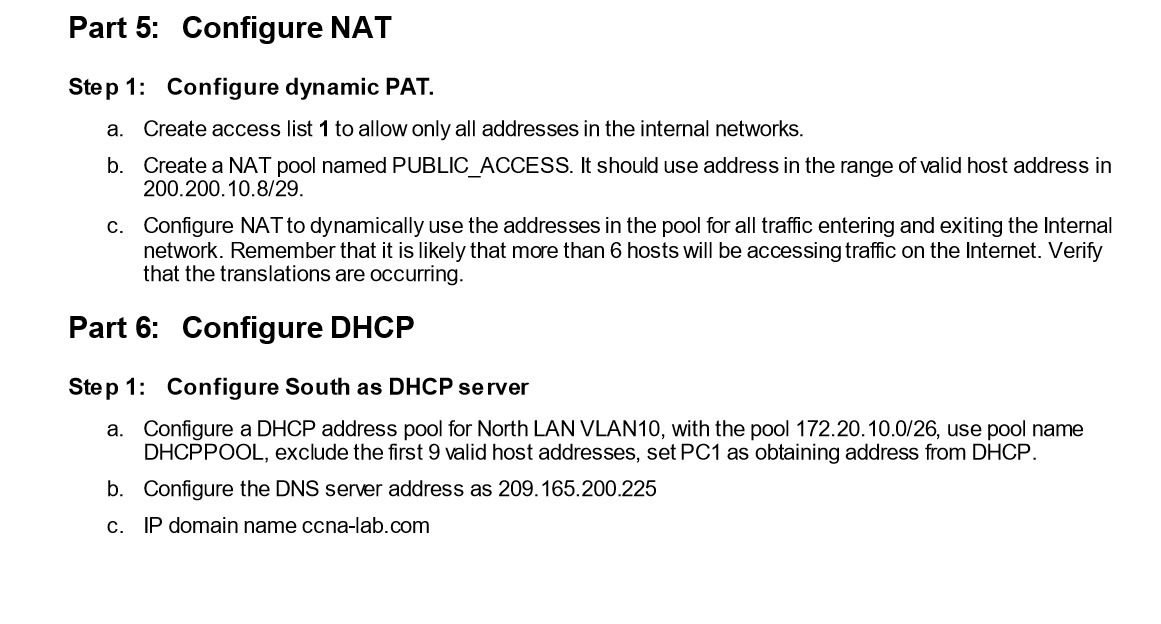
Part 5: Configure NAT Step 1: Configure dynamic PAT. a. Create access list 1 to allow only all addresses in the internal networks. b. Create a NAT pool named PUBLIC_ACCESS. It should use address in the range of valid host address in 200.200.10.8/29. c. Configure NAT to dynamically use the addresses in the pool for all traffic entering and exiting the Internal network. Remember that it is likely that more than 6 hosts will be accessing traffic on the Internet. Verify that the translations are occurring. Part 6: Configure DHCP Step 1: Configure South as DHCP server a. Configure a DHCP address pool for North LAN VLAN10, with the pool 172.20.10.0/26, use pool name DHCPPOOL, exclude the first 9 valid host addresses, set PC1 as obtaining address from DHCP. b. Configure the DNS server address as 209.165.200.225 c. IP domain name ccna-lab.com
Step by Step Solution
There are 3 Steps involved in it

Get step-by-step solutions from verified subject matter experts