



Question: Part 7 Style the reservations page We will first style all of the text boxes and the text area. Select these form control elements, (
Part Style the reservations page
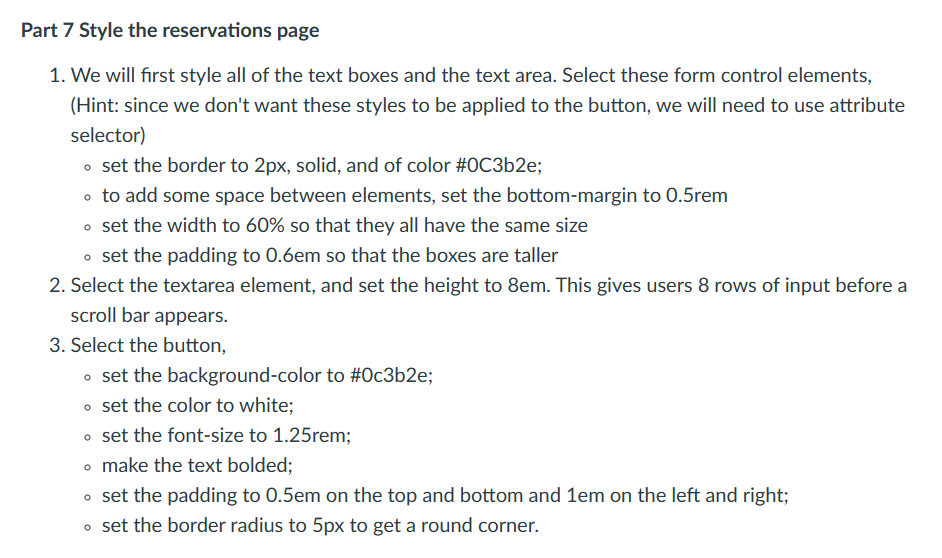
We will first style all of the text boxes and the text area. Select these form control elements,
Hint: since we don't want these styles to be applied to the button, we will need to use attribute
selector
set the border to px solid, and of color #Cbe;
to add some space between elements, set the bottommargin to rem
set the width to so that they all have the same size
set the padding to so that the boxes are taller
Select the textarea element, and set the height to This gives users rows of input before a
scroll bar appears.
Select the button,
set the backgroundcolor to #cbe;
set the color to white;
set the fontsize to rem;
make the text bolded;
set the padding to on the top and bottom and on the left and right;
set the border radius to to get a round corner.
Step by Step Solution
There are 3 Steps involved in it
1 Expert Approved Answer
Step: 1 Unlock

Question Has Been Solved by an Expert!
Get step-by-step solutions from verified subject matter experts
Step: 2 Unlock
Step: 3 Unlock