







Question: Part A As you read your eText, the menu options at the left of your screen will help you to easily navigate the eText and
Part A
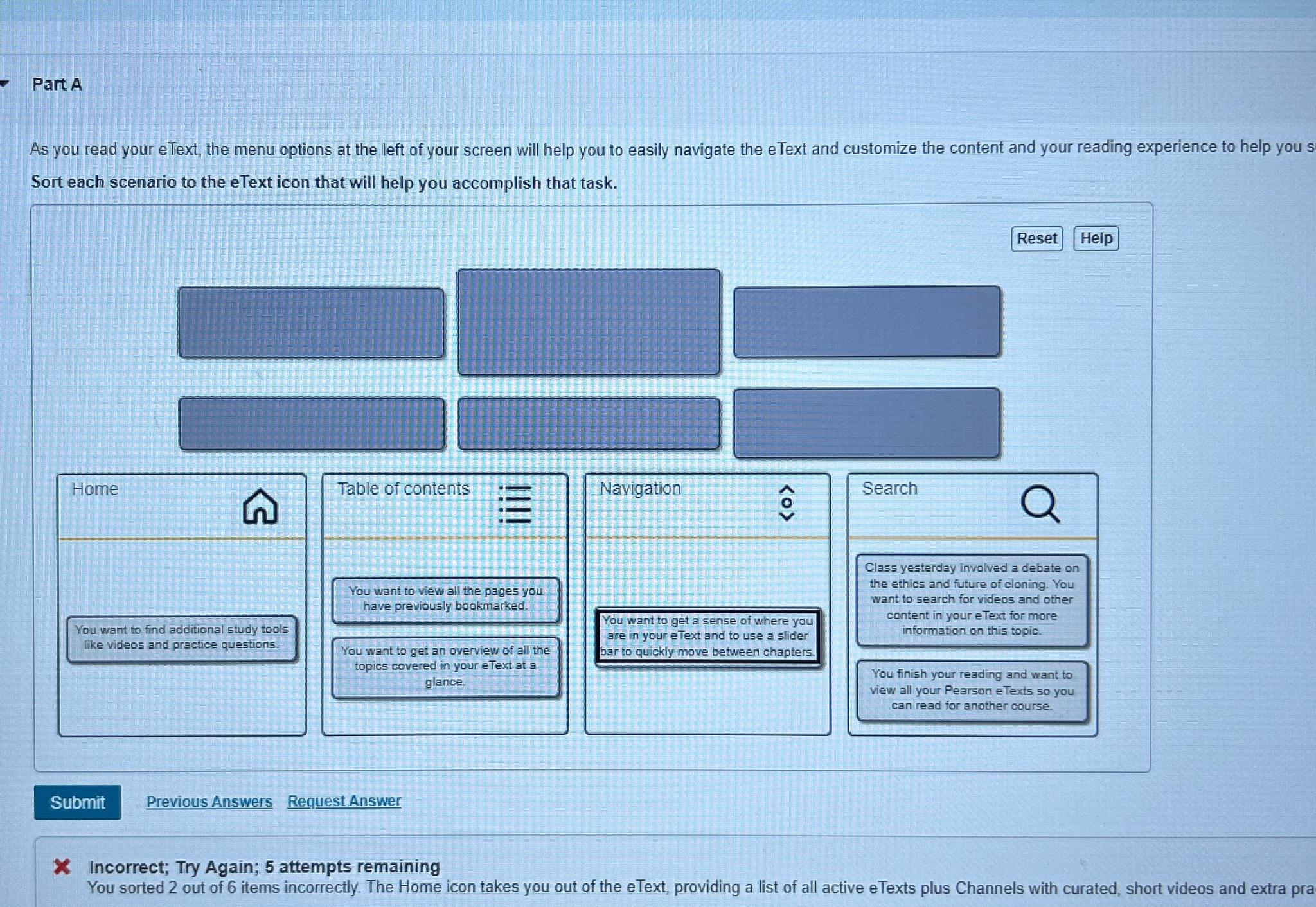
As you read your eText, the menu options at the left of your screen will help you to easily navigate the eText and customize the content and your reading experience to help you Sort each scenario to the eText icon that will help you accomplish that task.
Reset
Table of contents
You want to view all the pages you have previously bookmarked.
You want to get an overview of all the topics covered in your eText at a glanee.
Previous Answers
Request Answer
Incorrect; Try Again; attempts remaining
You sorted out of items incorrectly. The Home icon takes you out of the eText, providing a list of all active eTexts plus Channels with curated, short videos and extra pra
Step by Step Solution
There are 3 Steps involved in it
1 Expert Approved Answer
Step: 1 Unlock

Question Has Been Solved by an Expert!
Get step-by-step solutions from verified subject matter experts
Step: 2 Unlock
Step: 3 Unlock
 Study Help