







Question: Part (A): Organize your work: a. Create one folder for your website named: supplies and under the same root directory of your website create the
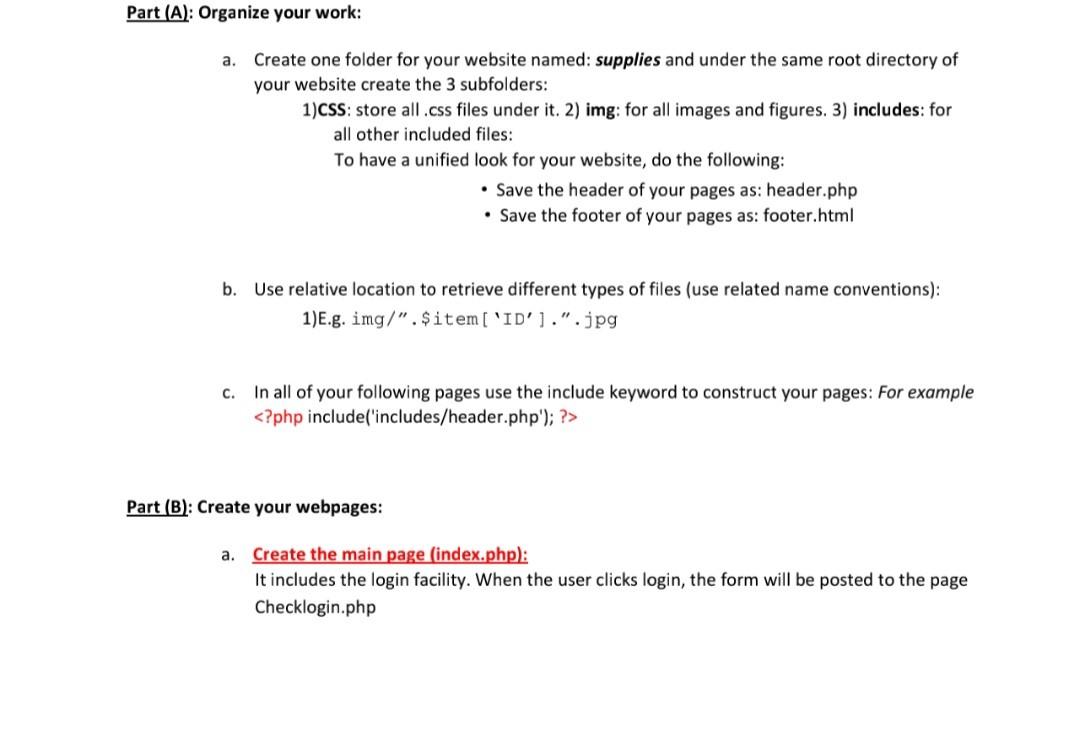
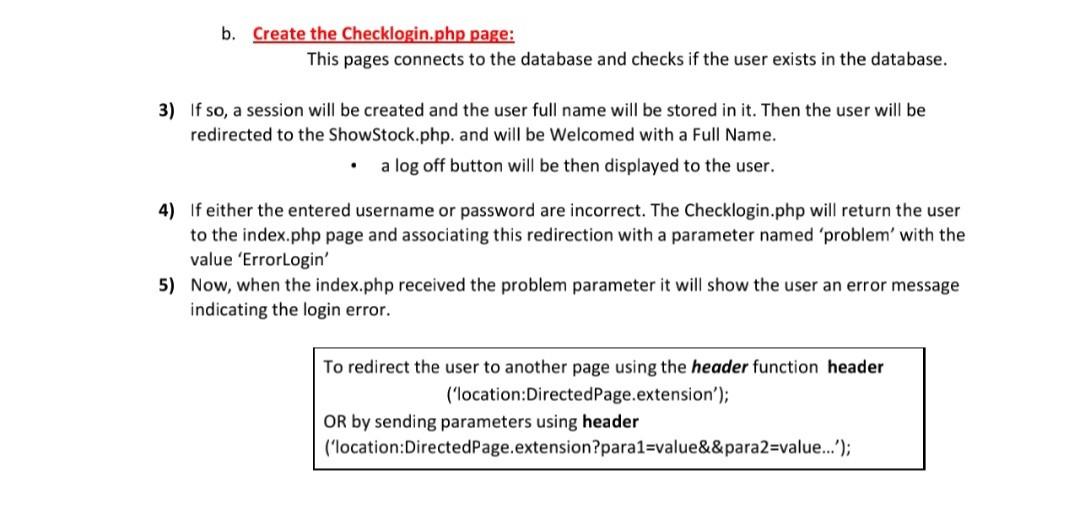

Part (A): Organize your work: a. Create one folder for your website named: supplies and under the same root directory of your website create the 3 subfolders: 1)CSS: store all .css files under it. 2) img: for all images and figures. 3) includes: for all other included files: To have a unified look for your website, do the following: - Save the header of your pages as: header.php - Save the footer of your pages as: footer.html b. Use relative location to retrieve different types of files (use related name conventions): 1)E.g. img/". \$ item[ [ID'] .".jpg c. In all of your following pages use the include keyword to construct your pages: For example Part (B): Create your webpages: a. Create the main page (index.php): It includes the login facility. When the user clicks login, the form will be posted to the page Checklogin.php b. Create the Checklogin.php page: This pages connects to the database and checks if the user exists in the database. 3) If so, a session will be created and the user full name will be stored in it. Then the user will be redirected to the ShowStock.php. and will be Welcomed with a Full Name. - a log off button will be then displayed to the user. 4) If either the entered username or password are incorrect. The Checklogin.php will return the user to the index.php page and associating this redirection with a parameter named 'problem' with the value 'Errorlogin' 5) Now, when the index.php received the problem parameter it will show the user an error message indicating the login error. To redirect the user to another page using the header function header ('location:DirectedPage.extension'); OR by sending parameters using header ('location:DirectedPage.extension?para1=value\&\& para2=value...'); c. Create the ShowStock.php page: 1)Show available information about stock storage for authenticated users
Step by Step Solution
There are 3 Steps involved in it

Get step-by-step solutions from verified subject matter experts
 Study Help