







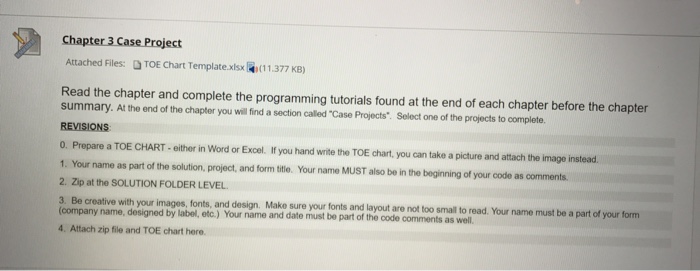
Question: PART A. Using Microsoft Visual Basic 2015, complete the following. The instructions are listed in the following pictures and the TOE chart template as well.
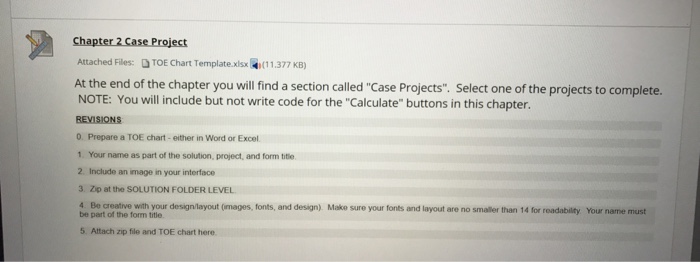
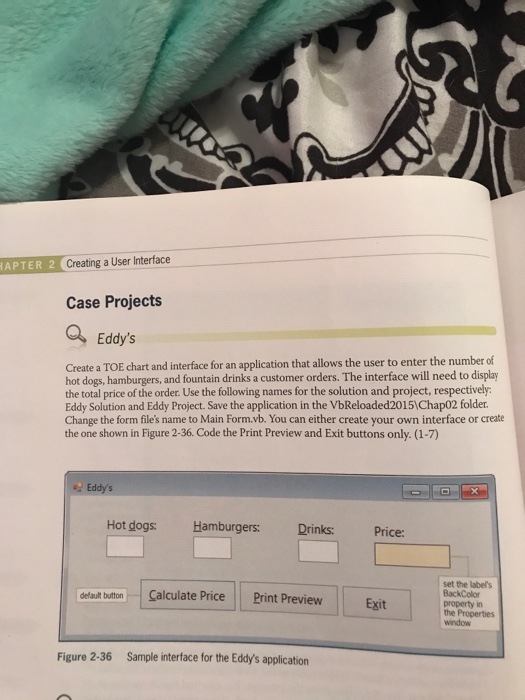
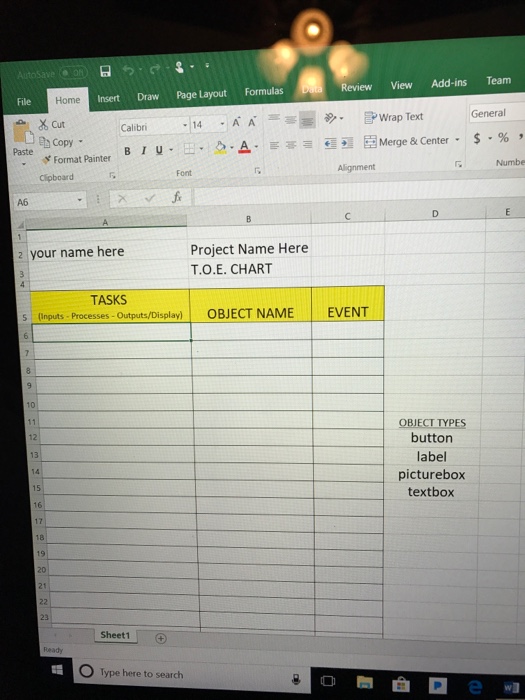
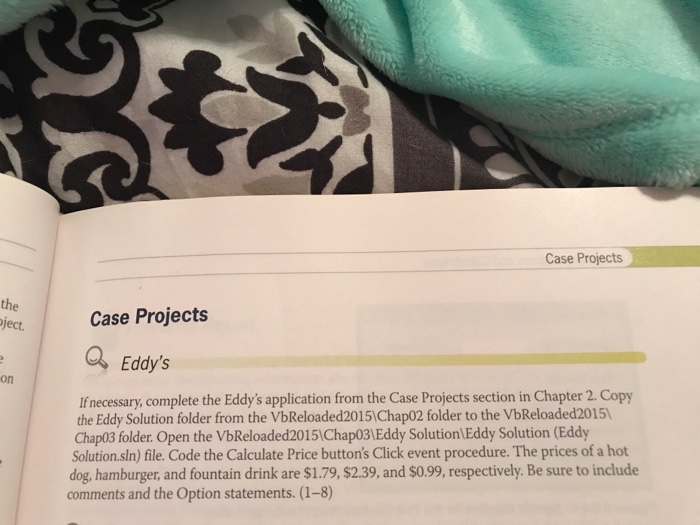
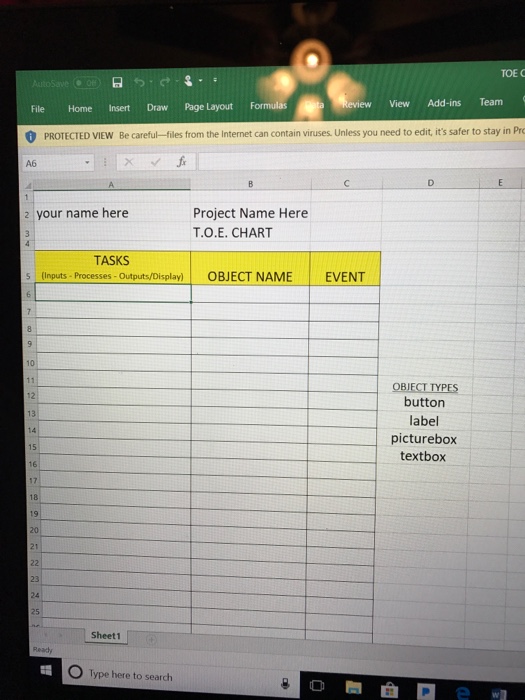
Attached Files: TOE Chart Template.xlsx (11377 KB) At the end of the chapter you will find a section called "Case Projects". Select one of the projects to complete. NOTE: You will include but not write code for the "Calculate" buttons in this chapter REVISIONS 0. Prepare a TOE chart- either in Word or Excel 1. Your name as part of the solution, project, and form tite 2. Include an image in your interface 3. Zp at the SOLUTION FOLDER LEVEL 4 Be creative with your design/layout (images, fonts, and design). Make sure your fonts and layout are no smaller than 14 for roadability Your name must be part of the form title 5. Attach zip file and TOE chart here
Step by Step Solution
There are 3 Steps involved in it

Get step-by-step solutions from verified subject matter experts
 Study Help