







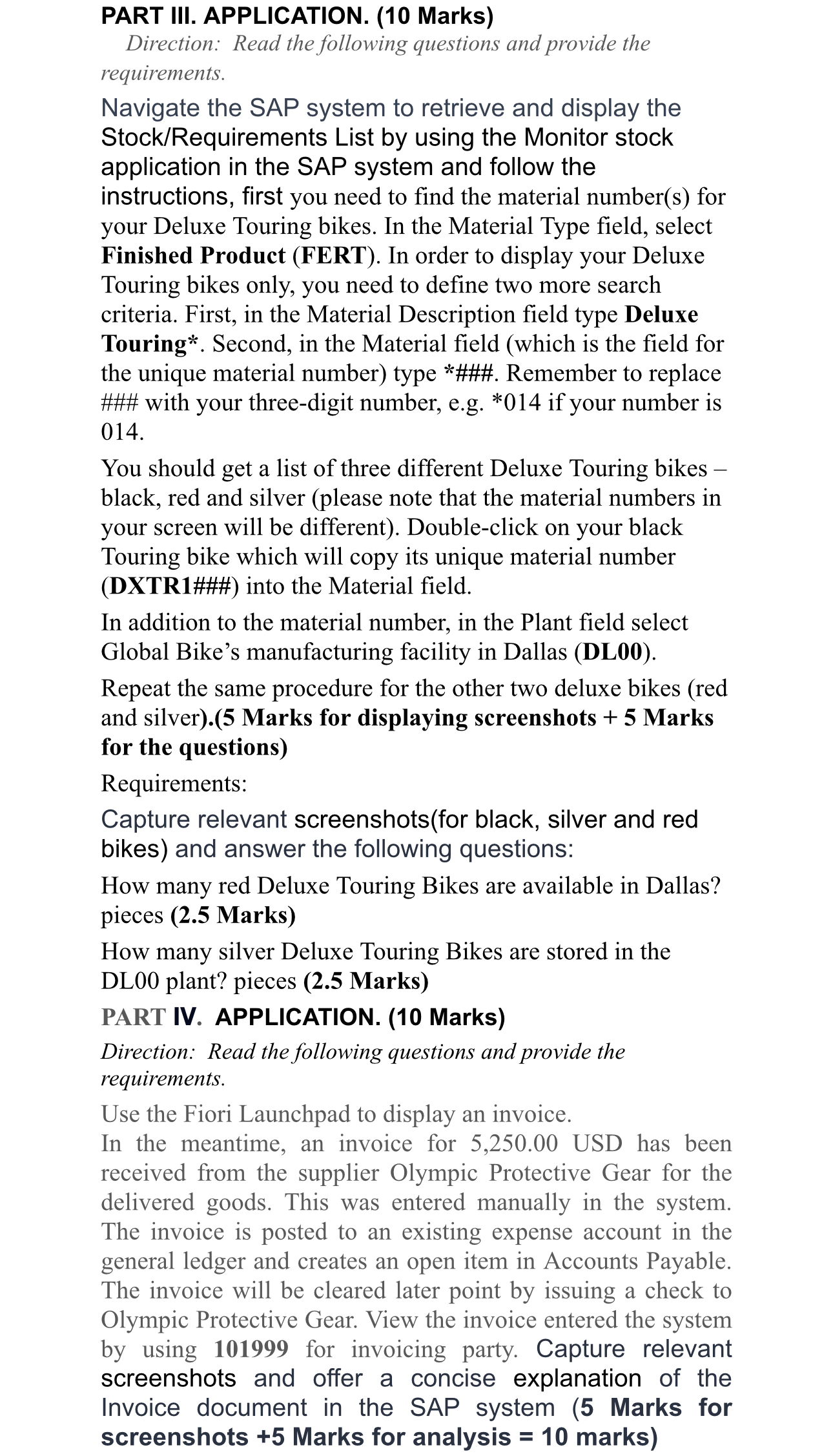
Question: PART III. APPLICATION. ( 1 0 Marks ) Direction: Read the following questions and provide the requirements. Navigate the SAP system to retrieve and display
PART III. APPLICATION. Marks
Direction: Read the following questions and provide the requirements.
Navigate the SAP system to retrieve and display the StockRequirements List by using the Monitor stock application in the SAP system and follow the instructions, first you need to find the material numbers for your Deluxe Touring bikes. In the Material Type field, select Finished Product FERT In order to display your Deluxe Touring bikes only, you need to define two more search criteria. First, in the Material Description field type Deluxe Touring Second, in the Material field which is the field for the unique material number type ### Remember to replace ### with your threedigit number, eg if your number is
You should get a list of three different Deluxe Touring bikes black, red and silver please note that the material numbers in your screen will be different Doubleclick on your black Touring bike which will copy its unique material number DXTR### into the Material field.
In addition to the material number, in the Plant field select Global Bike's manufacturing facility in Dallas DL
Repeat the same procedure for the other two deluxe bikes red and silver Marks for displaying screenshots Marks for the questions
Requirements:
Capture relevant screenshotsfor black, silver and red bikes and answer the following questions:
How many red Deluxe Touring Bikes are available in Dallas? pieces Marks
How many silver Deluxe Touring Bikes are stored in the DL plant? pieces Marks
PART IV APPLICATION. Marks
Direction: Read the following questions and provide the requirements.
Use the Fiori Launchpad to display an invoice.
In the meantime, an invoice for USD has been received from the supplier Olympic Protective Gear for the delivered goods. This was entered manually in the system. The invoice is posted to an existing expense account in the general ledger and creates an open item in Accounts Payable. The invoice will be cleared later point by issuing a check to Olympic Protective Gear. View the invoice entered the system by using for invoicing party. Capture relevant screenshots and offer a concise explanation of the Invoice document in the SAP system Marks for screenshots Marks for analysis marks
Step by Step Solution
There are 3 Steps involved in it
1 Expert Approved Answer
Step: 1 Unlock

Question Has Been Solved by an Expert!
Get step-by-step solutions from verified subject matter experts
Step: 2 Unlock
Step: 3 Unlock
 Study Help