



Question: Perform this lab only if you have fully performed the earlier lab ( part 1 ) : Server authentication using SSH keys PART 1 Multi
Perform this lab only if you have fully performed the earlier lab part : Server authentication using SSH keys PART
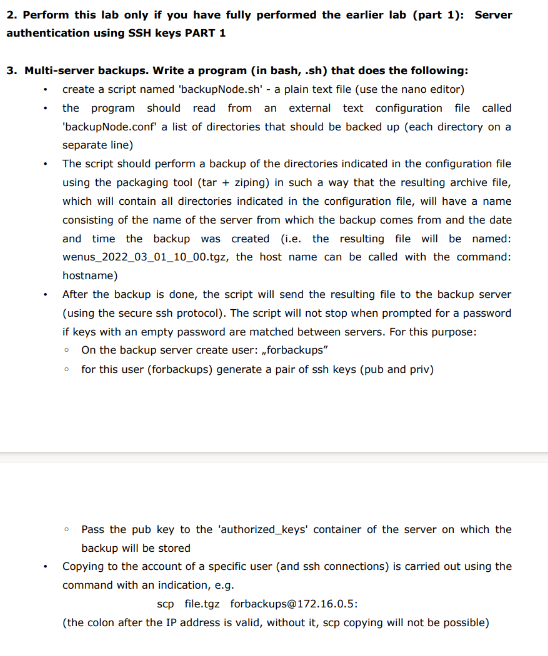
Multiserver backups. Write a program in bash, sh that does the following:
create a script named
backupNode.sh a plain text file use the nano editor
the program should read from an external text configuration file called 'backupNode.conf' a list of directories that should be backed up each directory on a separate line
The script should perform a backup of the directories indicated in the configuration file using the packaging tool tar ziping in such a way that the resulting archive file, which will contain all directories indicated in the configuration file, will have a name consisting of the name of the server from which the backup comes from and the date and time the backup was created ie the resulting file will be named: wenustgz the host name can be called with the command: hostname
After the backup is done, the script will send the resulting file to the backup server using the secure ssh protocol The script will not stop when prompted for a password if keys with an empty password are matched between servers. For this purpose:
On the backup server create user: "forbackups"
for this user forbackups generate a pair of ssh keys pub and priv
Pass the pub key to the 'authorizedkeys' container of the server on which the backup will be stored
Copying to the account of a specific user and ssh connections is carried out using the command with an indication, eg
Scp file.tgz
forbackups@:
the colon after the IP address is valid, without it scp copying will not be possible
Step by Step Solution
There are 3 Steps involved in it
1 Expert Approved Answer
Step: 1 Unlock

Question Has Been Solved by an Expert!
Get step-by-step solutions from verified subject matter experts
Step: 2 Unlock
Step: 3 Unlock