







Question: Personal file system in Python How to submit the assignment? Submit 1 file for each of the assignments, including the sub - assignments in assignment
Personal file system in Python
How to submit the assignment?
Submit file for each of the assignments, including the subassignments in assignment Everything is delivered on codegrade.
The assignments are progressionbased. This means that you must use the file you received from task and continue with it in task Perhaps the most practical thing to do is to make a copy of task when you have finished and then work on task from there. And so on
Handed out code
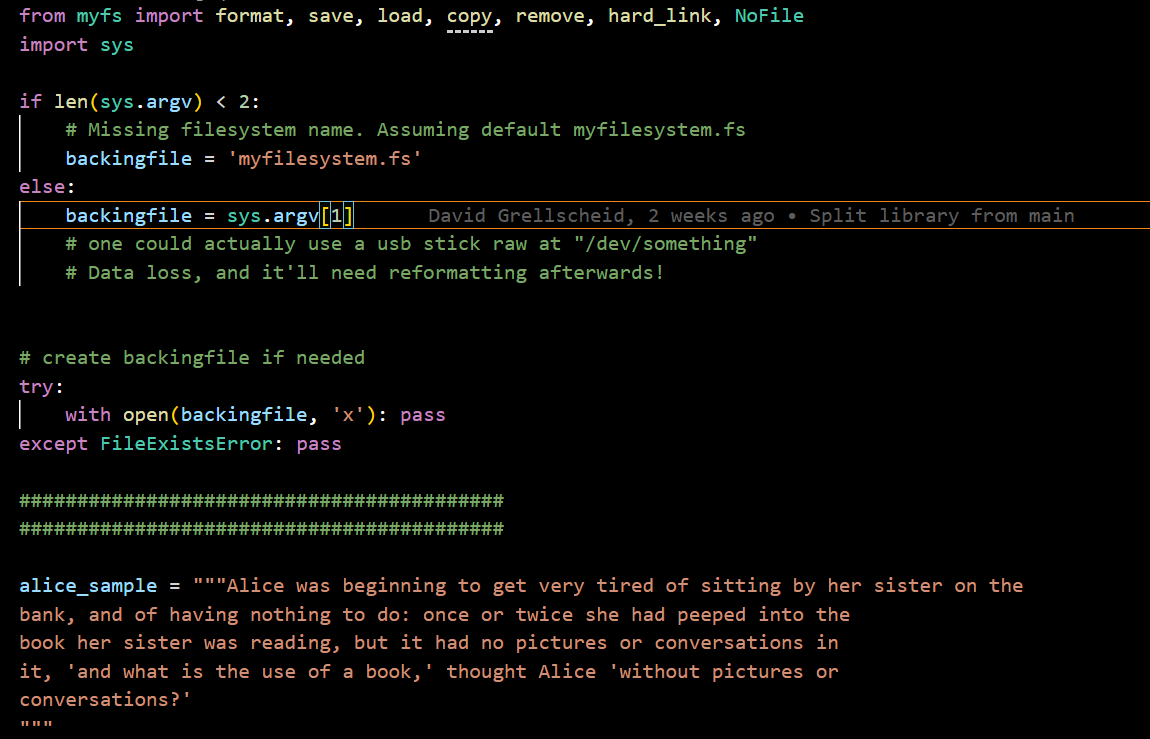
In this task, you will be given code that simulates a simple file system. Run mainpy to generate the file system with some sample files.
The file system as a whole is stored in a file myfilesystem.fs and is divided into blocks. The first block has header information about the file system, and the rest are blocks used for file content. Read the comments and documentation in the code to better understand the code. It is also possible to open the file system as raw data by using the command xxd myfilesystem.fs in the terminal. You will then see an overview of the file system in hexadecimal format.
In main.py some tests have been added that you can run after each task to check if your code works as expected.
ATTENTION: Keep as much of the original structure as possible, ie do not delete or change functions and function names. As you work on the task, you also need to consider the effect of your changes on the functionality of the file system as a whole. For example, changing one function can have effects on another.
Task : Better use of free blocks
deliver file: myfspy
Try to understand how save decides where to save a new file. Consider why this is not ideal considering that files can be deleted. Change the code so that it always finds the first available block to write to This should work in conjunction with remove which deletes files. Make sure you still get the same error message if you don't have room to save more files. In addition, saving an empty file should not be allowed, and you should use the error message EmptyFile when this is the case.
Task : Better loading of files
deliver file: myfspy
The way load is implemented, what happens to files that have valid bytes at the end of the content? We want to change load so that it reads as many bytes as the file actually contains, and not the whole block. Then we solve that problem.
This will require us to store the file size in the file's header. Think about how much of a file entry you need to use for this purpose, and update FILENAMESIZE accordingly. After that, change save so that it saves the file size in the header, and change load so that it reads the correct number of bytes from the block.
Also change findfileno so that it works with the new change.
Finally, since we are now storing file sizes, we can create a helper function findfilesizef fileno that takes the file number returned by findfileno and returns the size of the file that belongs to the file number.
I cant figure out how to implement and pass test or if the test is supposed to pass
def savef filename, content:
Saves a file with the given content to the file system.
Args:
f file object: The file object representing the file system.
filename str: The name of the file to be saved.
content str: The file content to be saved.
numexisting getnumfilesf
newfileno numexisting
setnumfilesf newfileno
if newfileno MAXFILES:
raise NoFreeSpacefNo free space available, max files: MAXFILES
write filename in ftable next free entry, truncate if needed
fseekHEADERSTART FILEENTRYSIZE newfileno
fwritefilenameencodeascii:FILEENTRYSIZE
write content to file block, truncate if needed
fseekHEADERSTART FILEBLOCKSIZE newfileno
fwritecontentencodeascii:FILEBLOCKSIZE
def loadf filename:
Load the content of a file from a custom filesystem.
Args:
f file object: The file object representing the file system.
filename str: The name of the file to load.
Returns:
str: The content of the file as a string.
fileno findfilenof filename
fseekHEADERSTART FILEBLOCKSIZE fileno
content freadFILEBLOCKSIZE
content content.decodeasciistrip
return content
Step by Step Solution
There are 3 Steps involved in it
1 Expert Approved Answer
Step: 1 Unlock

Question Has Been Solved by an Expert!
Get step-by-step solutions from verified subject matter experts
Step: 2 Unlock
Step: 3 Unlock
 Study Help