







Question: Phase 3 - Multiple Files, Wildcards And Option Flags The Rm Command Can Remove Multiple Files, For Example Rm File1 File2 File3. Rm Can Also
Phase 3 - Multiple Files, Wildcards And Option Flags The Rm Command Can Remove Multiple Files, For Example Rm File1 File2 File3. Rm Can Also Use Wildcards, For Example Rm File*. The Rm Command Can Use The – Option, For Interactive Mode, And The V Option For Verbose Mode. Add This Functionality To Your Recycle Script. 1. Ensure The Script Can Recycle Multiple
 U
U
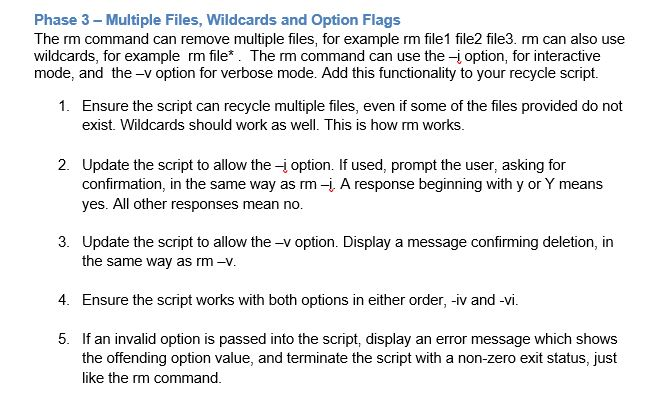
Phase 3 - Multiple Files, Wildcards and Option Flags The rm command can remove multiple files, for example rm file1 file2 file3. rm can also use wildcards, for example rm file*. The rm command can use the -i option, for interactive mode, and the -v option for verbose mode. Add this functionality to your recycle script. 1. Ensure the script can recycle multiple files, even if some of the files provided do not exist. Wildcards should work as well. This is how rm works. 2. Update the script to allow the - option. If used, prompt the user, asking for confirmation, in the same way as rm -. A response beginning with y or Y means yes. All other responses mean no. 3. Update the script to allow the -v option. Display a message confirming deletion, in the same way as rm -v. 4. Ensure the script works with both options in either order, -iv and -vi. 5. If an invalid option is passed into the script, display an error message which shows the offending option value, and terminate the script with a non-zero exit status, just like the rm command.
Step by Step Solution
There are 3 Steps involved in it

Get step-by-step solutions from verified subject matter experts
 Study Help