







Question: Please code in Bash: Your coworkers in the server team spend much of their time working with services when installing programs, performing maintenance, and troubleshooting
Please code in Bash:
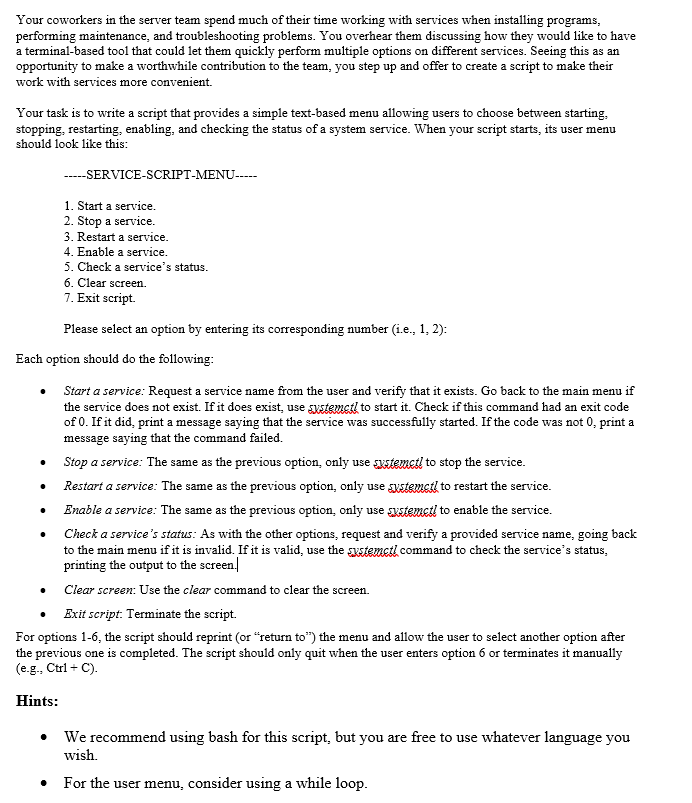
Your coworkers in the server team spend much of their time working with services when installing programs, performing maintenance, and troubleshooting problems. You overhear them discussing how they would like to have a terminal-based tool that could let them quickly perform multiple options on different services. Seeing this as an opportunity to make a worthwhile contribution to the team, you step up and offer to create a script to make their work with services more convenient. Your task is to write a script that provides a simple text-based menu allowing users to choose between starting, stopping, restarting, enabling, and checking the status of a system service. When your script starts, its user menu should look like this: - SERVICE-SCRIPT-MENU- 1. Start a service. 2. Stop a service. 3. Restart a service. 4. Enable a service. 5. Check a service's status. 6. Clear screen. 7. Exit script. Please select an option by entering its corresponding number (i.e., 1, 2): Each option should do the following: - Start a service: Request a service name from the user and verify that it exists. Go back to the main menu if the service does not exist. If it does exist, use sustemstl to start it. Check if this command had an exit code of 0 . If it did, print a message saying that the service was successfully started. If the code was not 0 , print a message saying that the command failed. - Stop a service: The same as the previous option, only use systemctl to stop the service. - Restart a service: The same as the previous option, only use slstemctl to restart the service. - Enable a service: The same as the previous option, only use systemctl to enable the service. - Check a service's status: As with the other options, request and verify a provided service name, going back to the main menu if it is invalid. If it is valid, use the swstemctl command to check the service's status, printing the output to the screen.| - Clear screen: Use the clear command to clear the screen. - Exit script: Terminate the script. For options 1-6, the script should reprint (or "return to") the menu and allow the user to select another option after the previous one is completed. The script should only quit when the user enters option 6 or terminates it manually (e.g., Ctrl + C). Hints: - We recommend using bash for this script, but you are free to use whatever language you wish. - For the user menu, consider using a while loop
Step by Step Solution
There are 3 Steps involved in it

Get step-by-step solutions from verified subject matter experts
 Study Help