







Question: please code in visual studios using windows forms .NET Recent project templates Windows Forms App (.NET) Visual Basic MSTest Test Project (.NET Core) C# Console
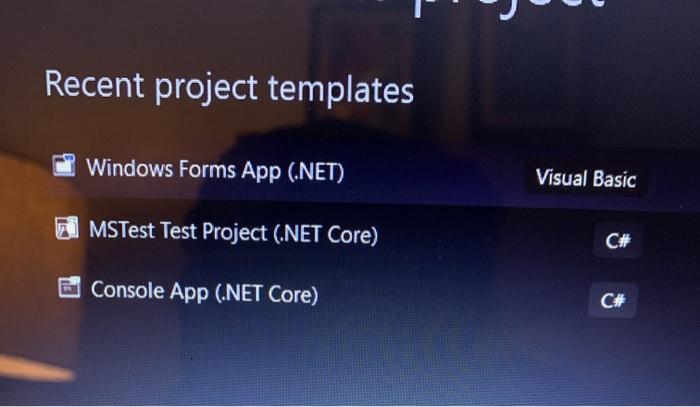
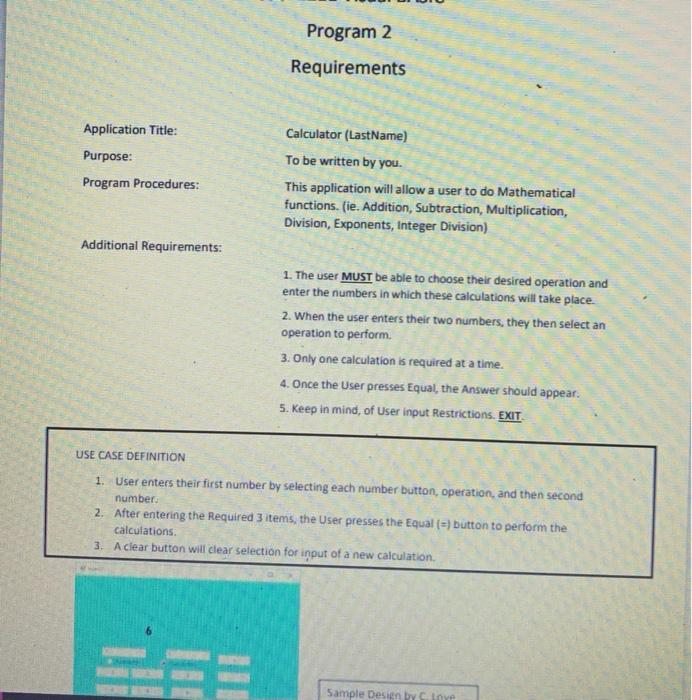
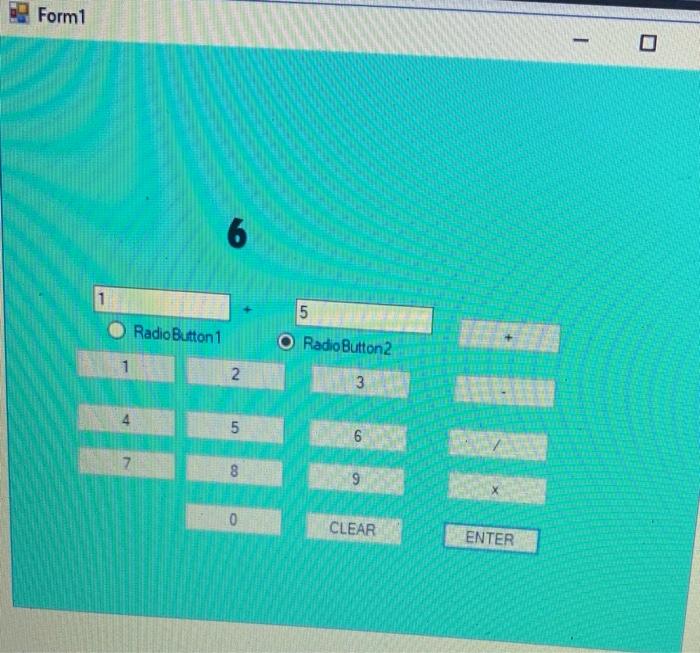
Recent project templates Windows Forms App (.NET) Visual Basic MSTest Test Project (.NET Core) C# Console App (.NET Core) C# Program 2 Requirements Application Title: Purpose: Program Procedures: Calculator (LastName) To be written by you. This application will allow a user to do Mathematical functions. (ie. Addition, Subtraction, Multiplication, Division, Exponents, Integer Division) Additional Requirements: 1. The user MUST be able to choose their desired operation and enter the numbers in which these calculations will take place. 2. When the user enters their two numbers, they then select an operation to perform 3. Only one calculation is required at a time. 4. Once the User presses Equal, the Answer should appear. 5. Keep in mind, of User input Restrictions. EXIT USE CASE DEFINITION 1. User enters their first number by selecting each number button, operation, and then second number: 2. After entering the required 3 items, the User presses the Equal (=) button to perform the calculations 3. A clear button will clear selection for input of a new calculation Sample Design by Cine Form1 6 1 5 Radio Button1 Radio Button2 2 3 5 6 7 8 9 0 CLEAR ENTER
Step by Step Solution
There are 3 Steps involved in it

Get step-by-step solutions from verified subject matter experts
 Study Help