







Question: Please code using assembly language In this lab, we write a program in RISC-V assembly language that finds the GCD of two positive integers. The
Please code using assembly language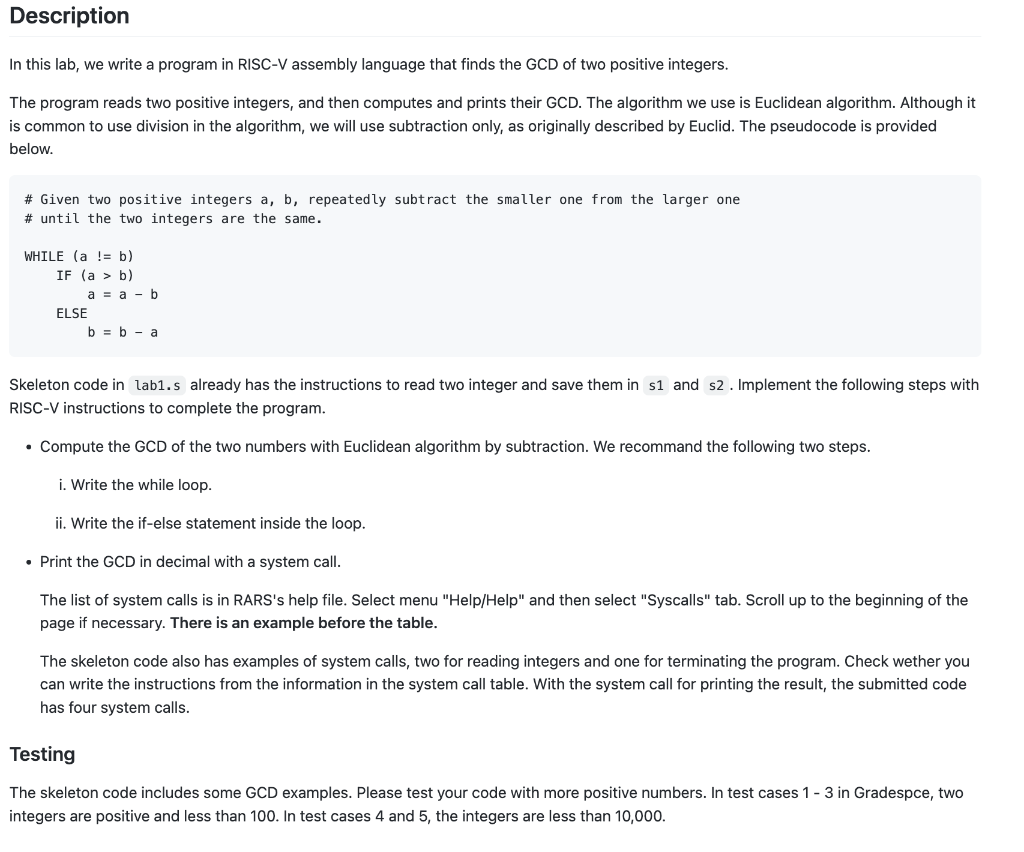
In this lab, we write a program in RISC-V assembly language that finds the GCD of two positive integers. The program reads two positive integers, and then computes and prints their GCD. The algorithm we use is Euclidean algorithm. Although it is common to use division in the algorithm, we will use subtraction only, as originally described by Euclid. The pseudocode is provided below. \# Given two positive integers a, b, repeatedly subtract the smaller one from the larger one \# until the two integers are the same. WHILE (a != b) IF (a>b) a=ab ELSE b=ba Skeleton code in lab1.s already has the instructions to read two integer and save them in and s2. Implement the following steps with RISC-V instructions to complete the program. - Compute the GCD of the two numbers with Euclidean algorithm by subtraction. We recommand the following two steps. i. Write the while loop. ii. Write the if-else statement inside the loop. - Print the GCD in decimal with a system call. The list of system calls is in RARS's help file. Select menu "Help/Help" and then select "Syscalls" tab. Scroll up to the beginning of the page if necessary. There is an example before the table. The skeleton code also has examples of system calls, two for reading integers and one for terminating the program. Check wether you can write the instructions from the information in the system call table. With the system call for printing the result, the submitted code has four system calls. Testing The skeleton code includes some GCD examples. Please test your code with more positive numbers. In test cases 13 in Gradespce, two integers are positive and less than 100. In test cases 4 and 5 , the integers are less than 10,000
Step by Step Solution
There are 3 Steps involved in it

Get step-by-step solutions from verified subject matter experts
 Study Help