





Question: Please design a spreadsheet model to solve a problem you are facing at work, or a problem currently faced by Apple. Describe the problem and

Please design a spreadsheet model to solve a problem you are facing at work, or a problem currently faced by Apple. Describe the problem and design a spreadsheet model to solve it. You will make a sketch of the model, or make an outline in Excel. You can keep it very simple, but be sure to capture the essence of the problem and solution.
Please design a spreadsheet model to solve a
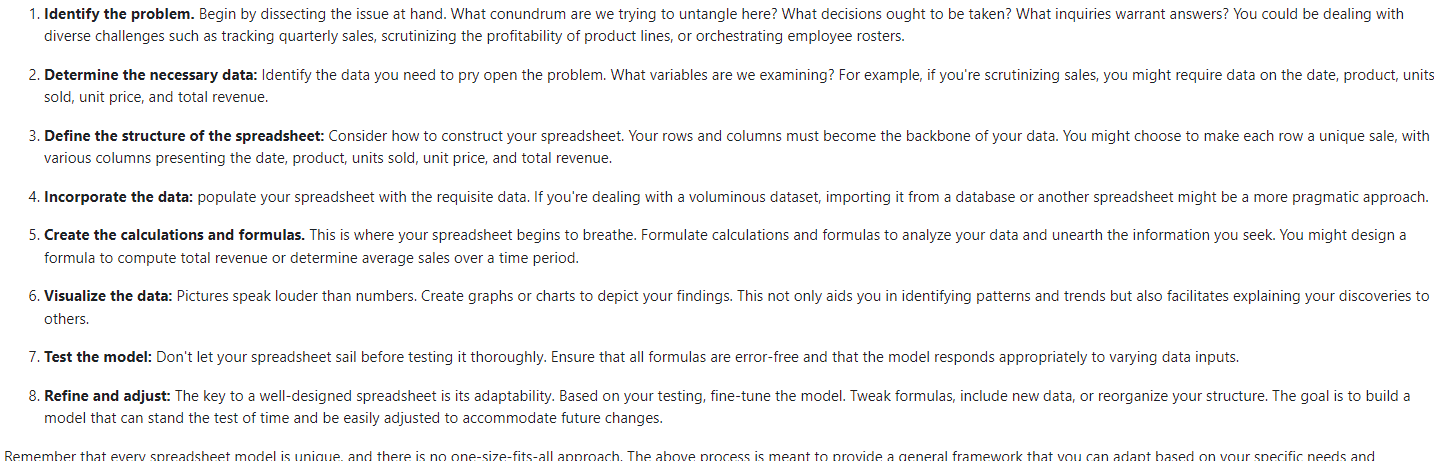
1. Identify the problem. Begin by dissecting the issue at hand. What conundrum are we trying to untangle here? What decisions ought to be taken? What inquiries warrant answers? You could be dealing with diverse challenges such as tracking quarterly sales, scrutinizing the profitability of product lines, or orchestrating employee rosters. 2. Determine the necessary data: Identify the data you need to pry open the problem. What variables are we examining? For example, if you're scrutinizing sales, you might require data on the date, product, units sold, unit price, and total revenue. 3. Define the structure of the spreadsheet: Consider how to construct your spreadsheet. Your rows and columns must become the backbone of your data. You might choose to make each row a unique sale, with various columns presenting the date, product, units sold, unit price, and total revenue. 4. Incorporate the data: populate your spreadsheet with the requisite data. If you're dealing with a voluminous dataset, importing it from a database or another spreadsheet might be a more pragmatic approach. 5. Create the calculations and formulas. This is where your spreadsheet begins to breathe. Formulate calculations and formulas to analyze your data and unearth the information you seek. You might design a formula to compute total revenue or determine average sales over a time period. 6. Visualize the data: Pictures speak louder than numbers. Create graphs or charts to depict your findings. This not only aids you in identifying patterns and trends but also facilitates explaining your discoveries to others. 7. Test the model: Don't let your spreadsheet sail before testing it thoroughly. Ensure that all formulas are error-free and that the model responds appropriately to varying data inputs. 8. Refine and adjust: The key to a well-designed spreadsheet is its adaptability. Based on your testing, fine-tune the model. Tweak formulas, include new data, or reorganize your structure. The goal is to build a model that can stand the test of time and be easily adjusted to accommodate future changes

Step by Step Solution

There are 3 Steps involved in it

1 Expert Approved Answer
Step: 1 Unlock blur-text-image

Question Has Been Solved by an Expert!

Get step-by-step solutions from verified subject matter experts

Step: 2 Unlock
Step: 3 Unlock

Students Have Also Explored These Related Finance Questions!