







Question: PLEASE DO NOT COPY PASTE FROM CHEGG/OTHERWISE I'LL REPORT YOU QUESTION:3 We'll dig a little deeper into strings and arrays in this experiment. Our goal
PLEASE DO NOT COPY PASTE FROM CHEGG/OTHERWISE I'LL REPORT YOU
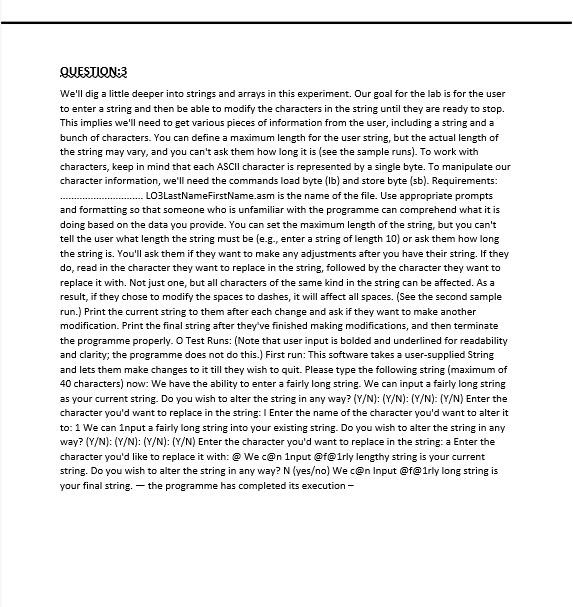
QUESTION:3 We'll dig a little deeper into strings and arrays in this experiment. Our goal for the lab is for the user to enter a string and then be able to modify the characters in the string until they are ready to stop. This implies we'll need to get various pieces of information from the user, including a string and a bunch of characters. You can define a maximum length for the user string, but the actual length of the string may vary, and you can't ask them how long it is (see the sample runs). To work with characters, keep in mind that each ASCII character is represented by a single byte. To manipulate our character information, we'll need the commands load byte (lb) and store byte (sb). Requirements: .LO3LastNameFirstName.asm is the name of the file. Use appropriate prompts and formatting so that someone who is unfamiliar with the programme can comprehend what it is doing based on the data you provide. You can set the maximum length of the string, but you can't tell the user what length the string must be (e-g., enter a string of length 10) or ask them how long the string is. You'll ask them if they want to make any adjustments after you have their string. If they do, read in the character they want to replace in the string, followed by the character they want to replace it with. Not just one, but all characters of the same kind in the string can be affected. As a result, if they chose to modify the spaces to dashes, it will affect all spaces. (See the second sample run.) Print the current string to them after each change and ask if they want to make another modification. Print the final string after they've finished making modifications, and then terminate the programme properly. O Test Runs: (Note that user input is bolded and underlined for readability and clarity, the programme does not do this.) First run: This software takes a user-supplied String and lets them make changes to it till they wish to quit. Please type the following string (maximum of 40 characters) now: We have the ability to enter a fairly long string. We can input a fairly long string as your current string. Do you wish to alter the string in any way? (Y/N): (Y/N): (Y/N): (Y/N) Enter the character you'd want to replace in the string: 1 Enter the name of the character you'd want to alter it to: 1 We can input a fairly long string into your existing string. Do you wish to alter the string in any way? [Y/N): (Y/N): (Y/N): (Y/N) Enter the character you'd want to replace in the string: a Enter the character you'd like to replace it with: @ Wec@n Input @f@1rly lengthy string is your current string. Do you wish to alter the string in any way? N (yeso) We c@n Input @f@1rly long string is your final string. the programme has completed its execution
Step by Step Solution
There are 3 Steps involved in it

Get step-by-step solutions from verified subject matter experts
 Study Help