



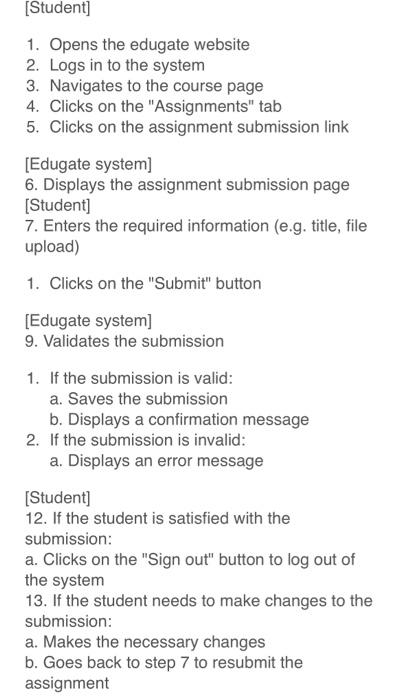
Question: please draw a state machine diagram for these conditions please draw a DIAGRAM Draw A STATE MACHINE DIAGRAM USING THESE CONDITION WRITTEN below [Student] 1.
![DIAGRAM Draw A STATE MACHINE DIAGRAM USING THESE CONDITION WRITTEN below [Student]](https://dsd5zvtm8ll6.cloudfront.net/si.experts.images/questions/2024/09/66ef0a3ce81a1_75666ef0a3c85781.jpg)
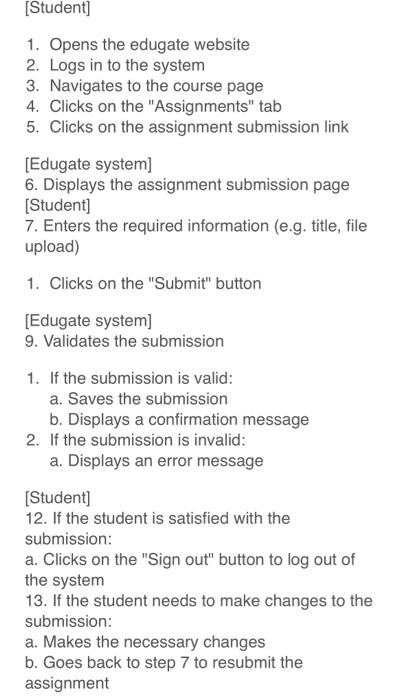
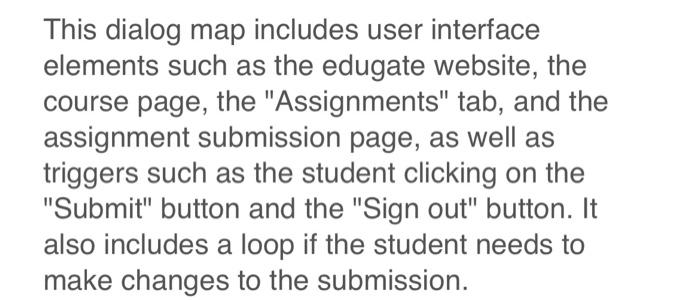
[Student] 1. Opens the edugate website 2. Logs in to the system 3. Navigates to the course page 4. Clicks on the "Assignments" tab 5. Clicks on the assignment submission link [Edugate system] 6 . Displays the assignment submission page [Student] 7. Enters the required information (e.g. title, file upload) 1. Clicks on the "Submit" button [Edugate system] 9. Validates the submission 1. If the submission is valid: a. Saves the submission b. Displays a confirmation message 2. If the submission is invalid: a. Displays an error message [Student] 12. If the student is satisfied with the submission: a. Clicks on the "Sign out" button to log out of the system 13. If the student needs to make changes to the submission: a. Makes the necessary changes b. Goes back to step 7 to resubmit the assignment This dialog map includes user interface elements such as the edugate website, the course page, the "Assignments" tab, and the assignment submission page, as well as triggers such as the student clicking on the "Submit" button and the "Sign out" button. It also includes a loop if the student needs to make changes to the submission. [Student] 1. Opens the edugate website 2. Logs in to the system 3. Navigates to the course page 4. Clicks on the "Assignments" tab 5. Clicks on the assignment submission link [Edugate system] 6 . Displays the assignment submission page [Student] 7. Enters the required information (e.g. title, file upload) 1. Clicks on the "Submit" button [Edugate system] 9. Validates the submission 1. If the submission is valid: a. Saves the submission b. Displays a confirmation message 2. If the submission is invalid: a. Displays an error message [Student] 12. If the student is satisfied with the submission: a. Clicks on the "Sign out" button to log out of the system 13. If the student needs to make changes to the submission: a. Makes the necessary changes b. Goes back to step 7 to resubmit the assignment This dialog map includes user interface elements such as the edugate website, the course page, the "Assignments" tab, and the assignment submission page, as well as triggers such as the student clicking on the "Submit" button and the "Sign out" button. It also includes a loop if the student needs to make changes to the submission
Step by Step Solution
There are 3 Steps involved in it

Get step-by-step solutions from verified subject matter experts