







Question: please explain detailed steps to completing this. i am so confused and have tried everything. Use SUMIFS to total insurance claims and dependents by city
please explain detailed steps to completing this. i am so confused and have tried everything.
Use SUMIFS to total insurance claims and dependents by city and department. a. Click the Employee Insurance sheet tab and select cell E25. b. Use SUMIFS with an absolute reference to cells F4:F23 as the Sum_range argument. Value if true3 SCS17 Logical test4 Value if true4 SCST C7/57 - - 0% t + TRUE - "Good 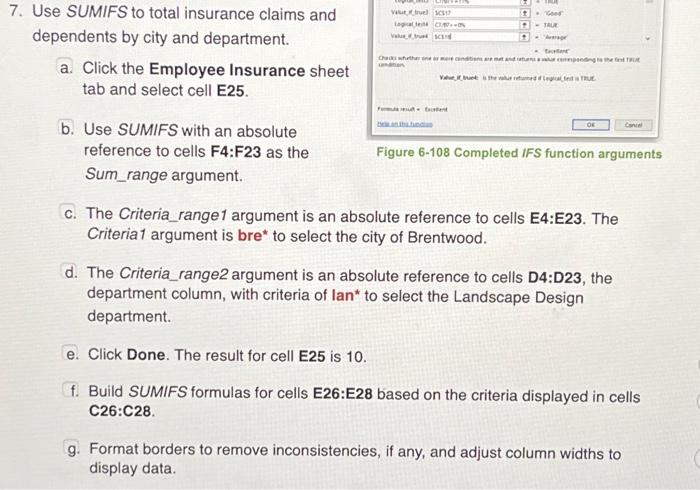
Use SUMIFS to total insurance claims and dependents by city and department. a. Click the Employee Insurance sheet tab and select cell E25. b. Use SUMIFS with an absolute reference to cells F4:F23 as the Sum_range argument. Figure 6-108 Completed IFS function arguments c. The Criteria_range1 argument is an absolute reference to cells E4:E23. The Criteria1 argument is bre* to select the city of Brentwood. d. The Criteria_range2 argument is an absolute reference to cells D4:D23, the department column, with criteria of lan* to select the Landscape Design department. e. Click Done. The result for cell E25 is 10. f. Build SUMIFS formulas for cells E26:E28 based on the criteria displayed in cells C26:C28. g. Format borders to remove inconsistencies, if any, and adjust column widths to display data. Use SUMIFS to total insurance claims and dependents by city and department. a. Click the Employee Insurance sheet tab and select cell E25. b. Use SUMIFS with an absolute reference to cells F4:F23 as the Sum_range argument. Figure 6-108 Completed IFS function arguments c. The Criteria_range1 argument is an absolute reference to cells E4:E23. The Criteria1 argument is bre* to select the city of Brentwood. d. The Criteria_range2 argument is an absolute reference to cells D4:D23, the department column, with criteria of lan* to select the Landscape Design department. e. Click Done. The result for cell E25 is 10. f. Build SUMIFS formulas for cells E26:E28 based on the criteria displayed in cells C26:C28. g. Format borders to remove inconsistencies, if any, and adjust column widths to display data Step by Step Solution
There are 3 Steps involved in it
1 Expert Approved Answer
Step: 1 Unlock

Question Has Been Solved by an Expert!
Get step-by-step solutions from verified subject matter experts
Step: 2 Unlock
Step: 3 Unlock
 Study Help