







Question: please fill in the code using MASM16 assembly language. And use the debugger to fill in the values of the registers. Part 1: Adapt the
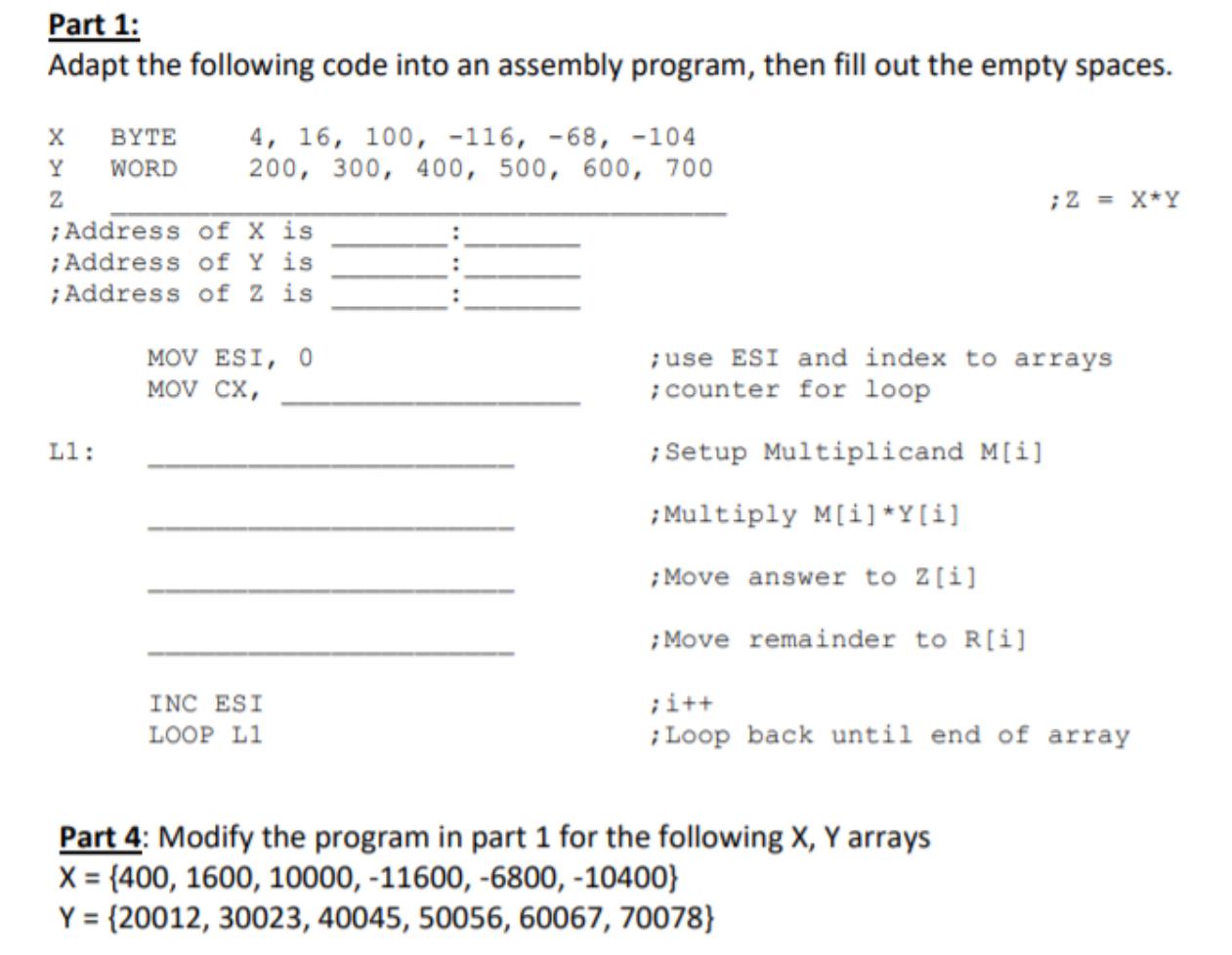 please fill in the code using MASM16 assembly language. And use the debugger to fill in the values of the registers.
Part 1: Adapt the following code into an assembly program, then fill out the empty spaces. ; 2 = X*Y x BYTE 4, 16, 100, -116, -68, -104 Y WORD 200, 300, 400, 500, 600, 700 z ;Address of x is ; Address of Y is ;Address of 2 is MOV ESI, O MOV CX, ; use ESI and index to arrays ; counter for loop Ll: ; Setup Multiplicand M[i] ; Multiply M[i]*Y[i] ; Move answer to 2[i] ; Move remainder to R[i] INC ESI LOOP L1 ;i++ Loop back until end of array Part 4: Modify the program in part 1 for the following X, Y arrays X = {400, 1600, 10000, -11600, -6800, -10400} Y = {20012, 30023, 40045, 50056, 60067, 70078} Part 1: Adapt the following code into an assembly program, then fill out the empty spaces. ; 2 = X*Y x BYTE 4, 16, 100, -116, -68, -104 Y WORD 200, 300, 400, 500, 600, 700 z ;Address of x is ; Address of Y is ;Address of 2 is MOV ESI, O MOV CX, ; use ESI and index to arrays ; counter for loop Ll: ; Setup Multiplicand M[i] ; Multiply M[i]*Y[i] ; Move answer to 2[i] ; Move remainder to R[i] INC ESI LOOP L1 ;i++ Loop back until end of array Part 4: Modify the program in part 1 for the following X, Y arrays X = {400, 1600, 10000, -11600, -6800, -10400} Y = {20012, 30023, 40045, 50056, 60067, 70078}
Step by Step Solution
There are 3 Steps involved in it

Get step-by-step solutions from verified subject matter experts
 Study Help