







Question: PLease go through step by step or send me the finished workbook Plan and enable a macro. a. You need to plan a macro that
 PLease go through step by step or send me the finished workbook
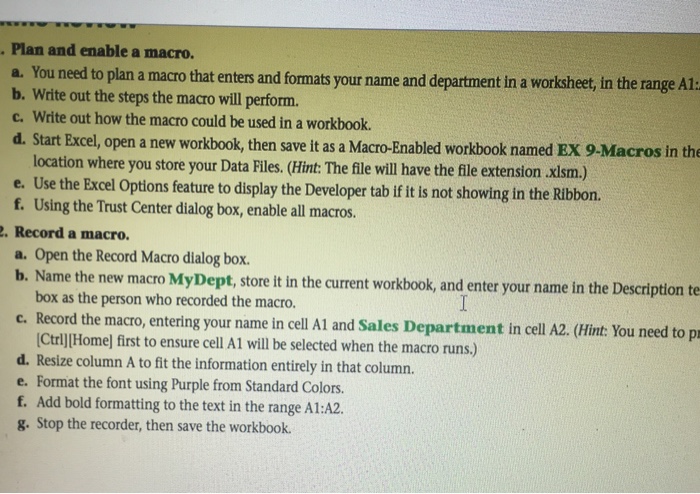
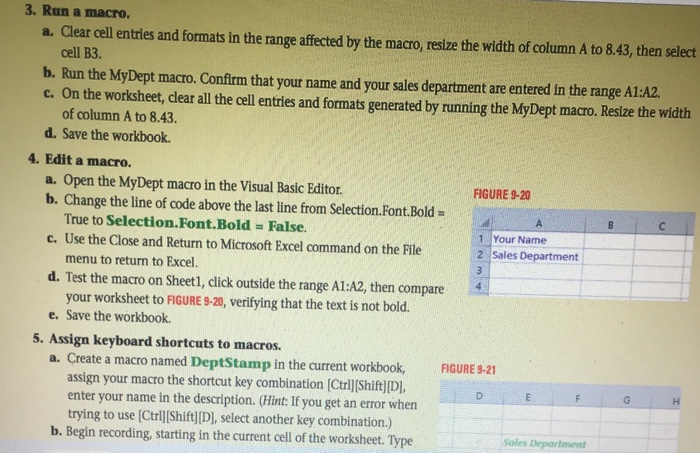
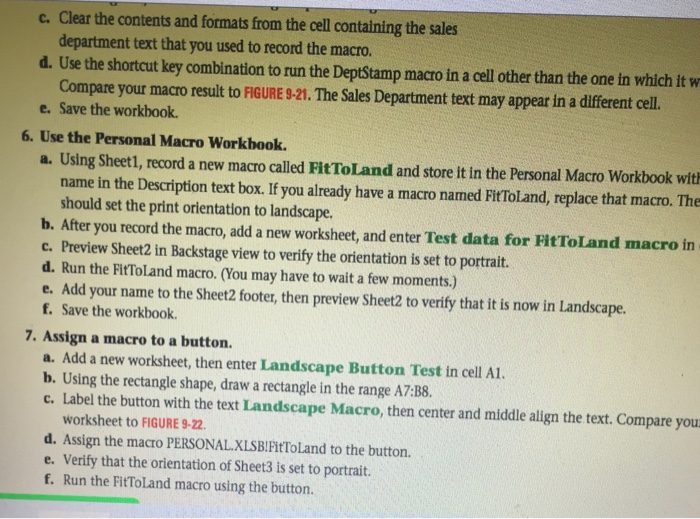
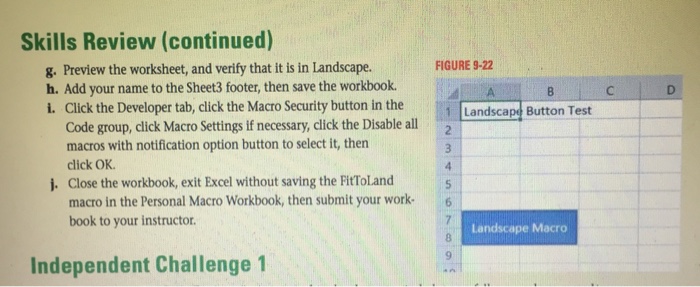
Plan and enable a macro. a. You need to plan a macro that enters and formats your name and department in a worksheet, in the range A1 b. Write out the steps the macro will perform. c. Write out how the macro could be used in a workbook. d. Start Excel, open a new workbook, then save it as a Macro-Enabled workbook named Ex 9-Macros in the location where you store your Data Fil (Hint The fle will have the file extension .xlsm.) e. Use the Excel options feature to display the Developer tab ifit is not showing in the Ribbon. f. Using the Trust Center dialog box, enable all macros. Record a macro. a. open the Record Macro dialog box. b. Name the new macro MyDept, store it in the current workbook, and enter your name in the Description te box as the person who recorded the macro. c. Record the macro, entering your name in cell A1 and Sales Department in cell A2. (Hint: You need to pr LotrlllHomel first to ensure cell A1 selected when the macro runs. d. Resize column A to fit the information entirely in that column. e. Format the font using Purple from Standard Colors. f. Add bold formatting to the text in the range A1:A2. g. Stop the recorder, then save the workbook. Plan and enable a macro. a. You need to plan a macro that enters and formats your name and department in a worksheet, in the range A1 b. Write out the steps the macro will perform. c. Write out how the macro could be used in a workbook. d. Start Excel, open a new workbook, then save it as a Macro-Enabled workbook named Ex 9-Macros in the location where you store your Data Fil (Hint The fle will have the file extension .xlsm.) e. Use the Excel options feature to display the Developer tab ifit is not showing in the Ribbon. f. Using the Trust Center dialog box, enable all macros. Record a macro. a. open the Record Macro dialog box. b. Name the new macro MyDept, store it in the current workbook, and enter your name in the Description te box as the person who recorded the macro. c. Record the macro, entering your name in cell A1 and Sales Department in cell A2. (Hint: You need to pr LotrlllHomel first to ensure cell A1 selected when the macro runs. d. Resize column A to fit the information entirely in that column. e. Format the font using Purple from Standard Colors. f. Add bold formatting to the text in the range A1:A2. g. Stop the recorder, then save the workbook
Step by Step Solution
There are 3 Steps involved in it

Get step-by-step solutions from verified subject matter experts
 Study Help