







Question: Please help by showing how these steps are done! 5. Since the grid size will now be tracked in the settings object, it will be
Please help by showing how these steps are done!
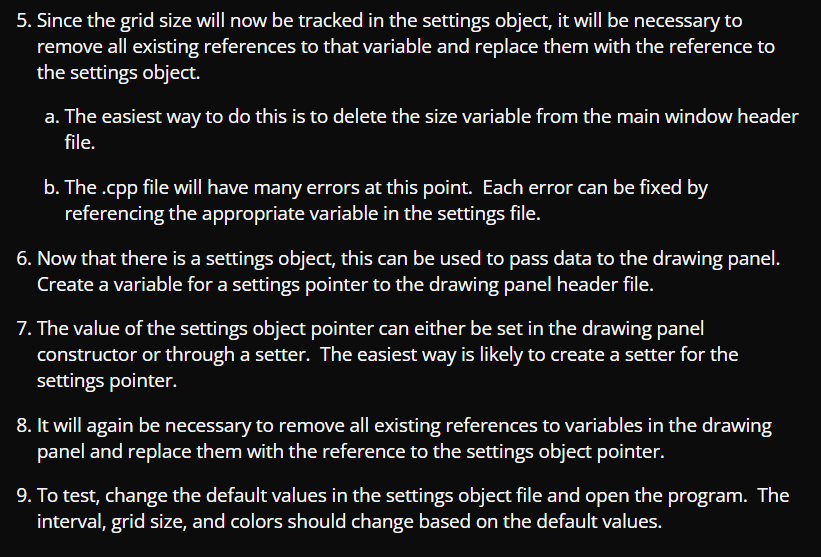
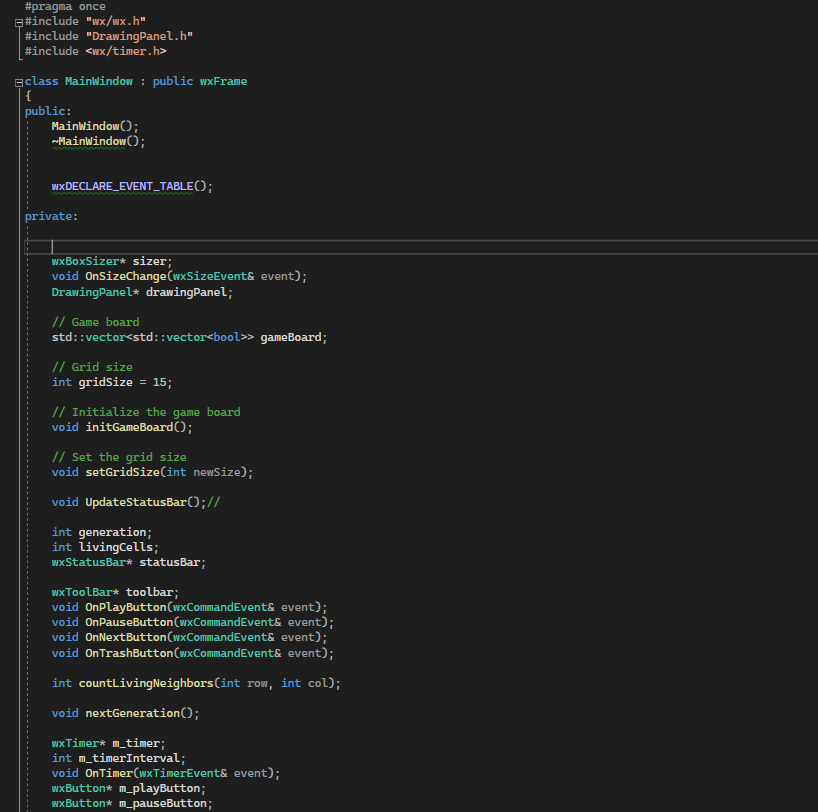
5. Since the grid size will now be tracked in the settings object, it will be necessary to remove all existing references to that variable and replace them with the reference to the settings object. a. The easiest way to do this is to delete the size variable from the main window header le. b. The .cpp file will have many errors at this point. Each error can be xed by referencing the appropriate variable in the settings file. 6. Now that there is a settings object, this can be used to pass data to the drawing panel. Create a variable for a settings pointer to the drawing panel header file. 7. The value of the settings object pointer can either be set in the drawing panel constructor or through a setter. The easiest way is likely to create a setter for the settings pointer. 8. It will again be necessary to remove all existing references to variables in the drawing panel and replace them with the reference to the settings object pointer. 9. To test, change the default values in the settings object file and open the program. The interval, grid size, and colors should change based on the default values. #pragmaonce =#include "wx/wx. h" #include "DrawingPanel.h" #include
Step by Step Solution
There are 3 Steps involved in it

Get step-by-step solutions from verified subject matter experts
 Study Help