







Question: please help, can use Tinkercad Part 1 - Library GPIO Open the blink example in the Arduino IDE by clicking File>Examples>Basics>Blink. Compile and upload the
please help, can use Tinkercad
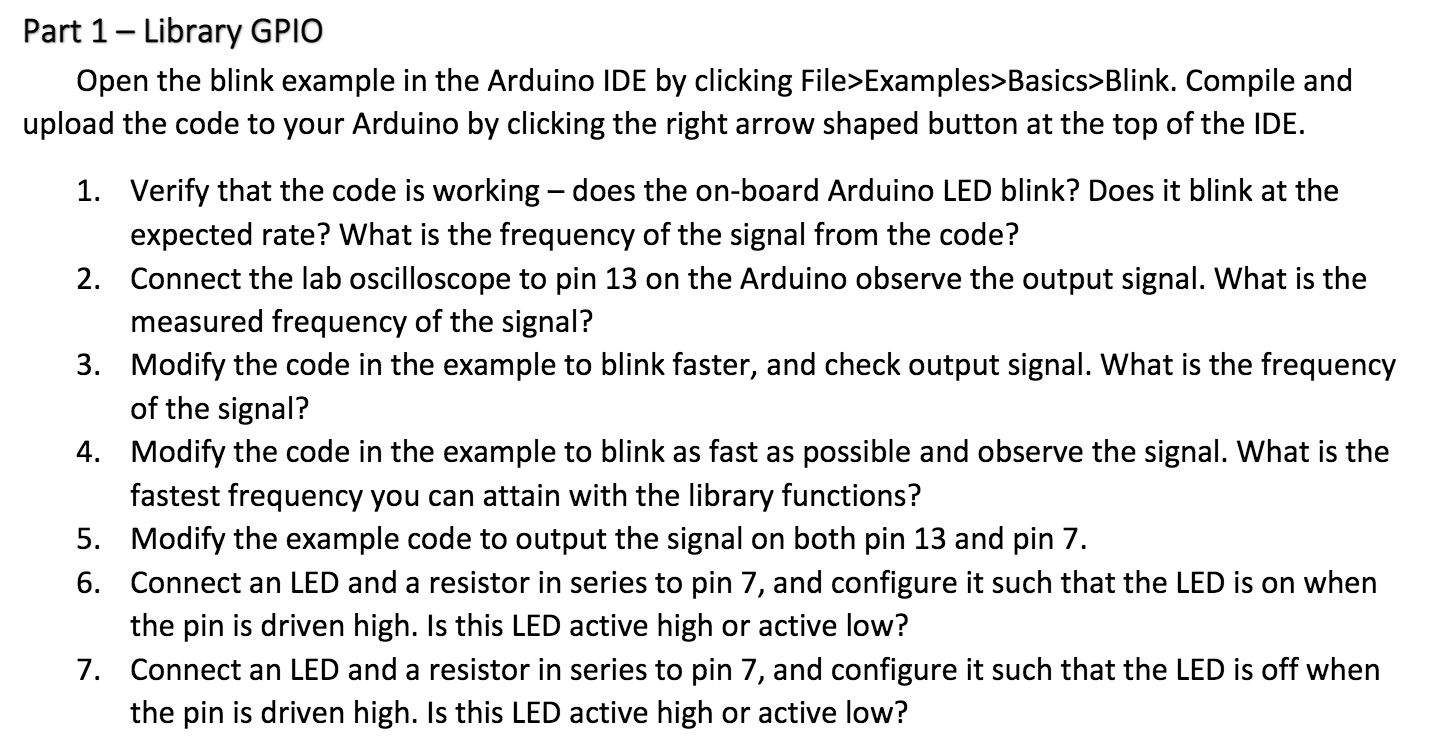
Part 1 - Library GPIO Open the blink example in the Arduino IDE by clicking File>Examples>Basics>Blink. Compile and upload the code to your Arduino by clicking the right arrow shaped button at the top of the IDE. 1. Verify that the code is working - does the on-board Arduino LED blink? Does it blink at the expected rate? What is the frequency of the signal from the code? 2. Connect the lab oscilloscope to pin 13 on the Arduino observe the output signal. What is the measured frequency of the signal? 3. Modify the code in the example to blink faster, and check output signal. What is the frequency of the signal? 4. Modify the code in the example to blink as fast as possible and observe the signal. What is the fastest frequency you can attain with the library functions? 5. Modify the example code to output the signal on both pin 13 and pin 7. 6. Connect an LED and a resistor in series to pin 7, and configure it such that the LED is on when the pin is driven high. Is this LED active high or active low? 7. Connect an LED and a resistor in series to pin 7, and configure it such that the LED is off when the pin is driven high. Is this LED active high or active low? Part 1 - Library GPIO Open the blink example in the Arduino IDE by clicking File>Examples>Basics>Blink. Compile and upload the code to your Arduino by clicking the right arrow shaped button at the top of the IDE. 1. Verify that the code is working - does the on-board Arduino LED blink? Does it blink at the expected rate? What is the frequency of the signal from the code? 2. Connect the lab oscilloscope to pin 13 on the Arduino observe the output signal. What is the measured frequency of the signal? 3. Modify the code in the example to blink faster, and check output signal. What is the frequency of the signal? 4. Modify the code in the example to blink as fast as possible and observe the signal. What is the fastest frequency you can attain with the library functions? 5. Modify the example code to output the signal on both pin 13 and pin 7. 6. Connect an LED and a resistor in series to pin 7, and configure it such that the LED is on when the pin is driven high. Is this LED active high or active low? 7. Connect an LED and a resistor in series to pin 7, and configure it such that the LED is off when the pin is driven high. Is this LED active high or active low
Step by Step Solution
There are 3 Steps involved in it

Get step-by-step solutions from verified subject matter experts
 Study Help