







Question: please help Directions: This week we will be drawing on the information from the case study: Disney_(B) Imagineering Project Management in Action--The Haunted Mansion (click
please help
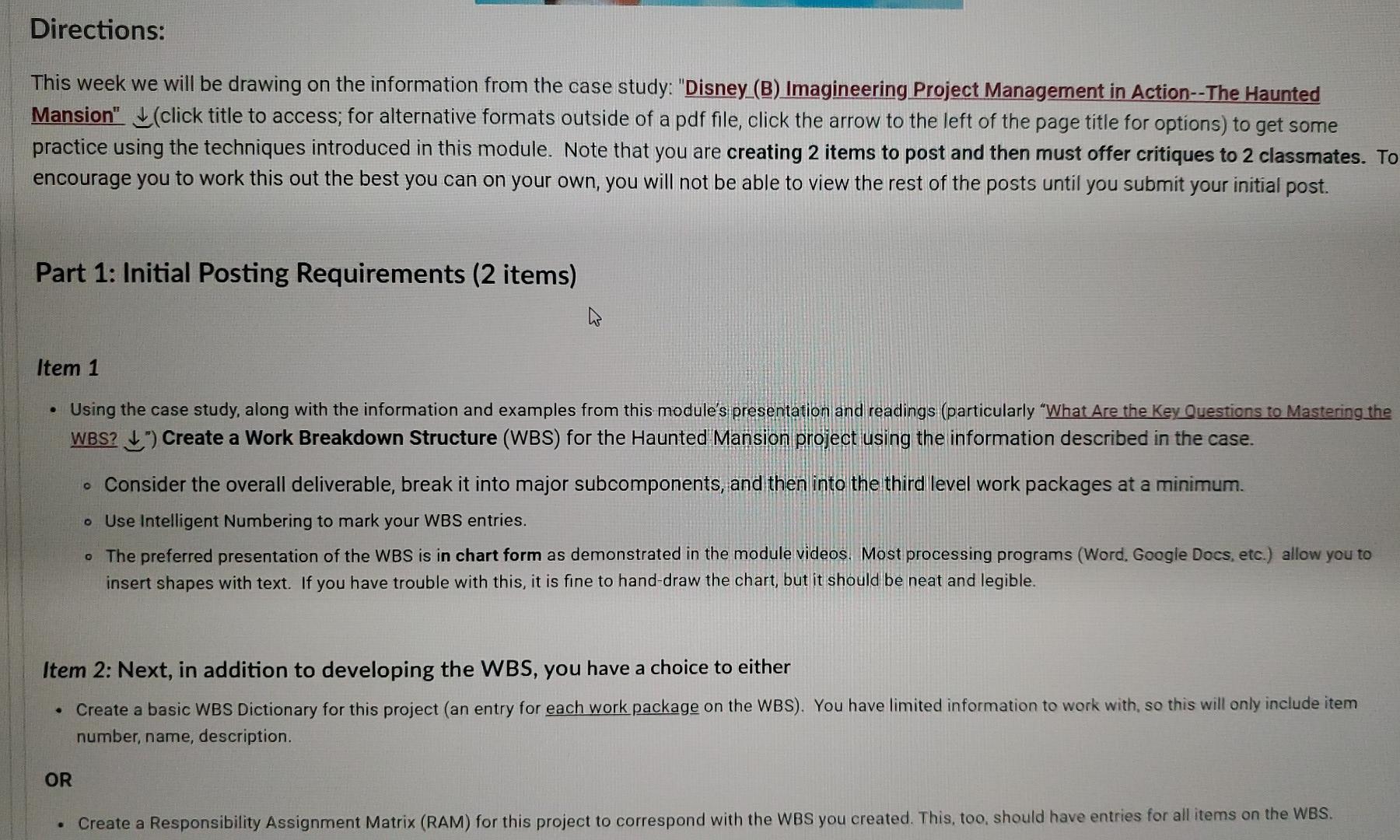
Directions: This week we will be drawing on the information from the case study: "Disney_(B) Imagineering Project Management in Action--The Haunted Mansion" (click title to access; for alternative formats outside of a pdf file, click the arrow to the left of the page title for options) to get some practice using the techniques introduced in this module. Note that you are creating 2 items to post and then must offer critiques to 2 classmates. To encourage you to work this out the best you can on your own, you will not be able to view the rest of the posts until you submit your initial post. Part 1: Initial Posting Requirements (2 items) Item 1 Using the case study, along with the information and examples from this module's presentation and readings (particularly "What Are the key Questions to Mastering the WBS? Create a Work Breakdown Structure (WBS) for the Haunted Mansion project using the information described in the case. . Consider the overall deliverable, break it into major subcomponents, and then into the third level work packages at a minimum. o Use Intelligent Numbering to mark your WBS entries. The preferred presentation of the WBS is in chart form as demonstrated in the module videos. Most processing programs (Word. Google Docs, etc.) allow you to insert shapes with text. If you have trouble with this, it is fine to hand-draw the chart, but it should be neat and legible. Item 2: Next, in addition to developing the WBS, you have a choice to either a Create a basic WBS Dictionary for this project (an entry for each work package on the WBS). You have limited information to work with, so this will only include item number, name, description. . OR Create a Responsibility Assignment Matrix (RAM) for this project to correspond with the WBS you created. This, too, should have entries for all items on the WBS. Directions: This week we will be drawing on the information from the case study: "Disney_(B) Imagineering Project Management in Action--The Haunted Mansion" (click title to access; for alternative formats outside of a pdf file, click the arrow to the left of the page title for options) to get some practice using the techniques introduced in this module. Note that you are creating 2 items to post and then must offer critiques to 2 classmates. To encourage you to work this out the best you can on your own, you will not be able to view the rest of the posts until you submit your initial post. Part 1: Initial Posting Requirements (2 items) Item 1 Using the case study, along with the information and examples from this module's presentation and readings (particularly "What Are the key Questions to Mastering the WBS? Create a Work Breakdown Structure (WBS) for the Haunted Mansion project using the information described in the case. . Consider the overall deliverable, break it into major subcomponents, and then into the third level work packages at a minimum. o Use Intelligent Numbering to mark your WBS entries. The preferred presentation of the WBS is in chart form as demonstrated in the module videos. Most processing programs (Word. Google Docs, etc.) allow you to insert shapes with text. If you have trouble with this, it is fine to hand-draw the chart, but it should be neat and legible. Item 2: Next, in addition to developing the WBS, you have a choice to either a Create a basic WBS Dictionary for this project (an entry for each work package on the WBS). You have limited information to work with, so this will only include item number, name, description. . OR Create a Responsibility Assignment Matrix (RAM) for this project to correspond with the WBS you created. This, too, should have entries for all items on the WBSStep by Step Solution
There are 3 Steps involved in it
1 Expert Approved Answer
Step: 1 Unlock

Question Has Been Solved by an Expert!
Get step-by-step solutions from verified subject matter experts
Step: 2 Unlock
Step: 3 Unlock
 Study Help